
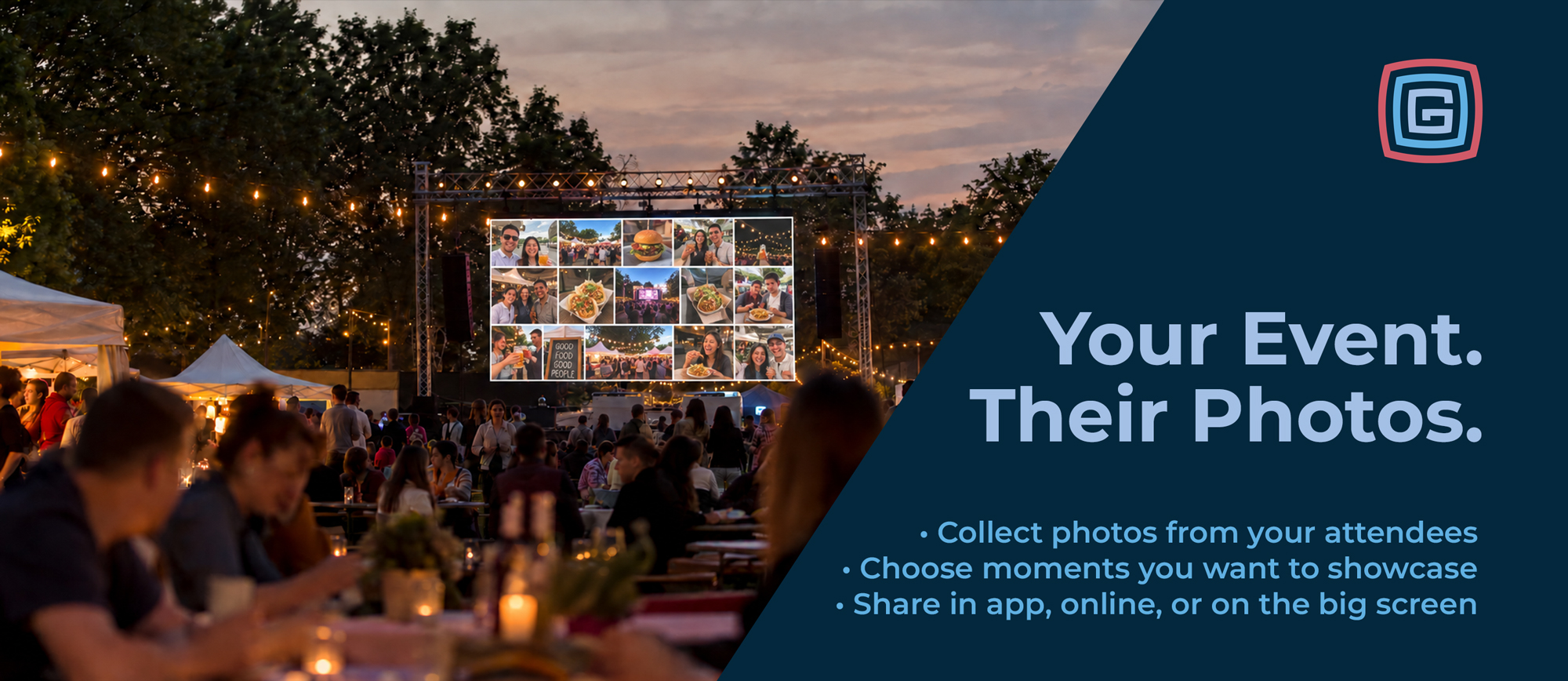
Some of the best event photos come from the people experiencing it. A family capturing their favorite fair tradition. Friends completing a scavenger hunt. A visitor sharing a discovery from around the grounds.
Grandstand helps you bring those moments together, giving your team control over which photos become part of your event’s story.
Photo galleries are available with Gold packages and higher, giving you a place inside your app to showcase selected photos and celebrate your event.
The in-app gallery is the starting point. Website widgets, kiosk displays, and big-screen gallery options are separate offerings that can extend your collection beyond the app.
Make photo collection part of the attendee experience through these options:
Your team controls which submissions appear in a gallery. From the results area in the Grandstand Admin, administrators can select photos to add to a photo gallery list for use in the app and, with the appropriate additional options, on the web or event screens.
Highlight memorable moments, feature completed challenges, or build a collection around a particular theme. You also have options for which accompanying information carries over with each photo, helping you provide context or keep the focus on the image.
Available separately, Grandstand’s Photo Gallery Web Widget brings your collection to your website in a responsive, photo-focused layout.
Choose a consistent grid with square, landscape, or portrait thumbnails, or use a mixed-photo layout that arranges images according to their natural proportions. Vertical phone photos and wide event shots can sit together in rows that adapt to the available screen space.
Visitors can select a thumbnail to open a larger view, with optional titles and descriptions adding context. Larger collections initially show 50 photos, with a button to reveal the rest.
The web widget is separate from the in-app gallery included with Gold and higher packages. Web widget fees apply.
Make your selected photos part of the experience on the grounds with optional kiosk and big-screen display settings.
Kiosk mode refreshes the embedded web gallery every two minutes, making it useful for venue screens, lobby displays, check-in areas, and event photo walls. As your team adds selected submissions to the gallery, those updates can appear on the next refresh.
Imagine visitors seeing photos from a scavenger hunt on a nearby screen, or families spotting their submitted fair memories in a shared gallery. It gives attendees another reason to participate and another place to see their contributions celebrated.
Kiosk and big-screen gallery options carry an additional fee on top of any web widget fees. These options are separate from the photo gallery included in your app.
Your collection can continue telling your story after the gates close. Use it to recap the event, celebrate participants, highlight activities, or build excitement for next year.
Start with an in-app photo gallery on Gold or higher, then add website or event-screen options to give those moments more places to shine.
Contact Grandstand to explore photo collection and gallery options for your event.
NEW