
One of the hallmarks of Grandstand has always been the level of control we give customers over the look and feel of their app. From the beginning, we have believed that events, venues, and organizations should never feel boxed into a single design style. Your app should reflect your brand, your audience, and the experience you are creating.
As the platform has evolved, that commitment to customization has stayed at the center of how we build. The latest updates to our Background and Logo tools continue that approach by expanding what is possible visually while keeping the workflow simple and approachable.
These tools are designed to make visual customization part of the natural build process, not a separate design task.
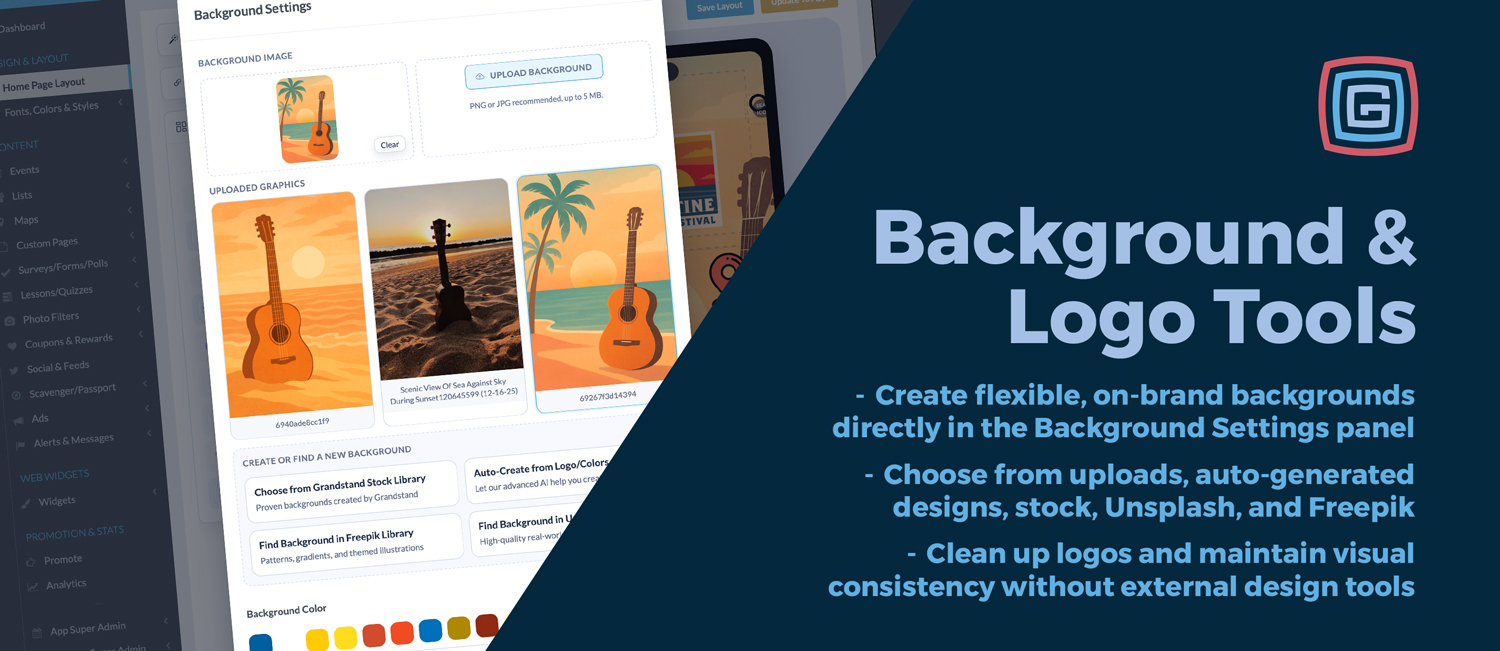
Backgrounds play a major role in setting the tone of an app. They influence readability, mood, and how branding elements come together on the screen. With the new Background Settings panel, background design is no longer limited to a single image upload or static choice.
You can now choose from a variety of background sources depending on the look you are aiming for:
All of these options live directly inside the Background Settings panel, making it easy to test ideas and refine your design without switching tools or managing files externally.
Choosing a background is only part of the process. How that background behaves across different screen sizes matters just as much.
The updated tools give you more control over presentation, including:
These controls help ensure that backgrounds remain visually balanced and readable across devices.
Logos often arrive in less-than-ideal formats. Extra padding, solid backgrounds, or inconsistent sizing can make otherwise strong branding feel unpolished in an app context.
The updated Logo tools are designed to solve these common issues quickly:
These tools are intentionally lightweight and focused on solving practical problems without turning setup into a design project.
Together, the new Background and Logo tools are designed to reduce friction during both initial setup and ongoing updates. Instead of relying on outside design software or repeated file revisions, teams can make meaningful visual changes directly where they are building their app.
This is especially useful for:
Everything happens in context, with immediate visual feedback.
Customization has always been part of what makes Grandstand different. These updates do not change that. They strengthen it.
By bringing background creation and logo cleanup fully into the platform, teams gain more control without added complexity. The result is an app that looks intentional, stays on brand, and can evolve easily as needs change.
The new Background and Logo tools extend Grandstand’s long-standing focus on customization, flexibility, and ease of use. They make it simpler to create polished, branded experiences without relying on external design tools or specialized expertise.
If visual consistency and adaptability matter to your team, these tools are designed to support that workflow.
Log in to your Grandstand Admin to explore the new Background and Logo tools and see how they fit into your build process.
NEW