Schedules and favorites
Organize sessions, receptions, tours, and activities so guests can find details and save their plans.
Higher education event apps
Give students, families, alumni, and guests one place to explore schedules, navigate campus, find useful information, and receive event updates—from orientation and family weekends to reunions and homecoming.

Trusted by higher ed groups around the world


Core capabilities
Organize sessions, receptions, tours, and activities so guests can find details and save their plans.
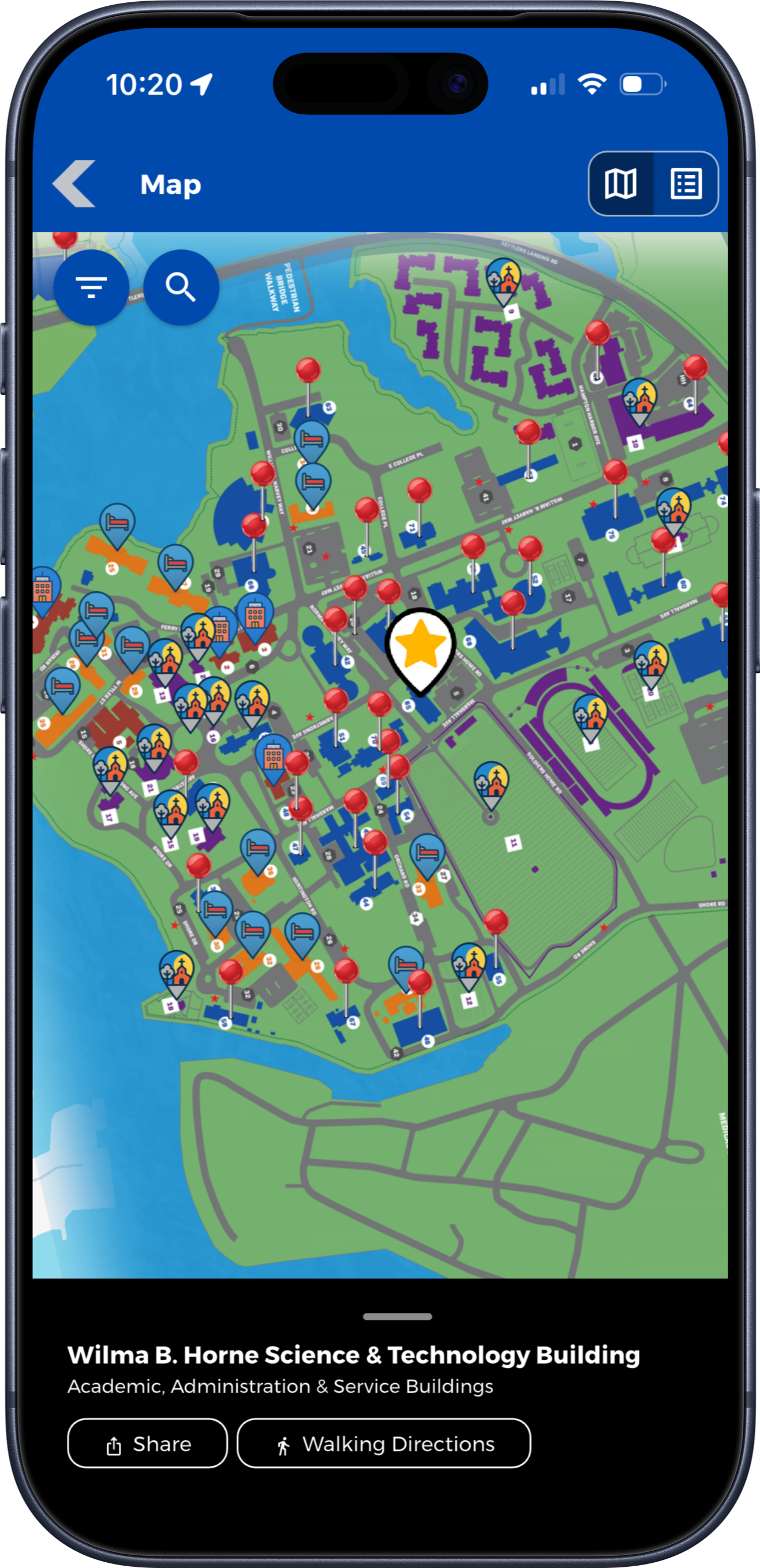
Connect event information with buildings, gathering places, parking areas, and other useful destinations.
Keep arrival instructions, transportation information, contacts, FAQs, and supporting documents easy to find.
Require login, restrict selected information, or provide pages available only to an individual attendee.
Introduce the campus through self-guided content, audio tours, and interactive scavenger hunts.
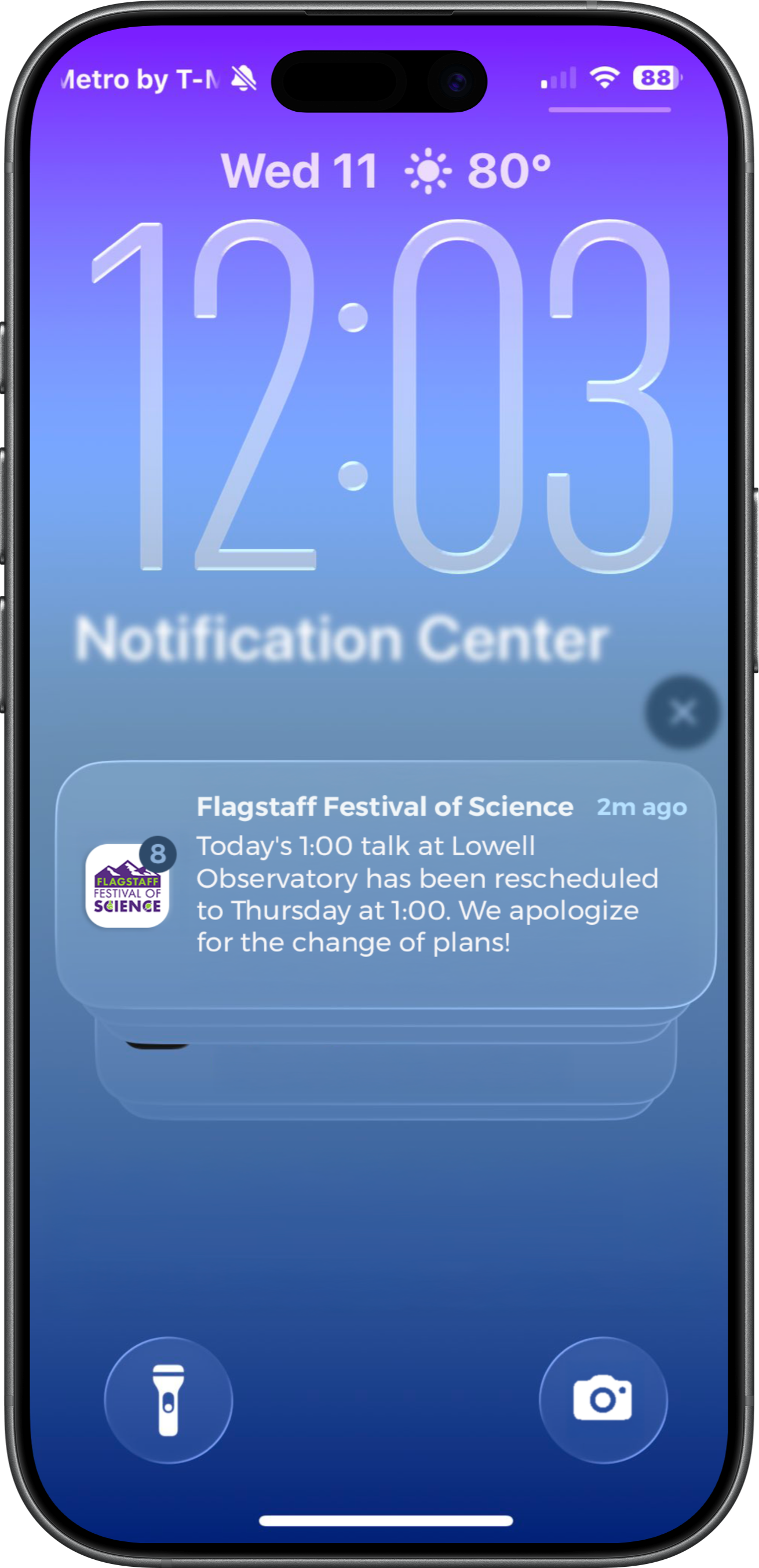
Share room changes, reminders, and important event announcements with app users.
Native app offline access
Crowded fairgrounds. Remote festival sites. Busy convention halls. Grandstand’s native apps keep nearly all core app content available offline once it has downloaded, so attendees can keep exploring when reception is weak or unavailable.
Your team manages content in the web-based Grandstand Admin. The app downloads content to the device and checks for updates at supported refresh points when a connection is available. Between updates, visitors can continue using the content already stored on their phones.
Plan ahead: Download and open the app before arriving. New content updates and features that use online services require a connection.
Plan the experience
Bring orientation sessions, class gatherings, campus tours, receptions, and other activities into one clear schedule. Guests can browse details, find locations, and save favorites to build their plans.
A supported event can be added individually to a device calendar. This does not export or continuously synchronize an entire itinerary.
Explore Event Schedules & Favorites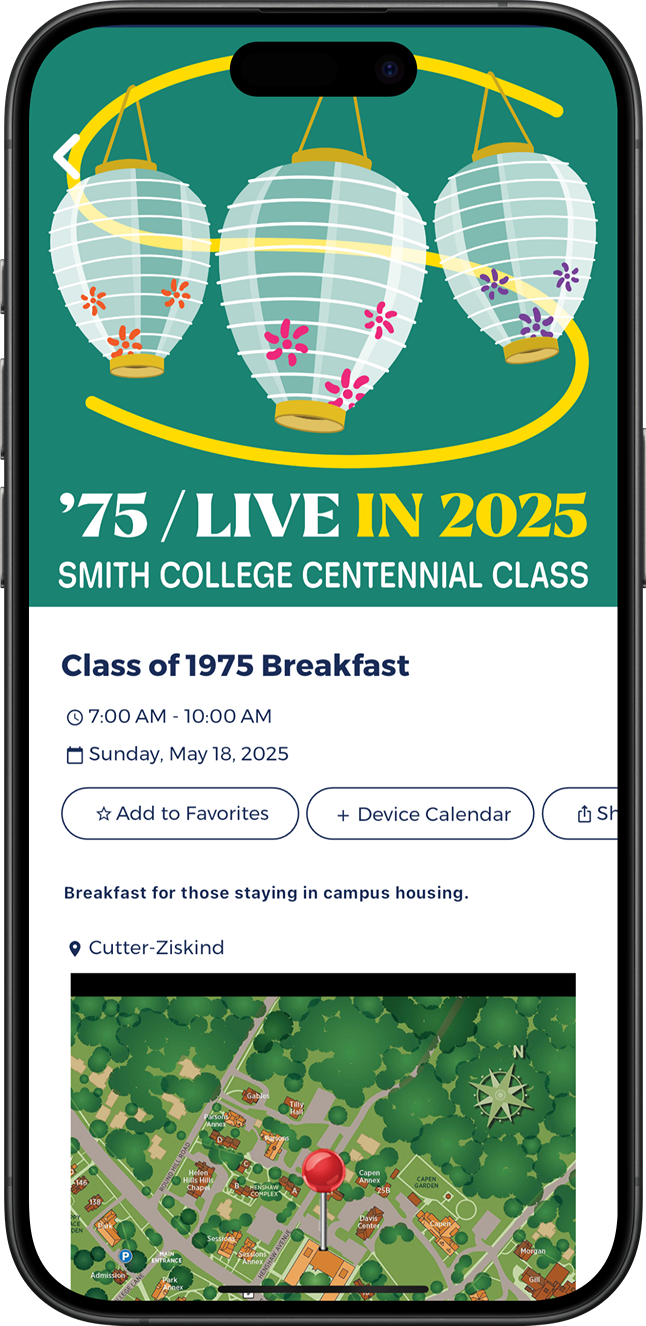
Find your way
Make unfamiliar surroundings easier to explore with a campus map connected to event locations and useful information. Highlight buildings, gathering places, parking, dining, shuttle stops, and amenities using information supplied by your team.
Use supported campus graphics or native maps with searchable locations, categories, and pins. Publishing transportation information is distinct from live vehicle tracking, indoor positioning, room-level directions, or accessible-route calculation.
Information for the right audience
Keep general event information open, require login for a private experience, or restrict selected content. Provide one-to-one pages when an individual attendee needs information available only to them.
Require users to sign in before accessing the event app when needed.
Limit access to selected information while sharing other content more broadly.
Assign a private page to an individual user so only that person can access individual arrival instructions, assigned details, or personal resources.
Explore the campus
Help new students and returning alumni explore campus landmarks, history, and useful resources. Create self-guided stops with text and imagery, add audio visitors can play, or build a scavenger hunt with supported challenges and check-ins.
Self-guided content and audio tours let visitors choose stops and play uploaded audio themselves. A scavenger hunt is a separate interactive experience with supported challenges, check-ins, and optional rewards.
Explore Scavenger Hunts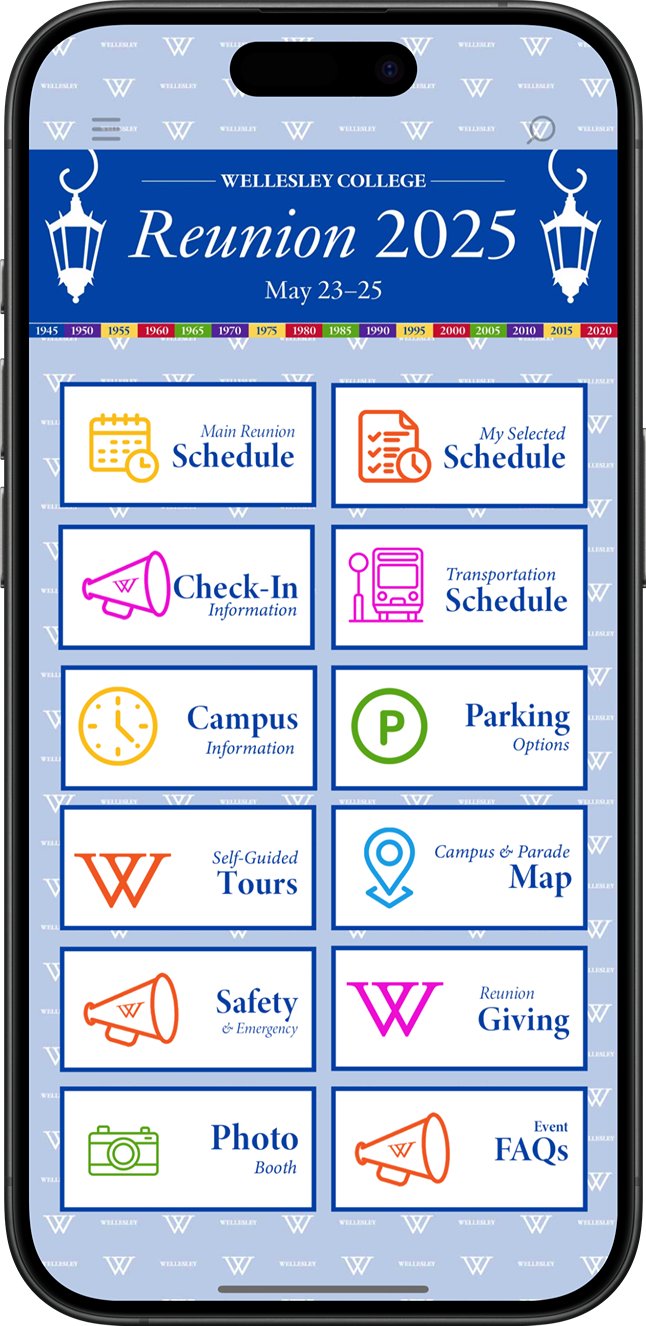
Keep guests informed
Send reminders, room changes, transportation updates, and other event announcements to users who opt in. Link messages directly to relevant schedules, documents, or app pages.
Configured notification groups can let users opt into relevant channels; the app does not automatically infer whether someone is a student, parent, alum, or donor. Geofenced in-app messages are a separate feature from push notifications and appear only under their configured conditions.
Management tools
Manage everyday updates: Maintain schedules, maps, resources, contacts, and announcements through Grandstand’s browser-based tools.
Get setup assistance: Design and content-loading help is available, with scope and fees depending on the selected package and services.
Reuse it for future programs: Refresh the app for another reunion, orientation, or campus event according to your publishing package.
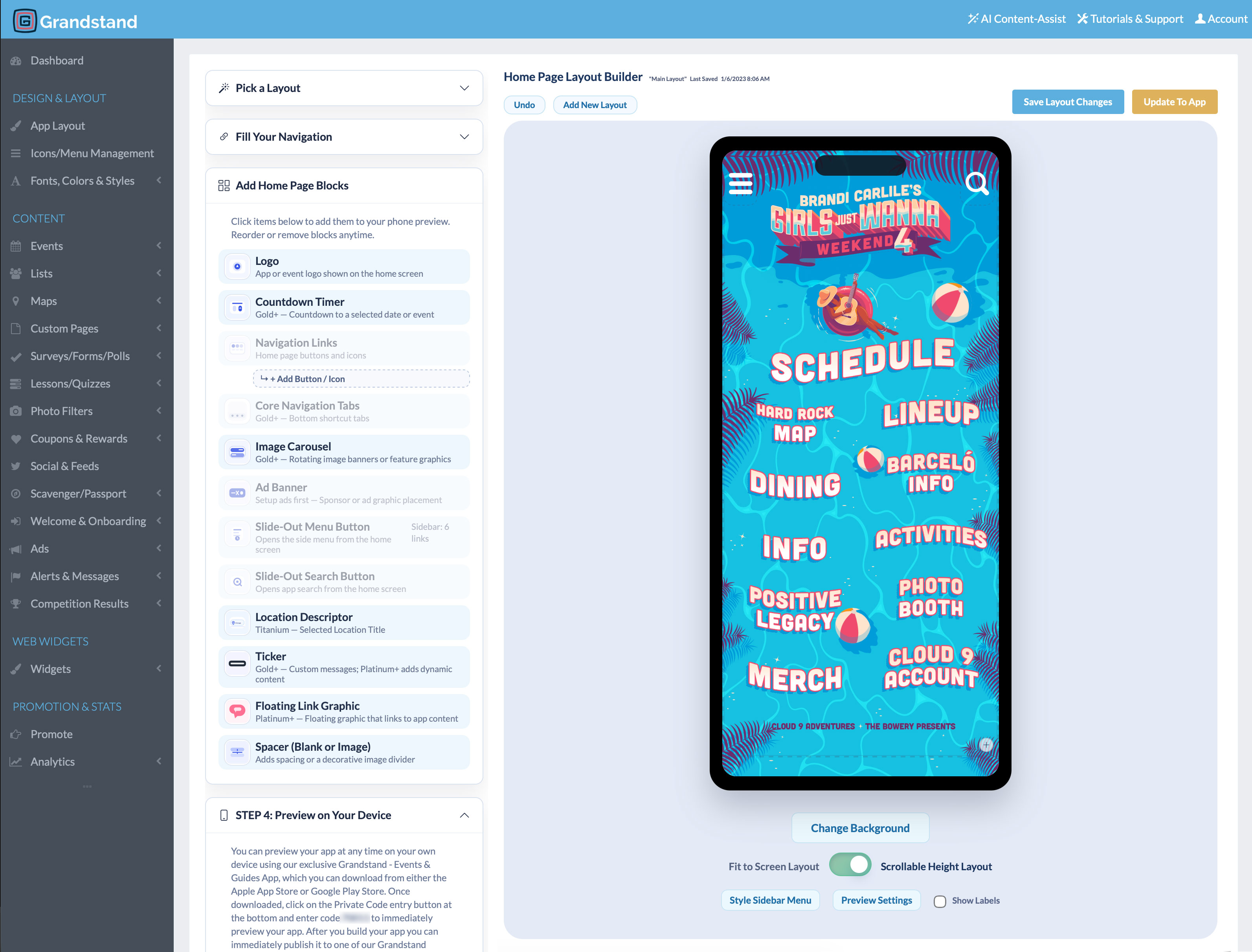
App Analytics & Audience Insights
Understand how guests explore schedules, campus information, and event resources. Use app activity to improve the experience for your next orientation, reunion, or campus celebration.
Available reports vary by package. Platinum and Titanium include realtime activity from the last 30 minutes and geographic heatmaps of recorded app usage.
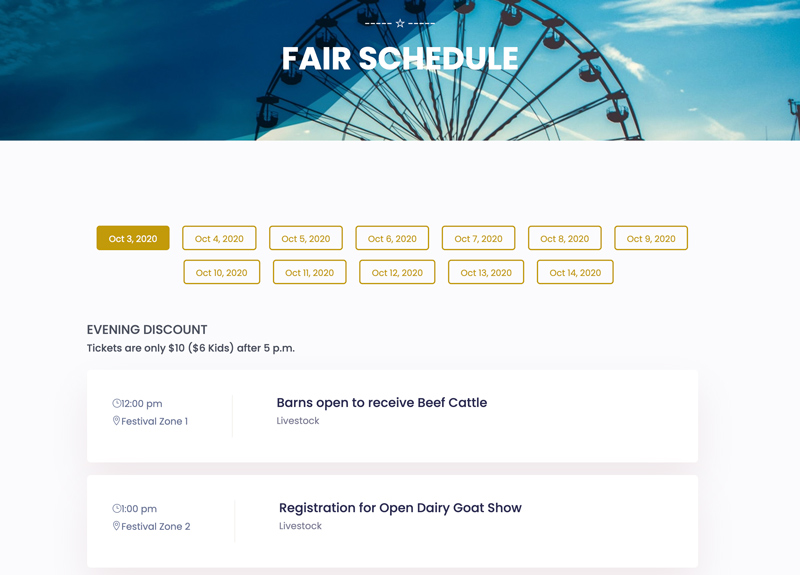
Web Widgets
Manage supported schedules and lists in Grandstand, then display shared event information in both your app and your institution’s existing website.
Additional fee: Web Widgets are a separate paid product. Publish only content intended for the website; restricted content and one-to-one page permissions do not automatically carry over to public widgets.
Learn about Web WidgetsAdditional capabilities
Gather participant feedback and invite responses during or after the event.
Offer event- or institution-themed frames for photos guests can create and share.
Organize profiles, event-team contacts, FAQs, and useful information.
Recognize partners through supported listings, banners, and linked content.
Offer participating partner promotions or activity rewards using supported redemption options.
Review available app-activity reporting and discuss compatible content sources.
Planning and purchasing
Pricing depends on the publishing option and services selected. Review the Higher Education Events Pricing page or contact Grandstand for help choosing an option.
Yes. The app can organize information for orientation, welcome weeks, reunions, homecoming, family weekends, campus conferences, and similar college or university events. Refreshing an app for another program depends on your selected package and publishing setup.
Yes. Supported schedules can include favorites, and event details can connect guests to relevant map locations. Favorites help guests plan but do not register them for an activity or keep an external calendar synchronized.
Yes. Campus teams can use supported graphical map files and add searchable locations, pins, or categories. Native map options are also available. Published transportation information and shuttle stops do not provide live vehicle tracking.
Yes. You can require users to sign in before accessing the app, or restrict selected information while sharing other event content more broadly. Availability depends on the selected package and setup.
Yes. A one-to-one page can be assigned to an individual user so only that person can access it. It can provide individual arrival instructions, assigned details, or personal resources.
Yes. Self-guided stops can combine text and imagery, and uploaded audio can be made available for visitors to choose and play at individual stops. Audio does not start automatically based on GPS location.
Yes. Authorized staff can use Grandstand’s browser-based tools to maintain schedules, maps, resources, contacts, and announcements without coding. Design and content-loading help is available; scope and fees depend on the selected package and services.
Grandstand offers publishing within a supported container app as well as stand-alone branded app-store options. Stand-alone apps require Apple and Google developer accounts and are subject to store review.
Yes. Grandstand’s native apps store downloaded content on the device, allowing visitors to keep using nearly all core app content without an internet connection. Visitors should download and open the app while connected before attending. A connection is needed to receive new content updates, push notifications, and access features that depend on online services.
Yes. Grandstand provides reporting on app usage and supported content activity, including views, favorites, shares, and searches. Available reports vary by package. Platinum and Titanium also include realtime analytics and geographic app-usage heatmaps. Explore App Analytics.
Start a free trial to explore the builder, or talk with Grandstand about the right content, access, and publishing options for your event.
View Higher Education App Pricing