Custom Stops & Clues
Create stops with instructions and content tailored to your event or location.
Scavenger Hunt App Builder
Create interactive hunts with clues, check-ins, and challenges that encourage people to explore your event, campus, or destination—with optional rewards along the way.

Hunt features
Create stops with instructions and content tailored to your event or location.
Use supported methods such as codes, QR scans, GPS confirmation, or photo submissions.
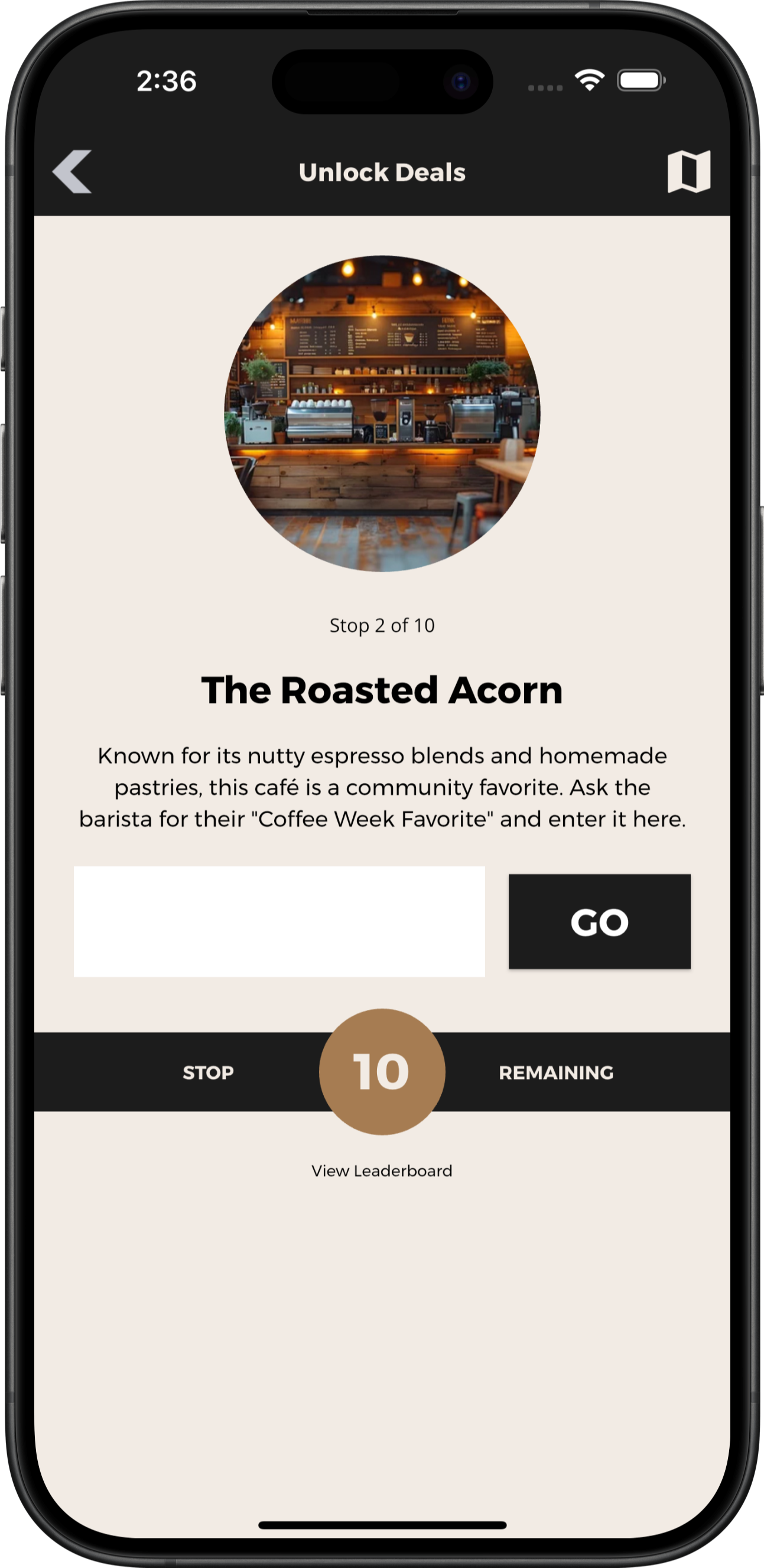
Help participants see their progress as they complete the hunt.
Give participants location information to help them explore.
Connect participation with configured coupons or rewards.
Manage hunt content and settings through Grandstand’s administration tools.
How it works
Add stops, clues, instructions, and supported completion methods.
Participants open the hunt, follow instructions, and complete challenges.
Show progress and offer rewards when configured requirements are met.
A hunt does not require prizes, a fixed route, competitive scoring, or rankings.
Stops and completion methods
Create stops around places, activities, exhibits, businesses, or things participants need to discover. Each step can provide organizer-written instructions and use a supported completion method appropriate to that challenge.
Enter a numeric code or word: Record an answer supplied or discovered by the participant.
Scan a QR code: Complete a step using a code placed or shared by the organizer.
Confirm with GPS: Use location permission to validate proximity when configured.
Submit a photo: Upload an image as the configured response without automatic recognition or judging.
Progress without required competition
Supported hunt screens can show the current stop and remaining progress so participants understand where they are in the experience. Completion indicators are distinct from points, rankings, team standings, or competitive scoring.
Available progress behavior depends on the configured hunt. A leaderboard is not required and is not presented here as a standard outcome.
Maps and location details
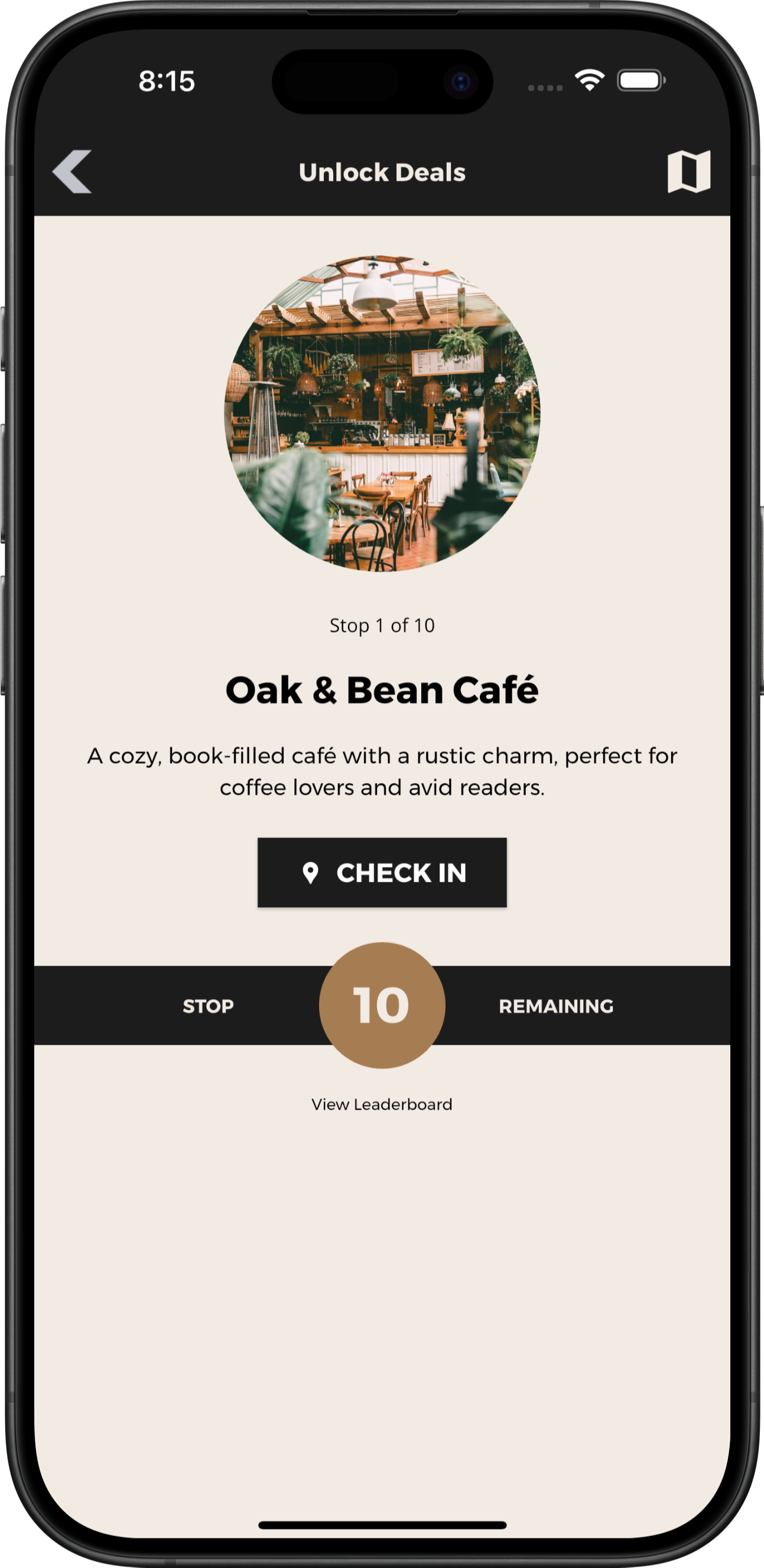
Use maps and location details to help participants find relevant places across an event site, campus, neighborhood, or destination. Search, categories, directions links, and location information can support exploration depending on the selected map setup.
The example map includes a configured check-in location. Generic map pins should not be assumed to represent hunt checkpoints. Grandstand does not imply live participant tracking, automatic route optimization, or background location monitoring.
Optional coupons and rewards
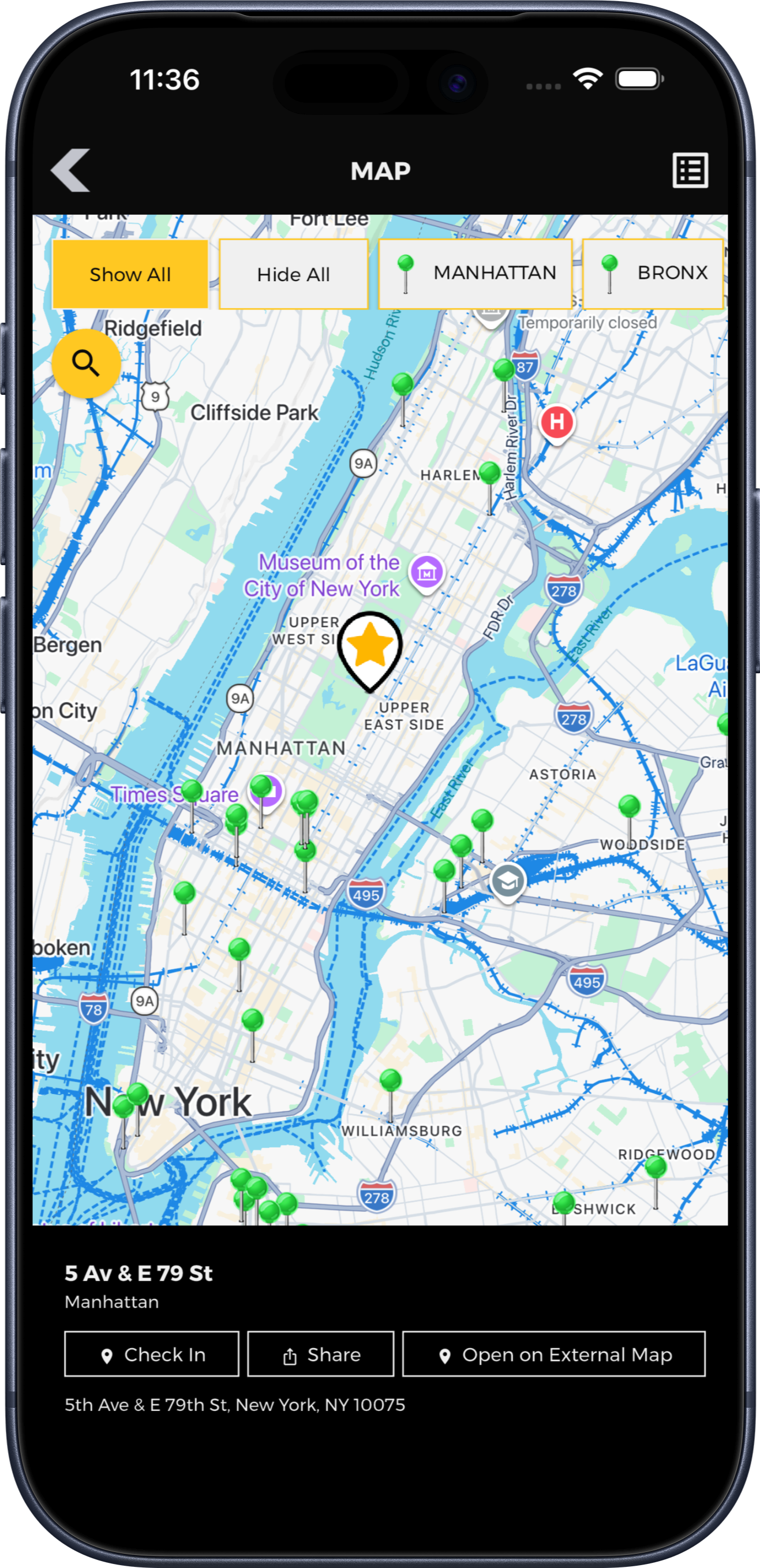
Configured completion requirements can unlock coupons or rewards from an organizer, sponsor, or participating business. Rewards remain optional, and organizers define eligibility, offer details, and fulfillment.
Supported offers can use single-use or repeat redemption controls depending on the setup. Check-ins do not prove purchases, and this is not an automatically fulfilled prize system or points-based loyalty wallet.
Flexible use cases
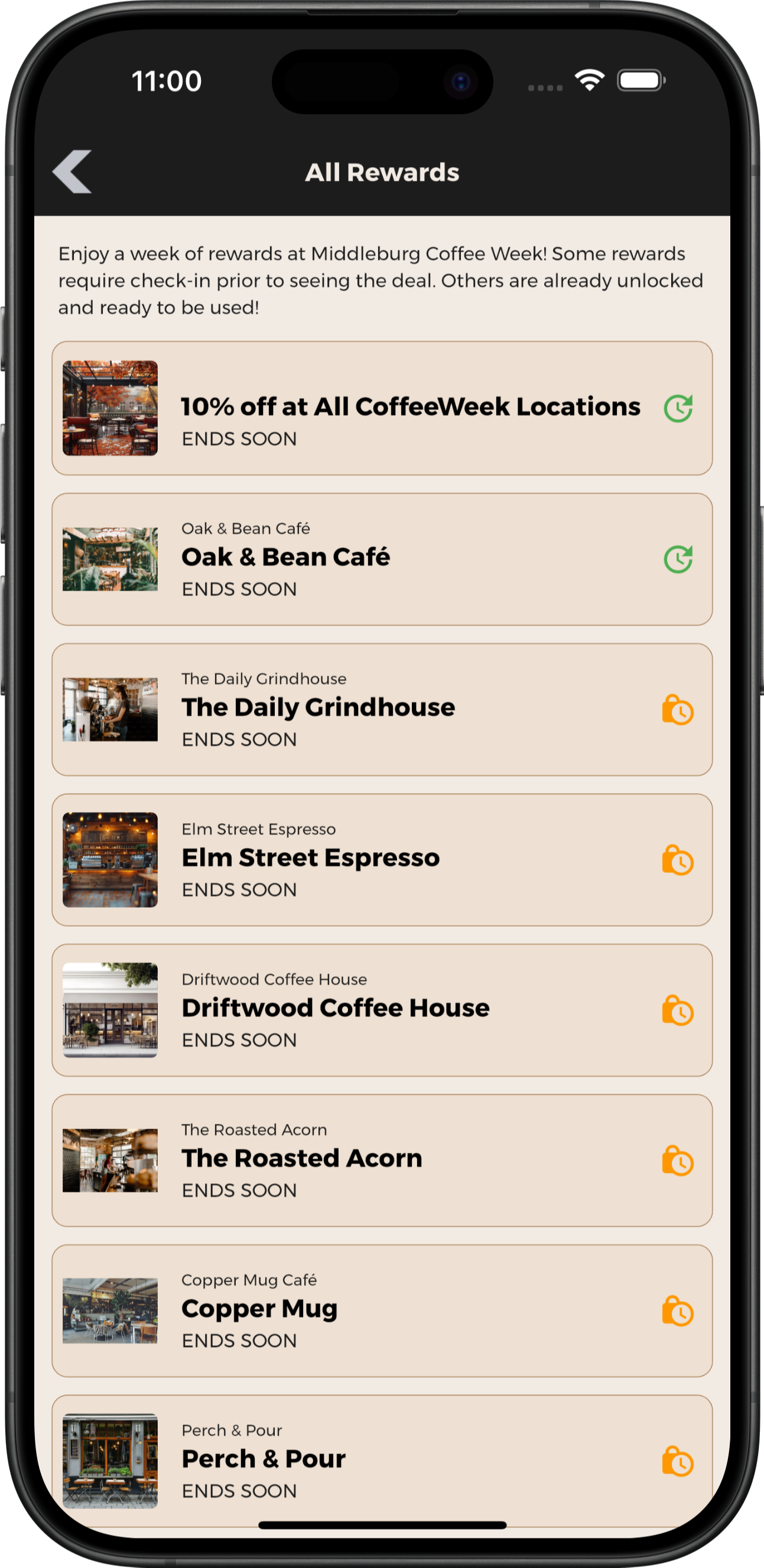
Encourage discovery of exhibits, activities, and participating locations.
Explore Fair AppsIntroduce participants to campus locations and resources.
Explore Higher Education EventsCreate discovery experiences around local places and attractions.
Explore Tourism AppsEncourage visits to participating businesses.
Explore Food Week AppsOrganizer and publishing tools
Manage your hunt: Update clues, stop information, and supported settings through Grandstand’s browser-based tools.
Get help with setup: Design and content assistance is available, with scope and fees depending on the selected package and services.
Plan another experience: Refresh content for another event or campaign. Confirm participant-progress and reward-reset behavior for your proposed setup before launch.
Supporting capabilities
Send opt-in push reminders or updates that link to relevant app content. Geofenced in-app messages are configured separately and appear only under their specified conditions.
Invite participants to share feedback during or after the experience.
Recognize partners through supported listings, banners, and sponsored content.
Publish rules, accessibility information, contacts, and other useful details.
Direct participants to the appropriate download or access destination.
Review recorded app activity and supported completion data available with the selected package; reporting does not prove physical movement, purchases, or financial return.
Planning and purchasing
Build hunts around stops, activities, exhibits, businesses, campus resources, or places to discover. A hunt can be the main experience in an app or one feature within a broader event or destination app, subject to the selected package and publishing option.
Organizers choose a supported completion method for each applicable step. Options can include numeric codes, word entries, QR scans, GPS confirmation, or photo submissions. A word answer or photo submission records the configured response; it does not inherently verify physical location or use automatic photo recognition.
Yes. A scavenger hunt can complement schedules, maps, listings, custom information pages, and other supported content in an event, campus, destination, fair, festival, or local-promotion app. Availability depends on the selected package.
Yes. Rewards are optional and can be configured to unlock when specified participation requirements are met. Supported offers can use single-use or repeat redemption controls depending on the setup. Check-ins do not prove purchases, and organizers or participating partners are responsible for reward details and fulfillment.
Downloaded core app content can remain available without a connection, but hunt behavior depends on its configured features. New content, progress synchronization, photo uploads, reward redemption, and online map data require a connection. Location permission is relevant when GPS confirmation or location-aware map behavior is configured; code, word, or QR methods do not inherently require continuous location access.
Pricing depends on the publishing option, package, hunt features, and service needs. Grandstand offers publishing within a supported container app and stand-alone branded app-store options. Stand-alone apps require Apple and Google developer accounts and are subject to store review. Review Scavenger Hunt Pricing or contact Grandstand for current details.
Bring your clues, locations, challenges, and optional rewards together in one app.
View Scavenger Hunt Pricing