Participating Businesses
Showcase restaurants, coffee shops, and other participating locations with photos, descriptions, and useful links.
Food Week & Restaurant Week Apps
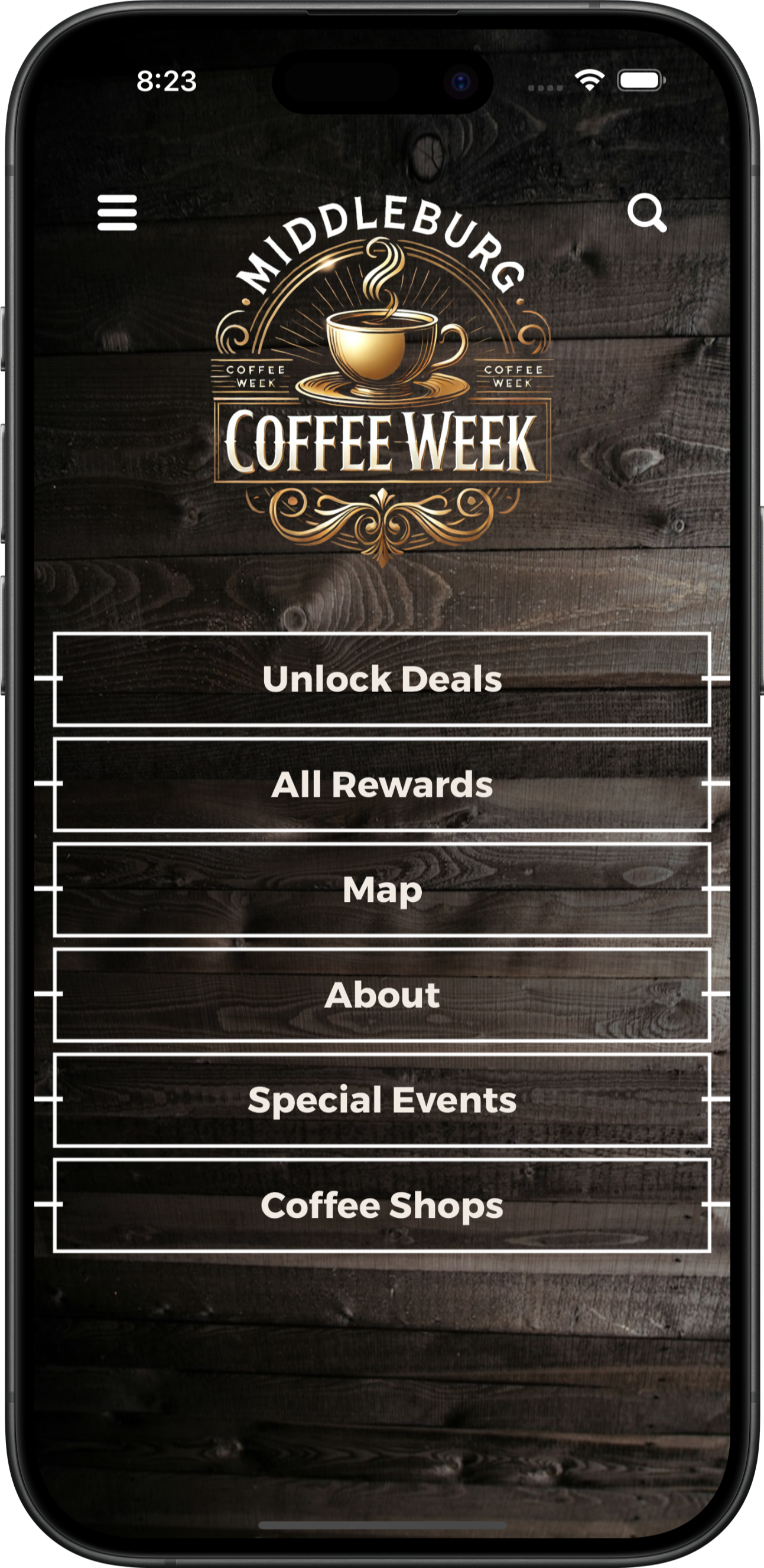
Bring participating restaurants, special menus, maps, and optional check-in rewards together in one app for your restaurant week, coffee week, or local food promotion.
Core capabilities
Showcase restaurants, coffee shops, and other participating locations with photos, descriptions, and useful links.
Make event menus, featured items, and promotion details easy to browse.
Help participants find participating businesses and explore locations across the area.
Encourage participants to visit multiple stops through an optional check-in experience.
Offer redeemable promotions or rewards tied to the participation rules you configure.
Share event announcements, reminders, and important changes throughout the promotion.
Participating businesses
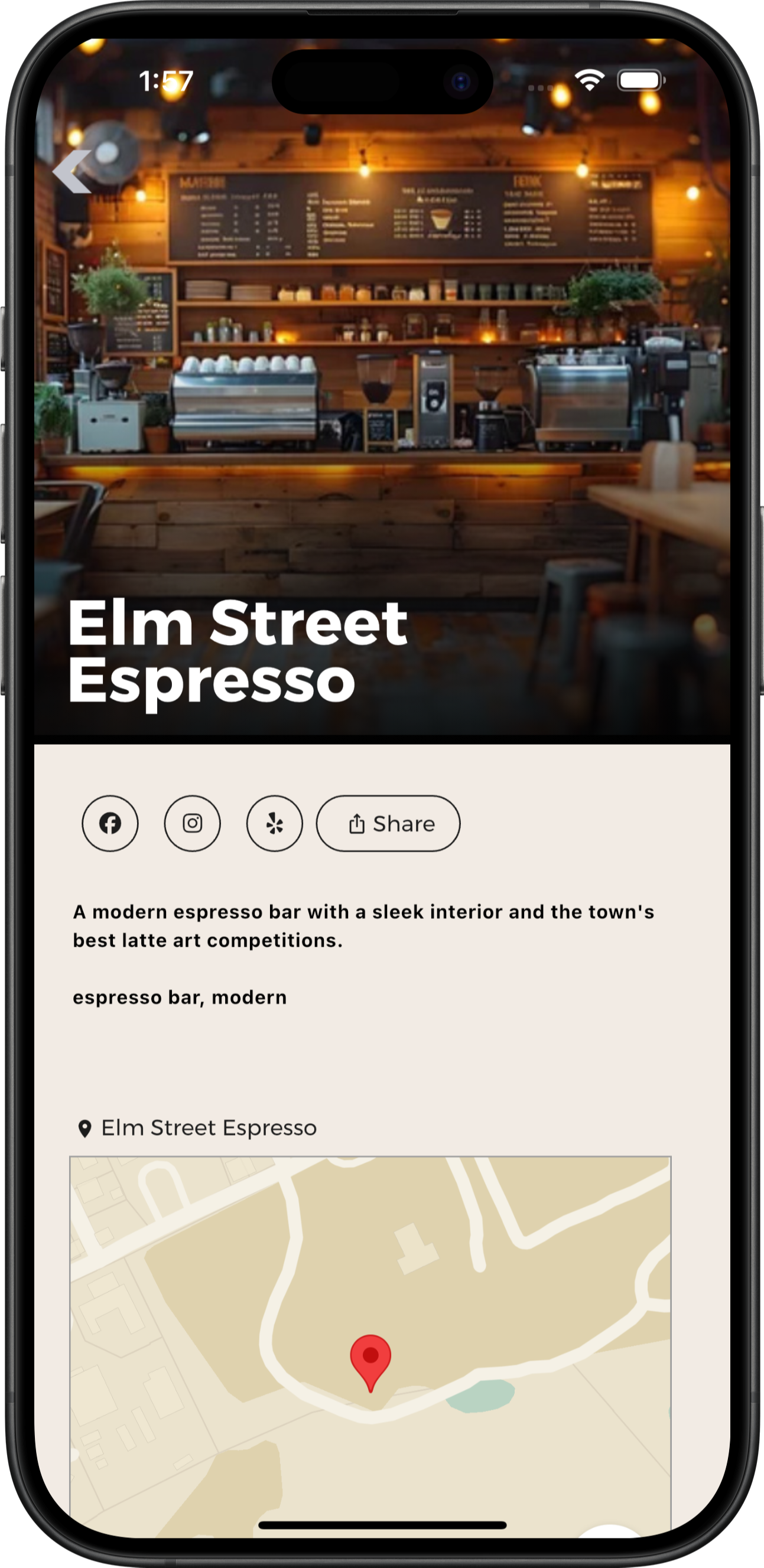
Bring together photos, descriptions, featured offerings, location information, and relevant website or social-sharing links for each participating business. Organizers can publish event menus, featured items, and special-offer details alongside each listing.
Listings are maintained by the organizer and do not provide live menu synchronization, online ordering, reservations, or point-of-sale integration.
Explore participating locations
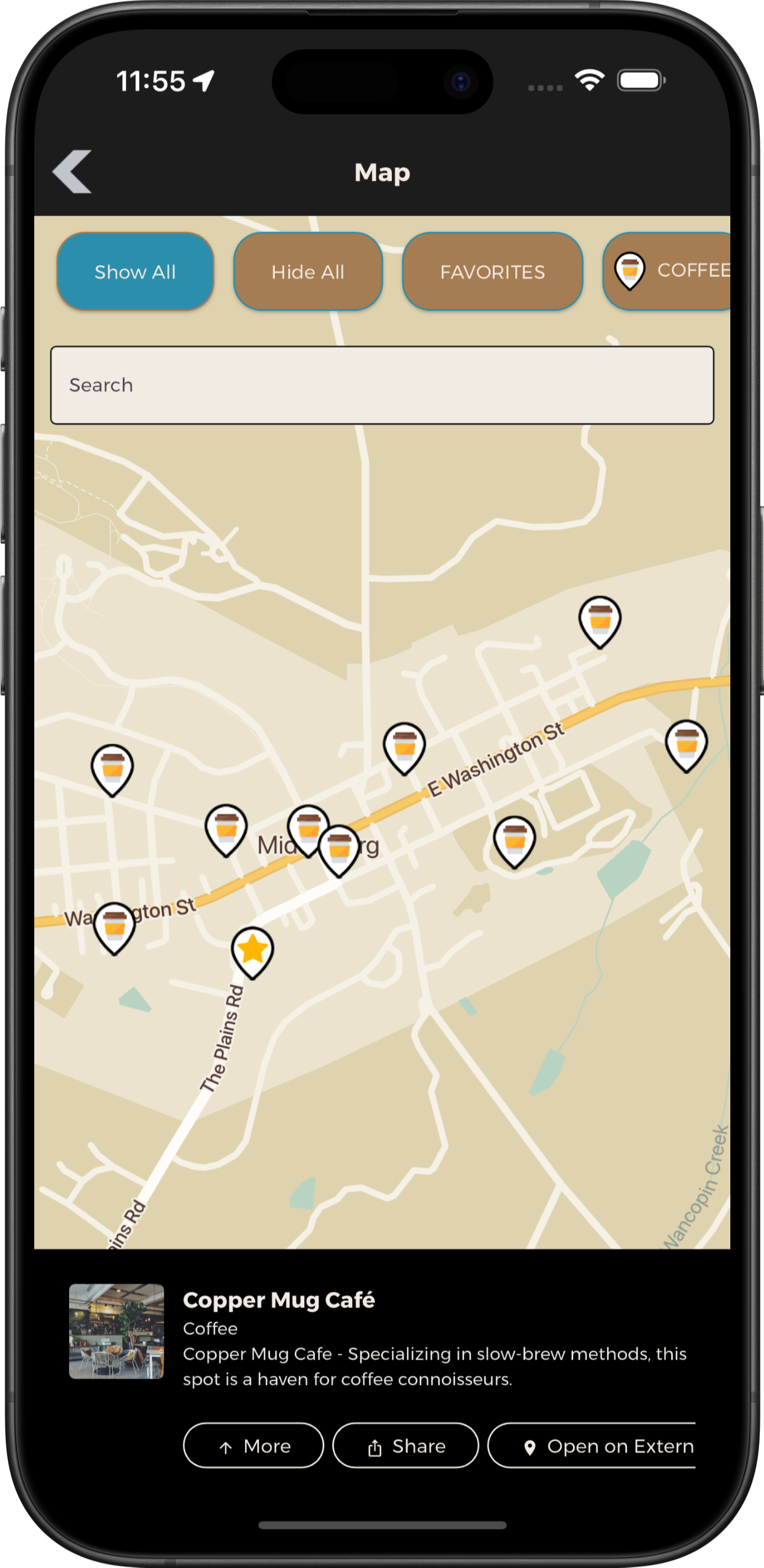
Let participants discover locations across a town or region, open business details, and find useful location information. Supported search, categories, map pins, and favorites can make a larger collection easier to explore.
Feature availability depends on the selected package and setup. Maps do not automatically build or optimize a dining route.
Optional check-in experience
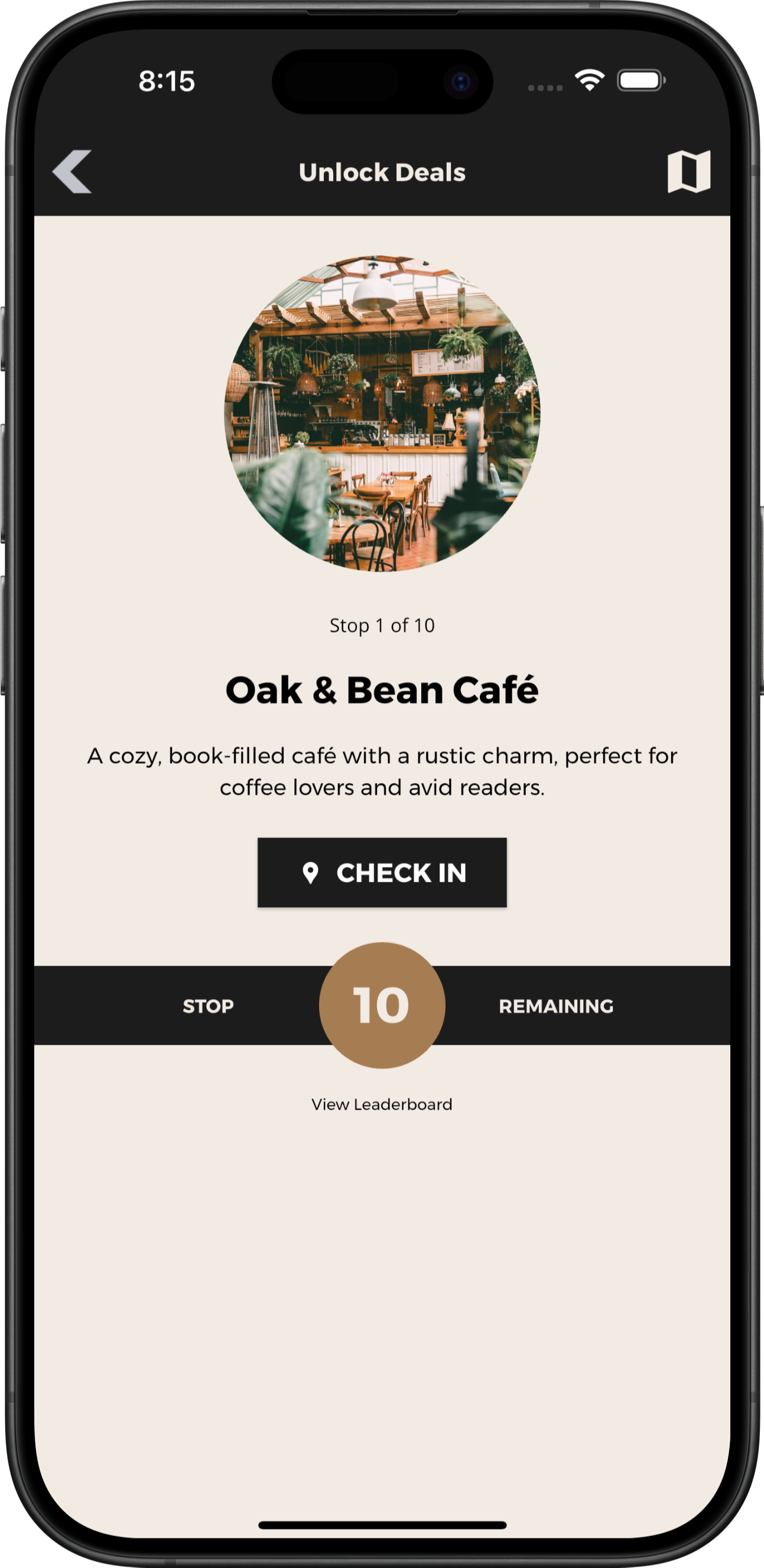
Organize a sequence or collection of participating stops and let users record progress with the validation method configured for the campaign. Supported options can include codes, QR scans, GPS confirmation, or photo submissions; a campaign does not need to use every method.
A digital passport is optional, and a check-in records app participation rather than verifying a purchase or tracking a transaction.
Offers and configured rewards
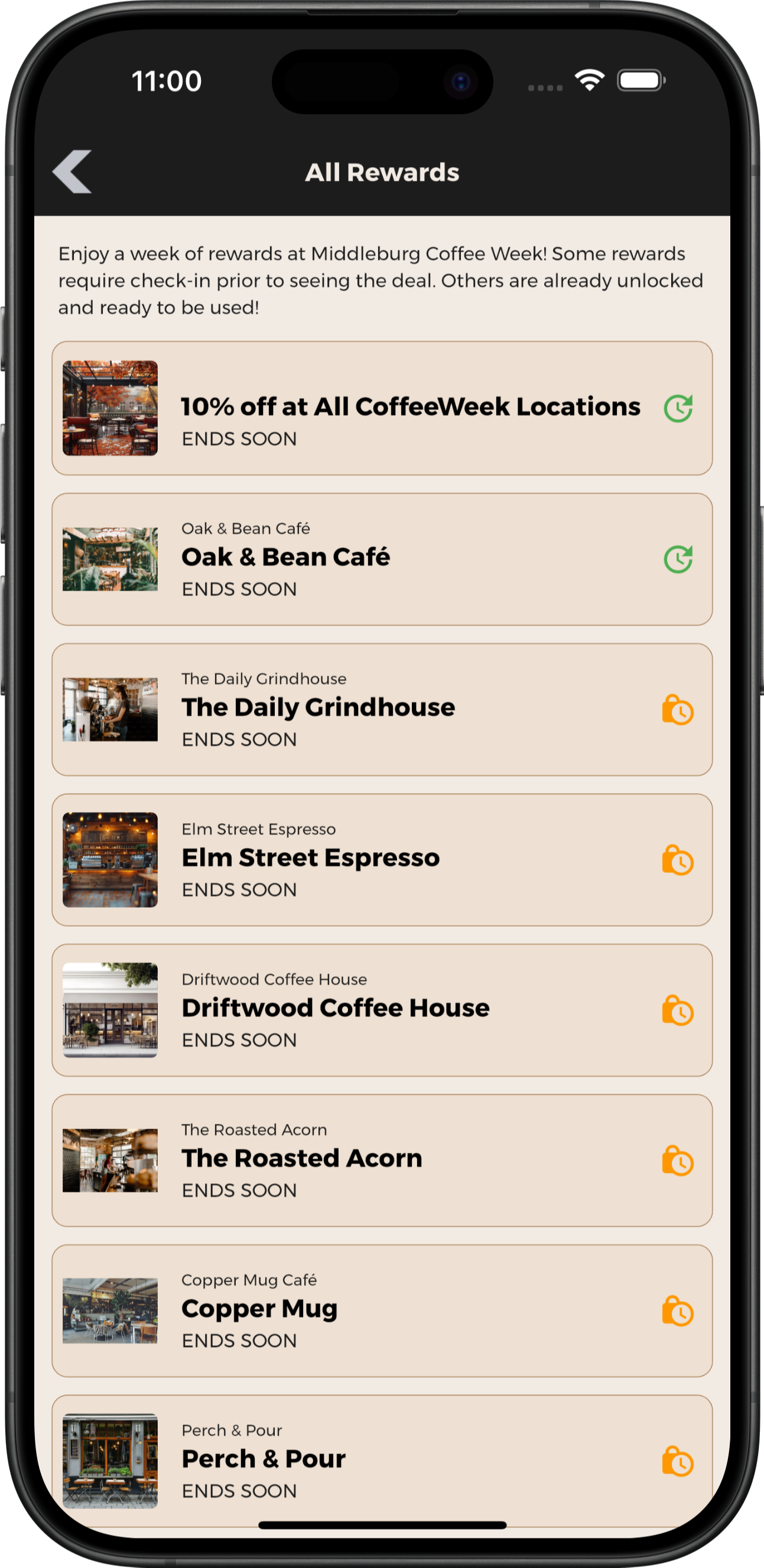
Publish offers that participants can access directly, or configure rewards that unlock after specified participation requirements. Organizers and participating businesses define offer details, eligibility, and available redemption rules.
Supported offers can use single-use or repeat redemption depending on the setup. This is not a points wallet, payment system, or automatic loyalty integration.
Supporting event programming
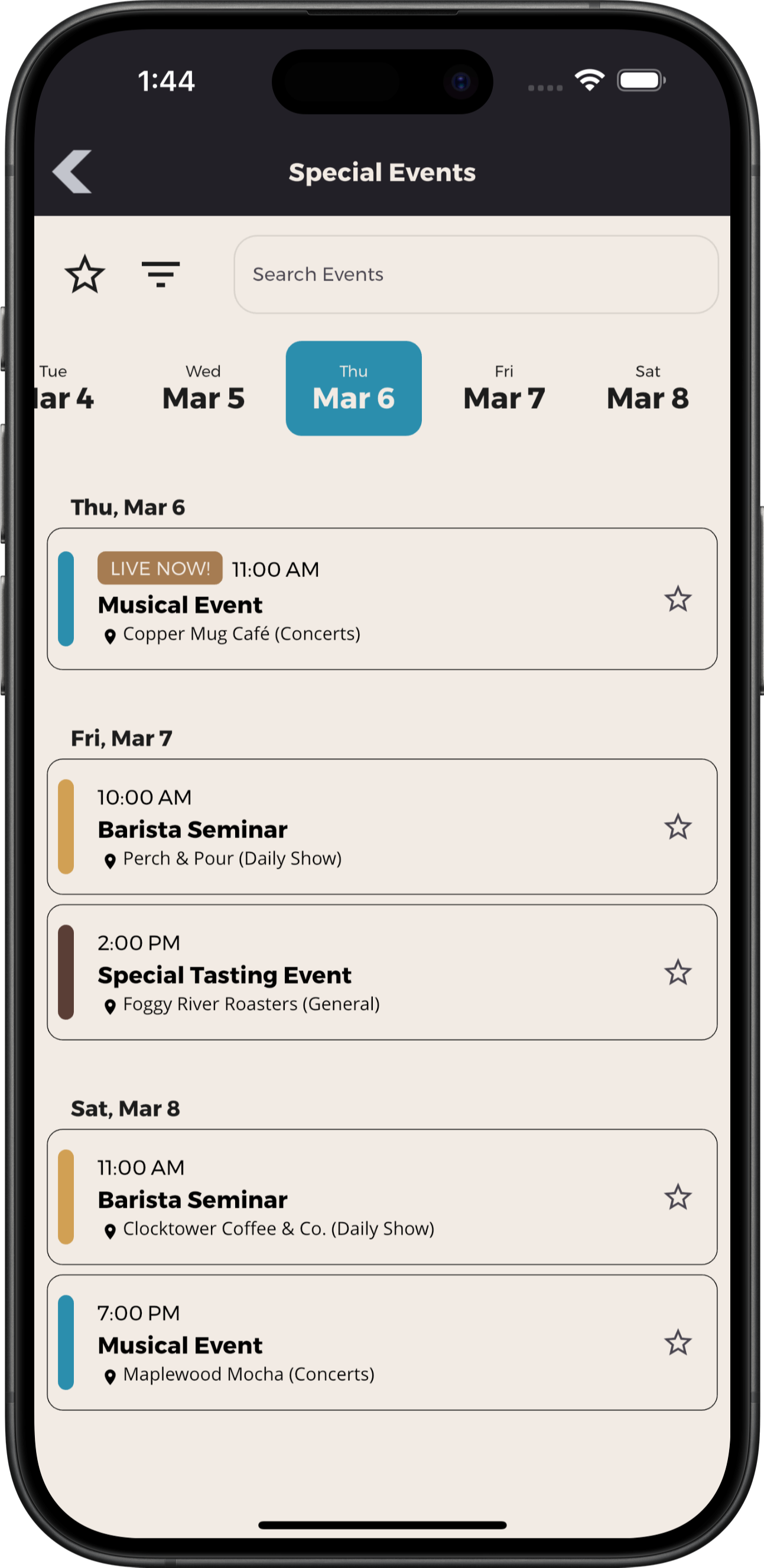
When your promotion includes timed activities, add tastings, demonstrations, seminars, entertainment, or other special events to a clear schedule with details and locations.
Organizer tools
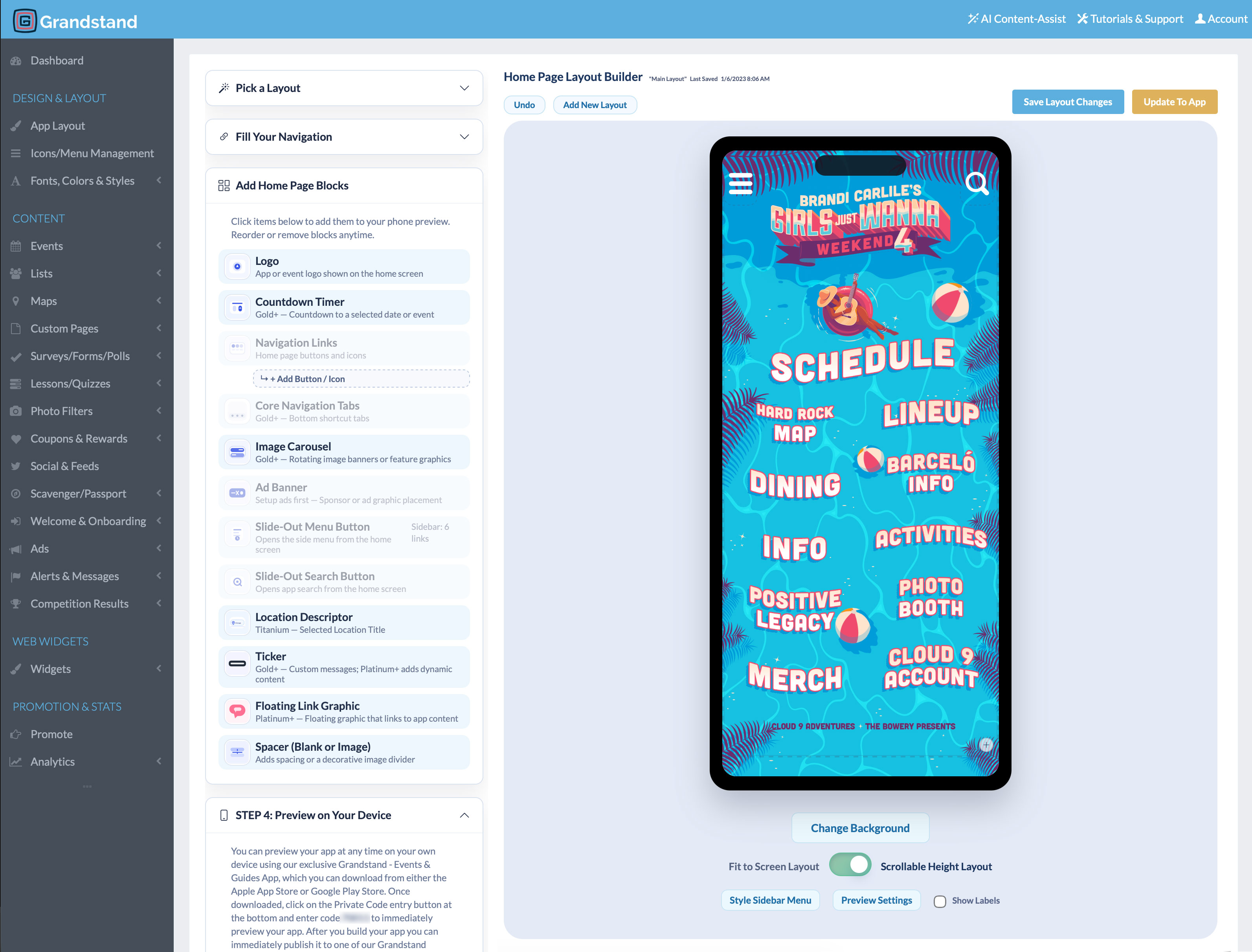
Manage participating businesses: Update listings, images, offers, and event information through Grandstand’s management tools.
Get help with setup: Design and content-loading assistance is available, with scope and fees based on the selected package and services.
Prepare for the next promotion: Refresh branding and content for another edition or seasonal campaign according to your publishing package.
App Analytics & Audience Insights
Understand how participants browse businesses, special offerings, and event information. Use content engagement and search activity to improve your next promotion.
Available reports vary by package. Platinum and Titanium include realtime activity from the last 30 minutes and geographic heatmaps of recorded app usage.
App and website
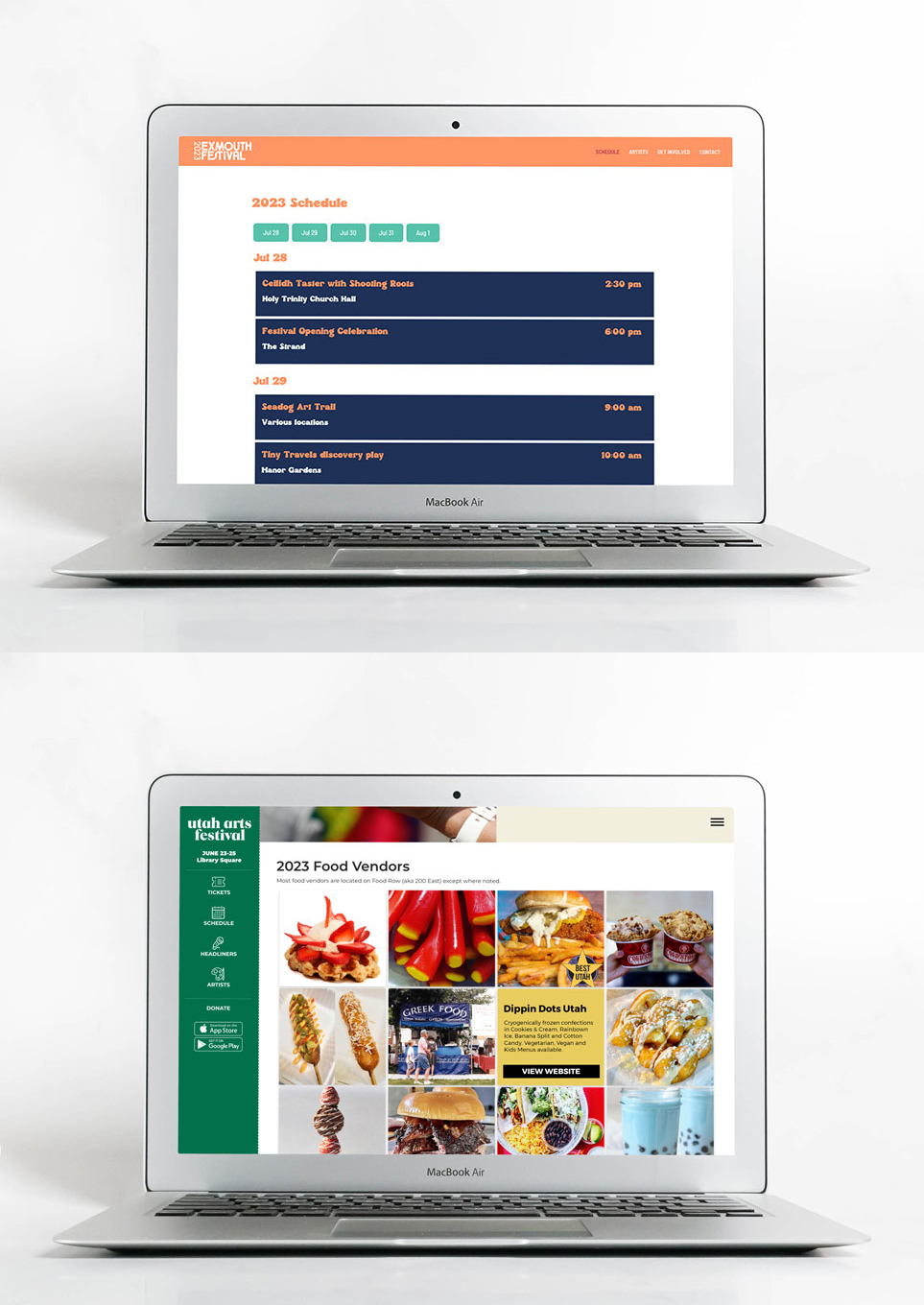
Manage supported listings, maps, and schedules in Grandstand, then display shared content in both your app and the organizer’s existing website.
Additional fee: Web Widgets are a separate paid product. Native-app check-ins, reward progress, and coupon redemption are not automatically available through Web Widgets.
Learn about Web WidgetsAdditional capabilities
Invite participants to vote in supported categories when voting fits the promotion.
Gather participant feedback during or after the event.
Recognize partners through supported listings, banners, and linked content.
Help participants find businesses, menu items, offers, events, and useful information.
Publish participation rules, FAQs, accessibility details, contacts, and campaign information.
Offer promotion-themed frames for photos participants can create and share.
Planning and purchasing
Yes. A Food Week app can organize participating locations and promotion details for restaurant weeks, coffee weeks, burger weeks, pizza weeks, and other local dining campaigns. The example coffee-week screens on this page demonstrate one possible setup.
Yes. Organizer-maintained listings can include photos, descriptions, featured items or menus, location information, and useful links. The app does not imply live menu synchronization, online ordering, reservations, or point-of-sale integration.
Yes. An event can focus on business discovery, menus, maps, and information without using check-ins or rewards. Availability of participation features depends on the selected package and setup.
Organizers configure the participation rules and supported validation method for a campaign. Depending on the setup, check-ins may use a code, QR scan, GPS confirmation, or photo submission. Offers can use supported single-use or repeat redemption rules. A check-in records app participation; it does not verify a purchase or connect automatically to a payment system.
Yes. You can refresh the branding, participating businesses, offers, and event information for another edition or seasonal campaign according to your publishing package. Check-in and reward configuration for each campaign should be confirmed with Grandstand.
Pricing depends on the publishing option, package, selected features, and service needs. Grandstand offers publishing within a supported container app and stand-alone branded app-store options. Stand-alone apps require Apple and Google developer accounts and are subject to store review. Review Food Weeks Pricing or contact Grandstand for current details.
Yes. Grandstand provides reporting on app usage and supported content activity, including views, favorites, shares, and searches. Available reports vary by package. Platinum and Titanium also include realtime analytics and geographic app-usage heatmaps. Explore App Analytics.
Running a food or beverage festival at a central venue? Explore Food, Wine & Beer Festival Apps.
Give participants one place to discover businesses, explore special offerings, and take part in your promotion.
View Food Week App Pricing