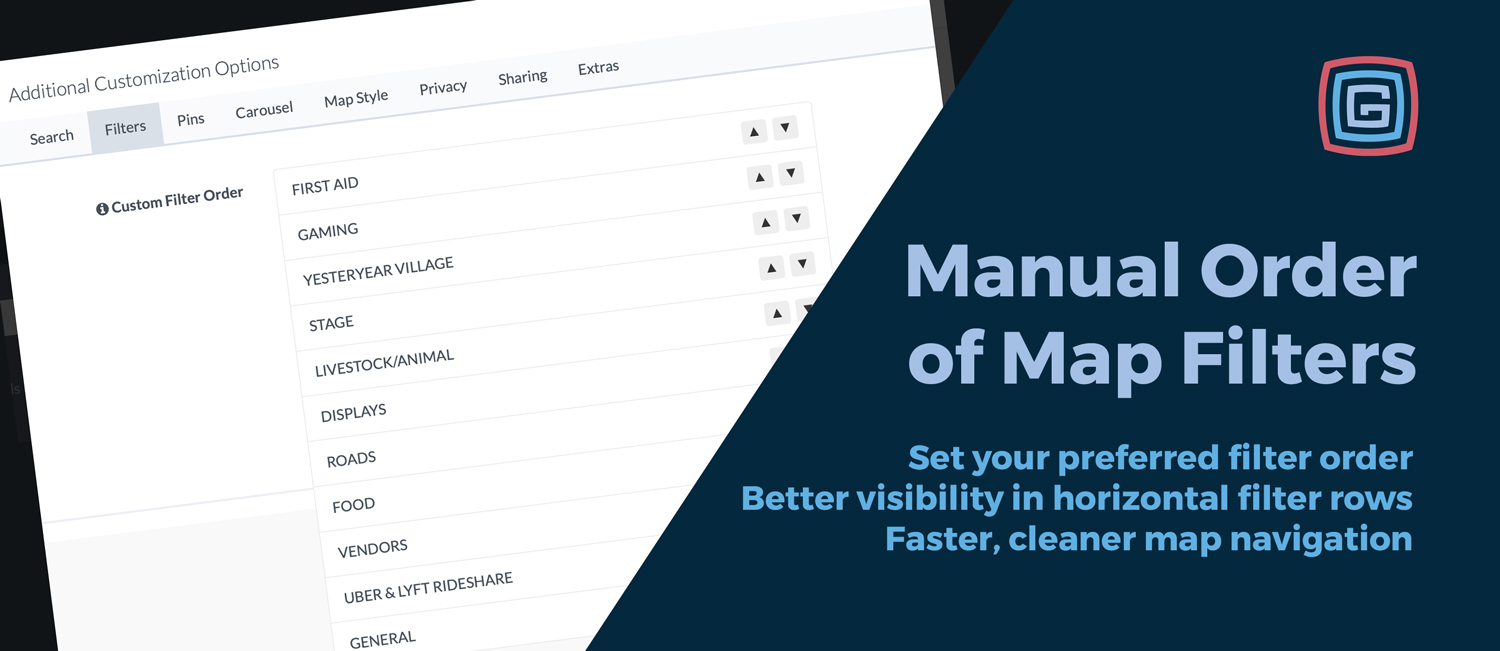
We’ve added a new Manual Order of Map Filters option in Map Setup under Additional Customization Options on the Filters tab. This gives admins the power to choose exactly how map filters appear in the app.
Why it matters
Filter order guides how attendees explore your event. Putting the most important categories first helps users find what they need faster and encourages taps on your highest-priority items.
Especially helpful with horizontal filter buttons
This is most impactful when you’re using always-on horizontal scroll filter buttons, where only a few filters are visible at first glance. The first filters in the row naturally get the most attention.
- Highlight what matters most by placing key categories first
- Reduce scrolling by surfacing the most-used filters immediately
- Improve map usability for busy, multi-category events
Where to find it
Go to Map Setup → Additional Customization Options → Filters, then use the up and down controls to reorder your active filters. All active filters remain available; you’re only changing their display order.
Examples of smart ordering
- Fairs: Food → Stages → Vendors → Restrooms
- Festivals: Main Stage → Food → Merch → Info
- Conferences: Sessions → Sponsors → Expo → Help
Small change, big impact: The right filter order makes your map easier to scan, faster to use, and better aligned with how attendees actually navigate your event.