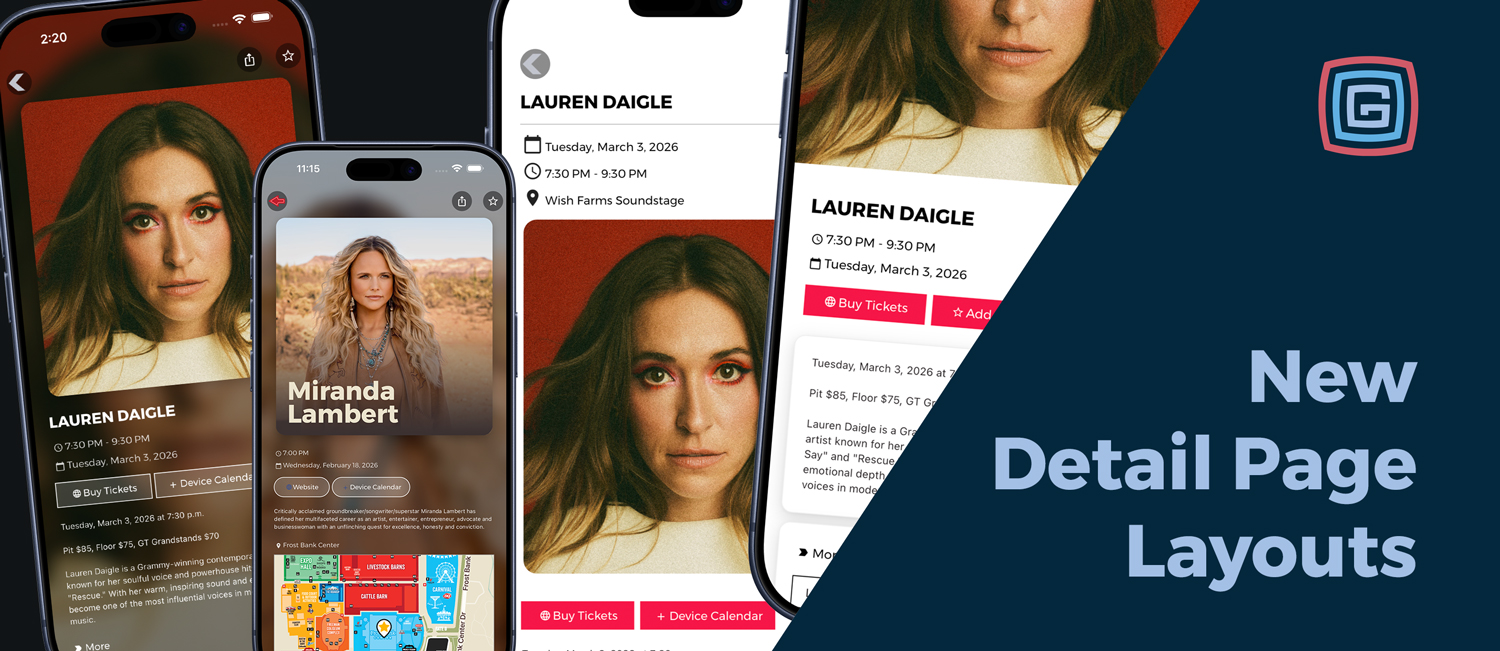
Detail pages are where attendees learn, decide, and engage. Now you can choose from four layout styles for both event detail pages and list detail pages to better match the tone of your content.
Meet the layout styles
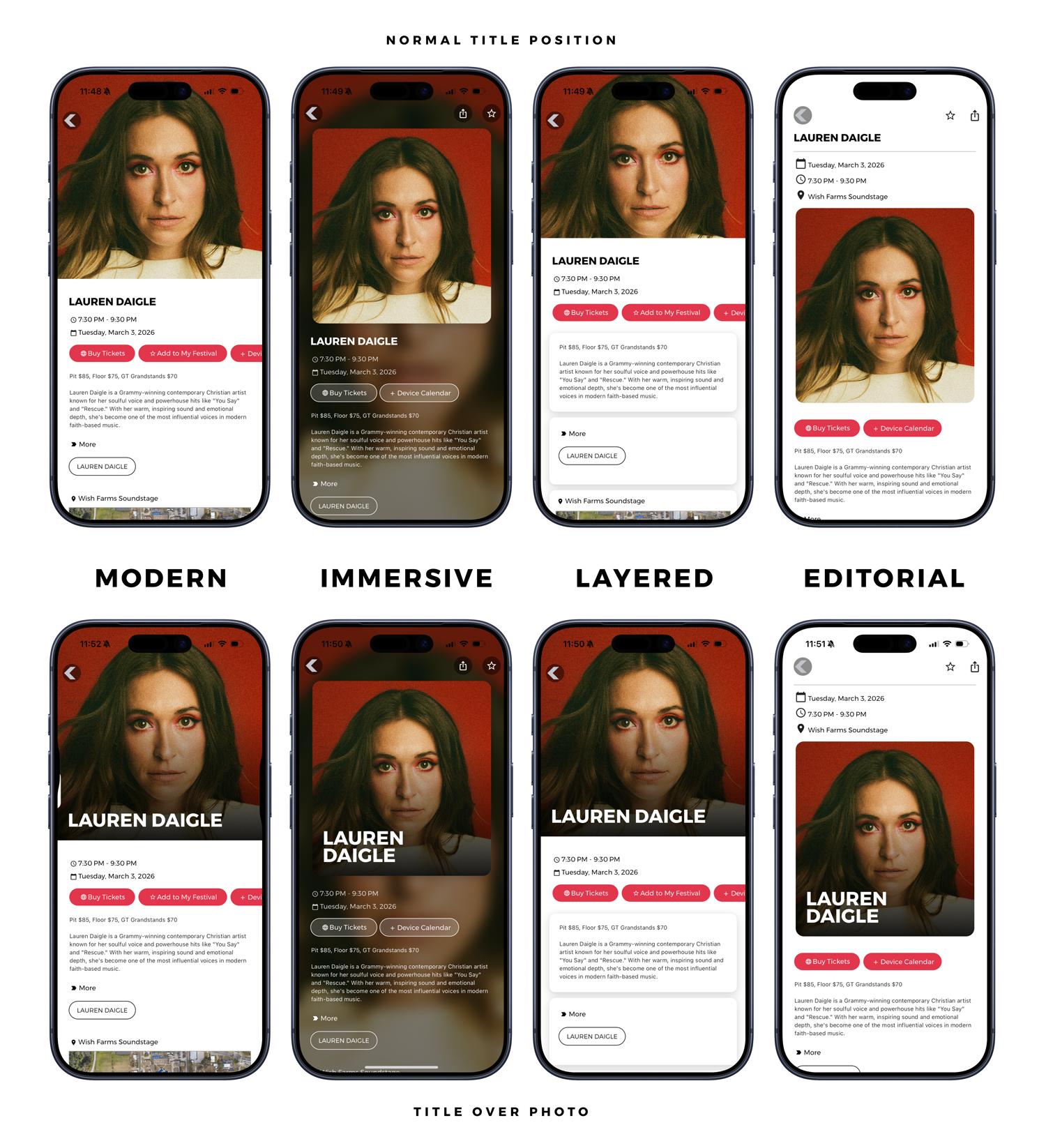
- Editorial A clean, light style that prioritizes readability and structured content flow.
- Modern Our refreshed and renamed current layout option, bright and versatile for nearly any event or listing.
- Layered A softly structured style that groups content into sections for a more curated feel.
- Immersive A bold, high impact style that uses contrast and imagery to create atmosphere and personality.
Flexible title placement
Each layout can be paired with different title presentation styles, creating even more design combinations.
- Overlay Title Places the title on top of the photo with a subtle gradient for readability.
- Separated Title Positions the title independently from the photo for a cleaner, more structured look.
New button shape options
To complete the look, you can now choose from four button shape styles throughout the app:
- Square Clean, structured, and modern.
- Soft Edge Subtle rounding for a polished feel.
- Rounded Noticeably curved for a friendly look.
- Pill Fully rounded for a bold, contemporary style.
Layout style, title placement, and button shape can be combined to create a distinct visual identity across your detail pages.
Availability
This feature is available in Gold and above for all apps submitted after February 25, 2026.