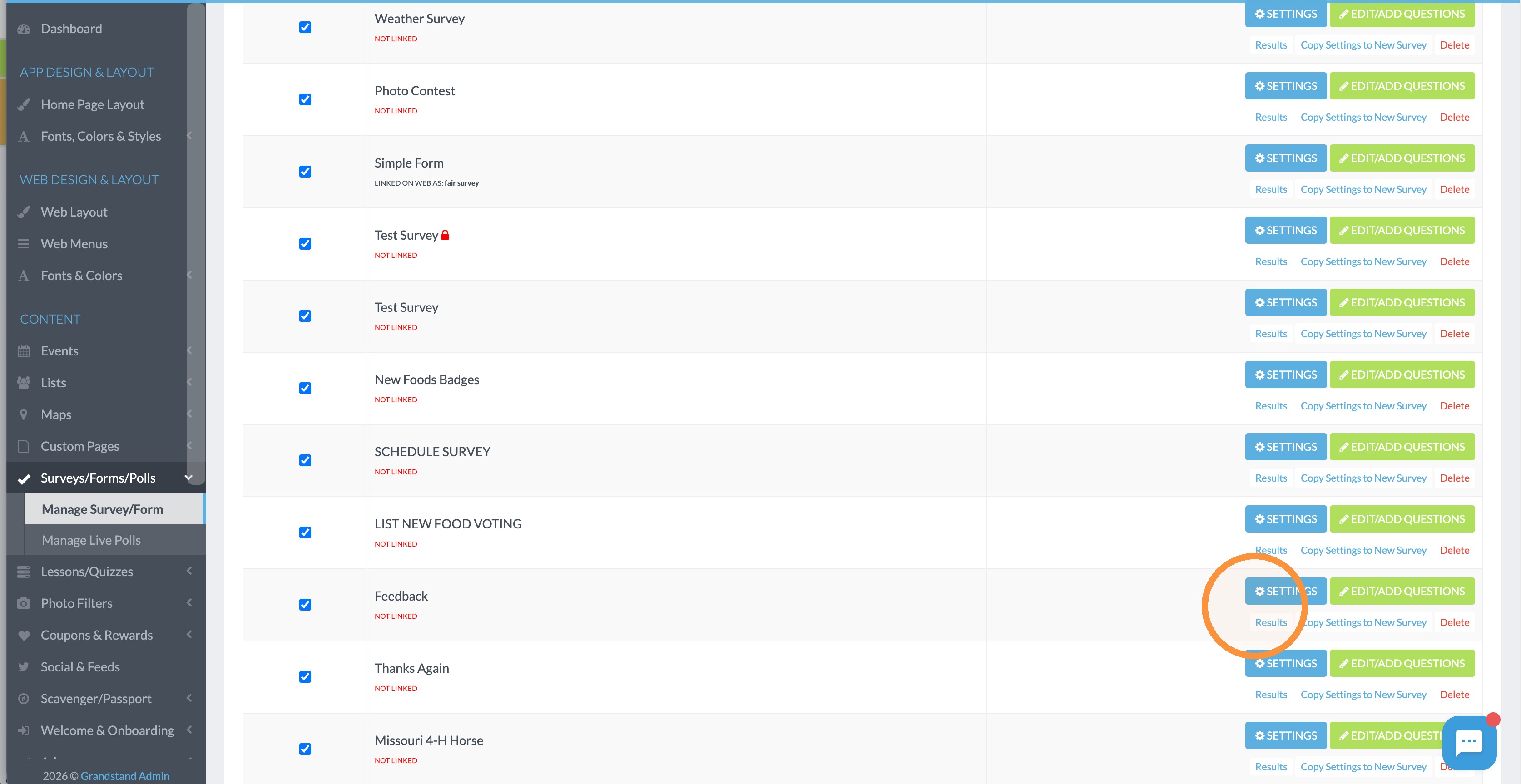
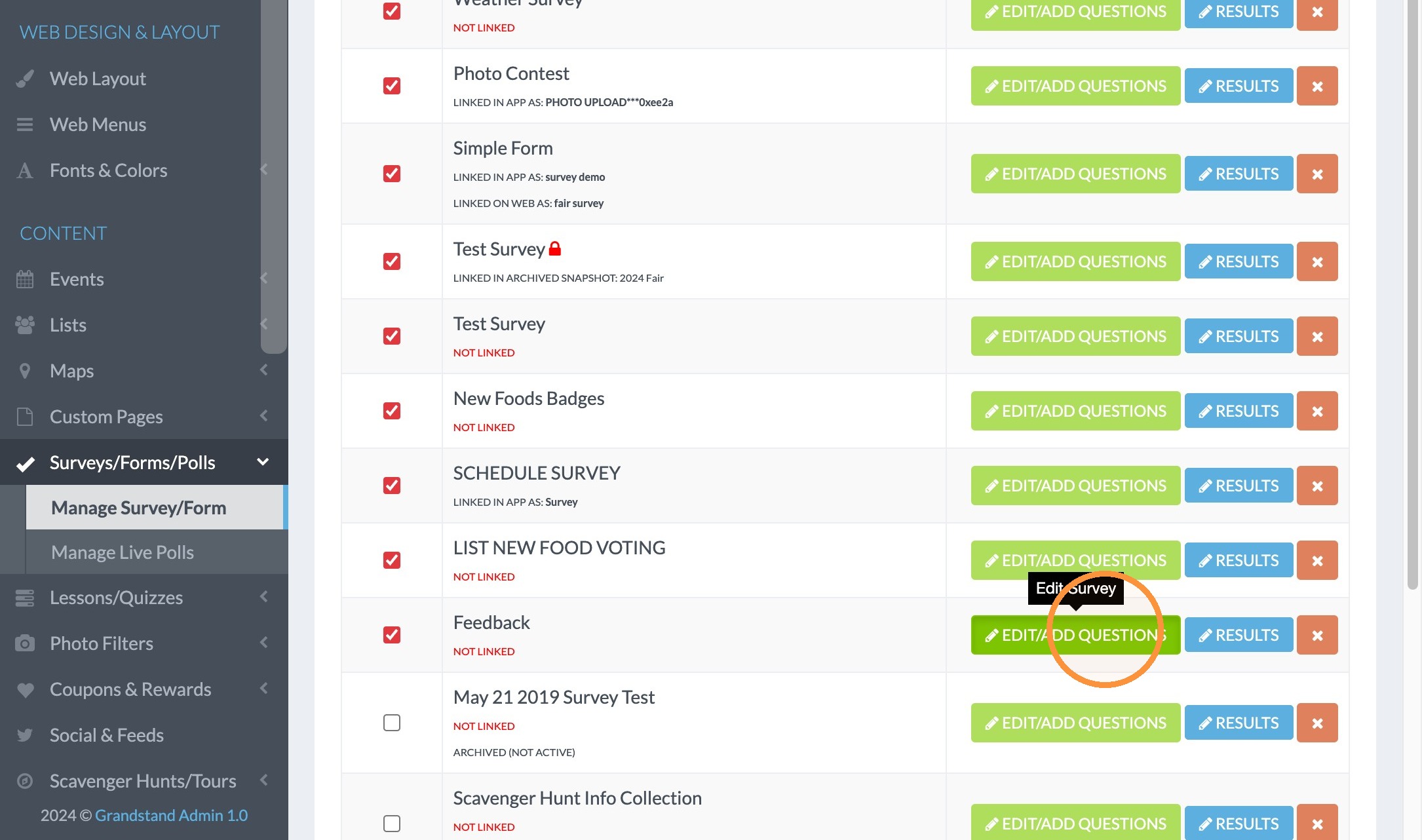
1. Click "EDIT/ADD QUESTIONS"
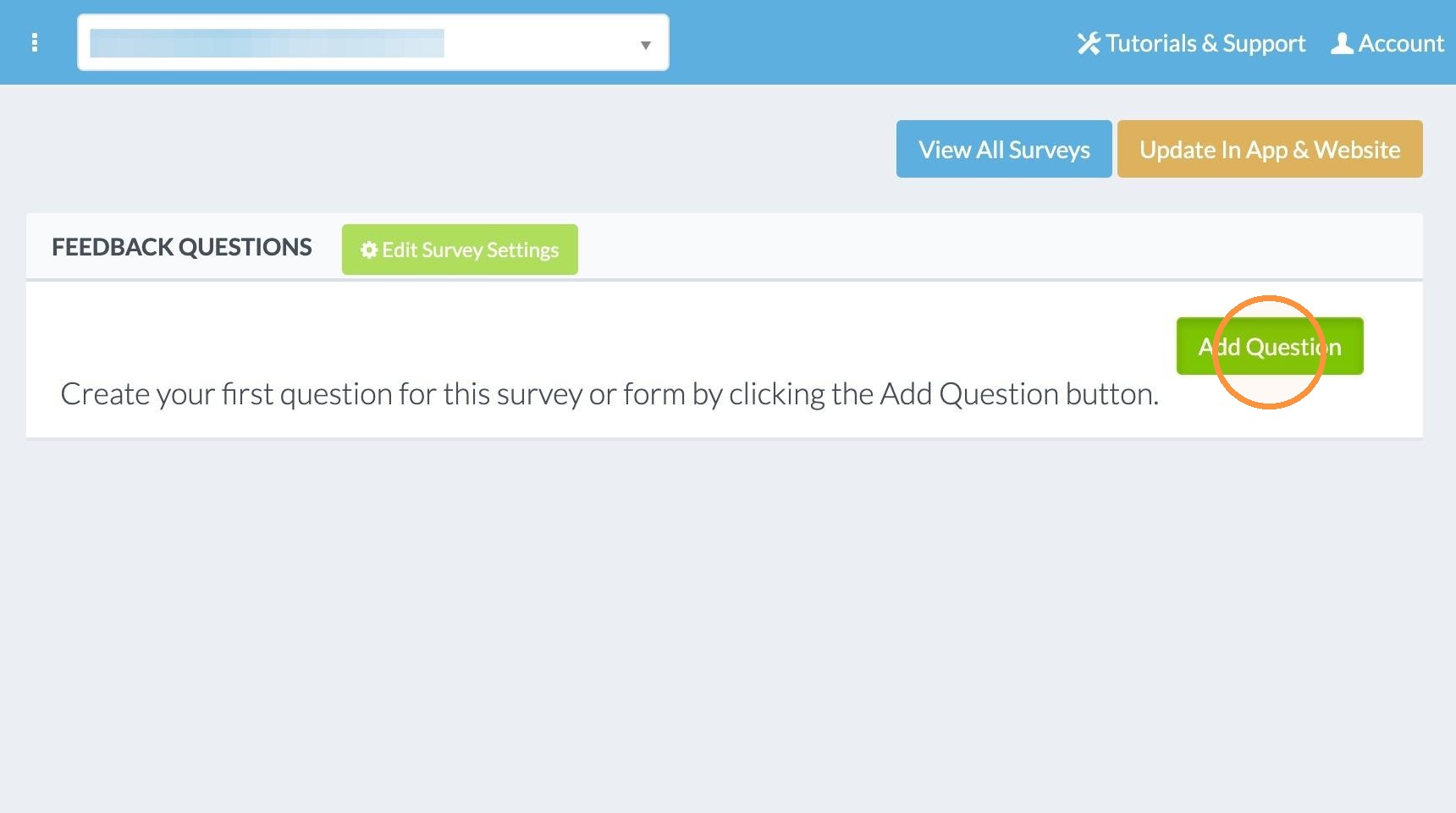
2. Click "Add Question"
3. Click in the Page Type drop down and select the type of question this is. Here we selected Text - Intro or Separator Text so we can add some intro info for the survey. In the Body Text box we enter the info for the intro.
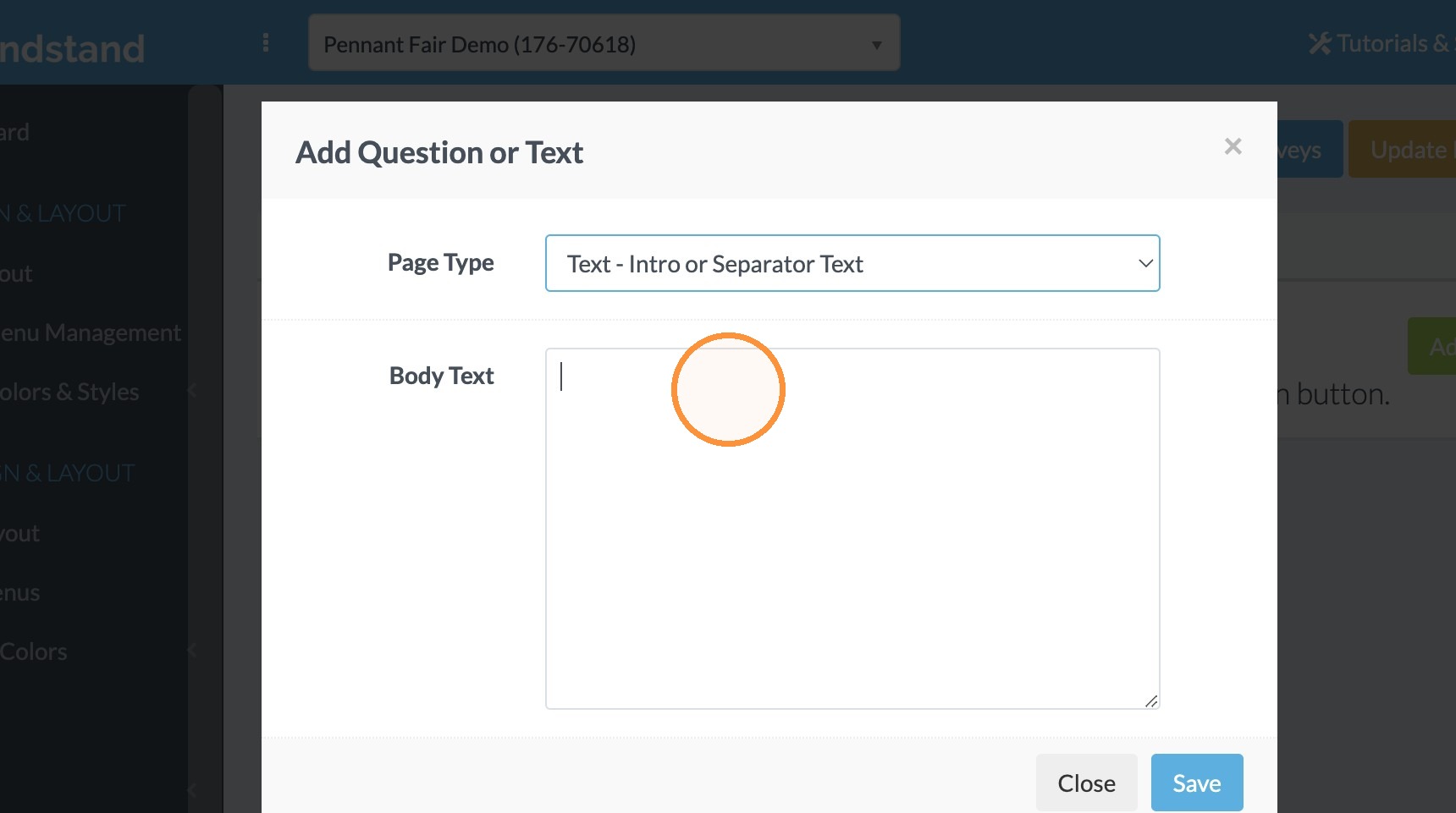
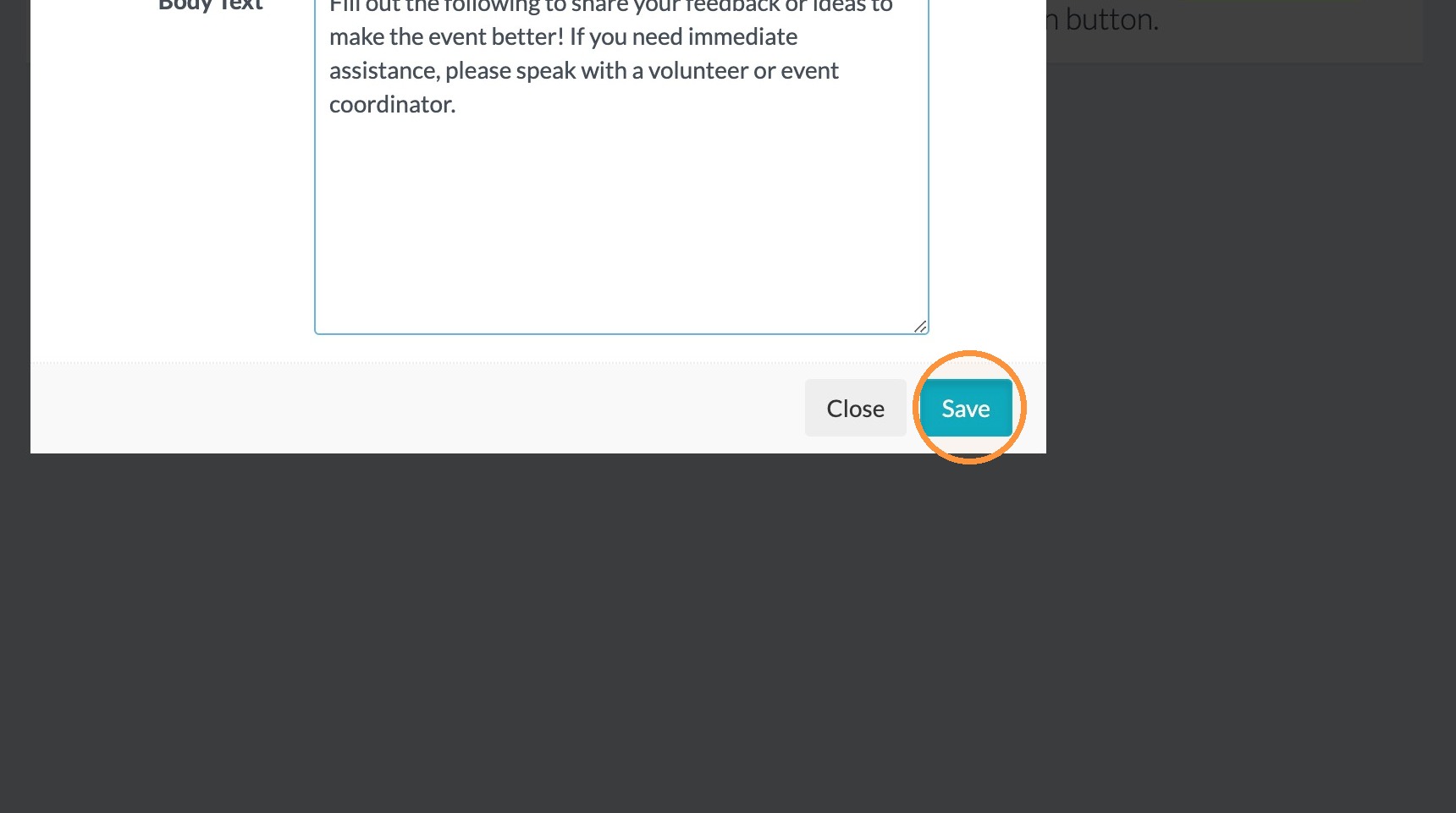
4. Type "Fill out the following to share your feedback or ideas to make the event better! If you need immediate assistance, please speak with a volunteer or event coordinator."
5. Click "Save"
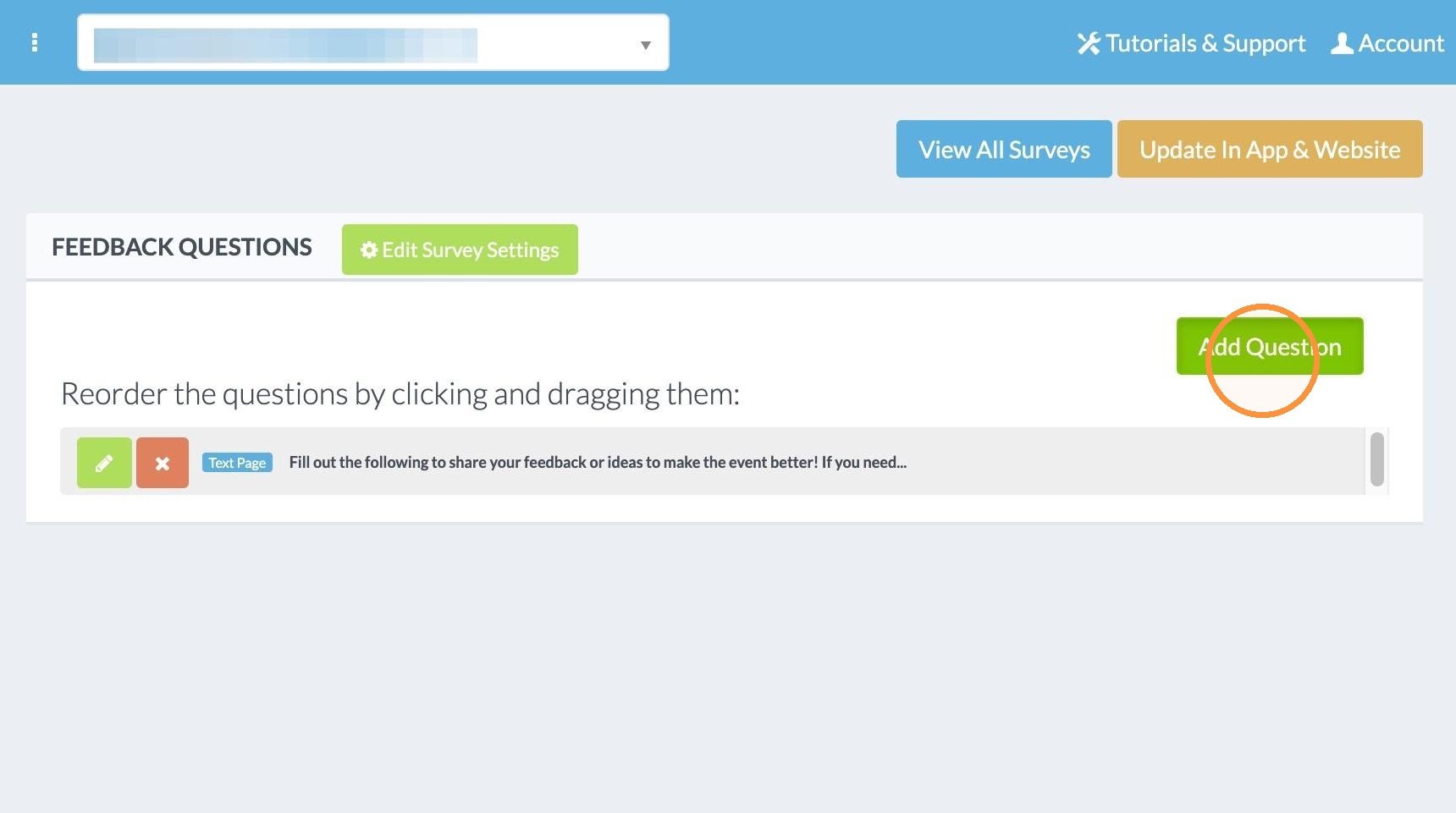
6. Click "Add Question"
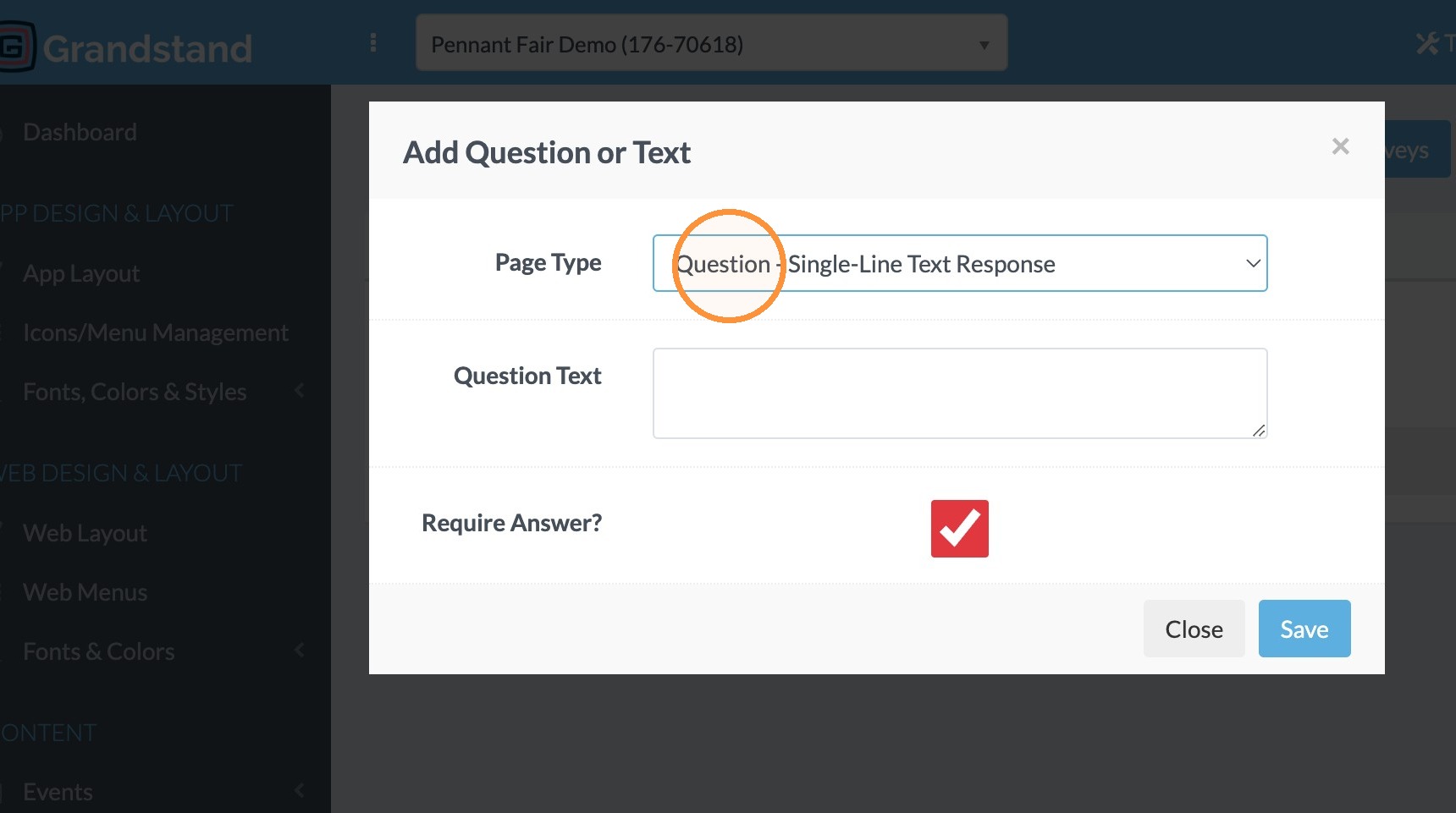
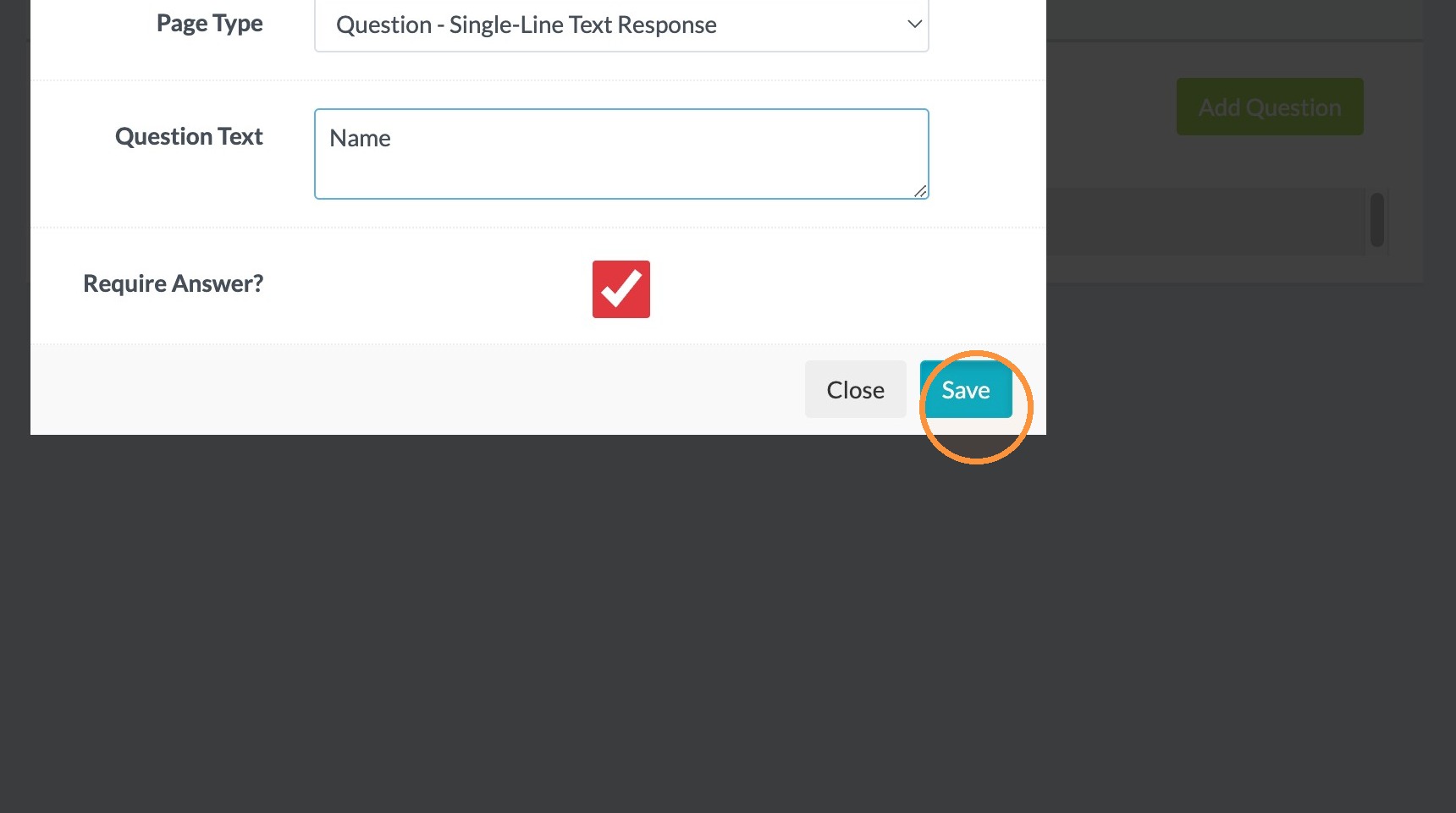
7. Click Page Type dropdown and select Question - Single-Line Text Response.
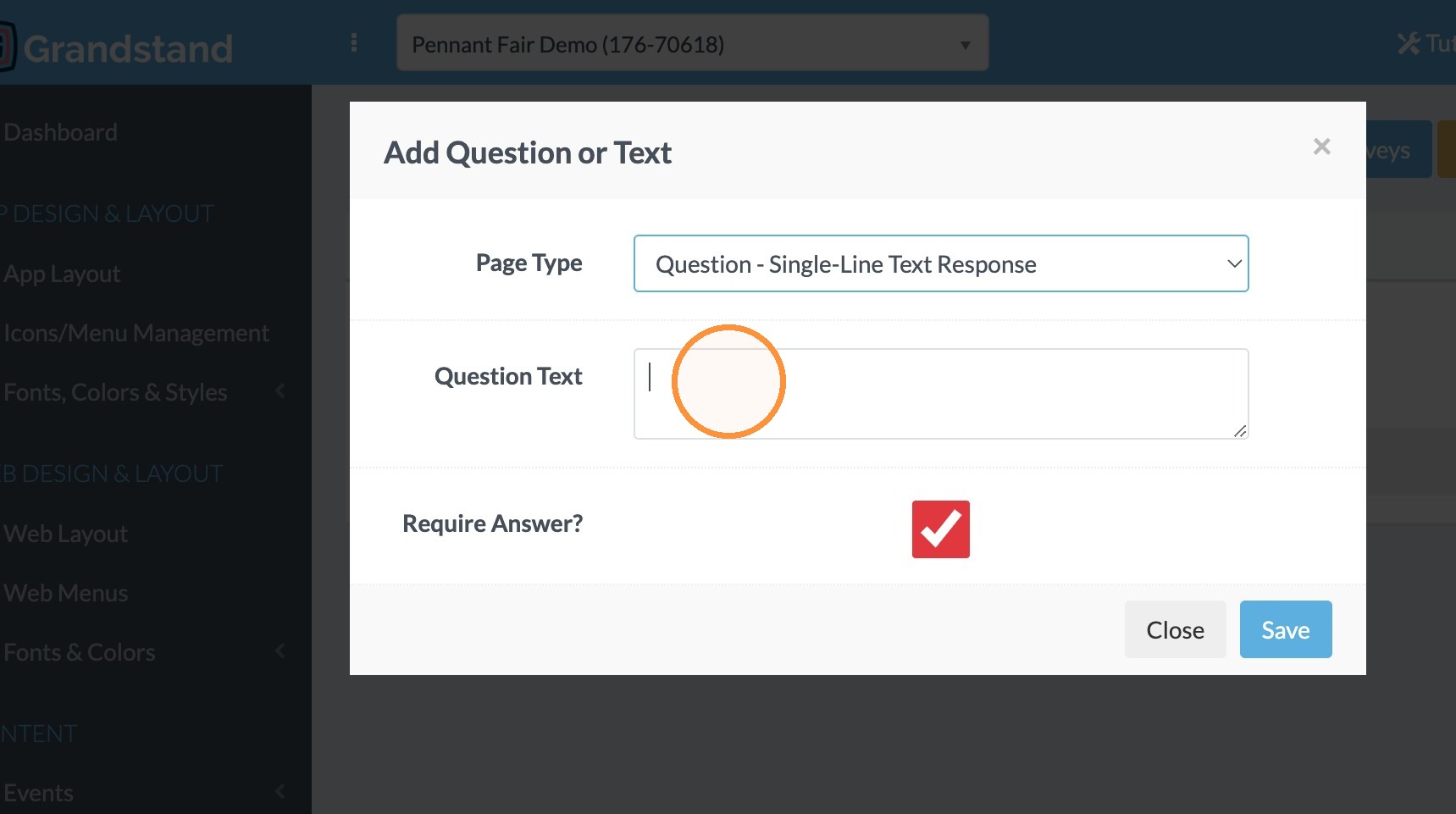
8. Click in the Question Text field and enter the question (here we want the app user's name)
9. Click "Save"
10. Click "Add Question" and add another Single-Line Text Response to collect email.
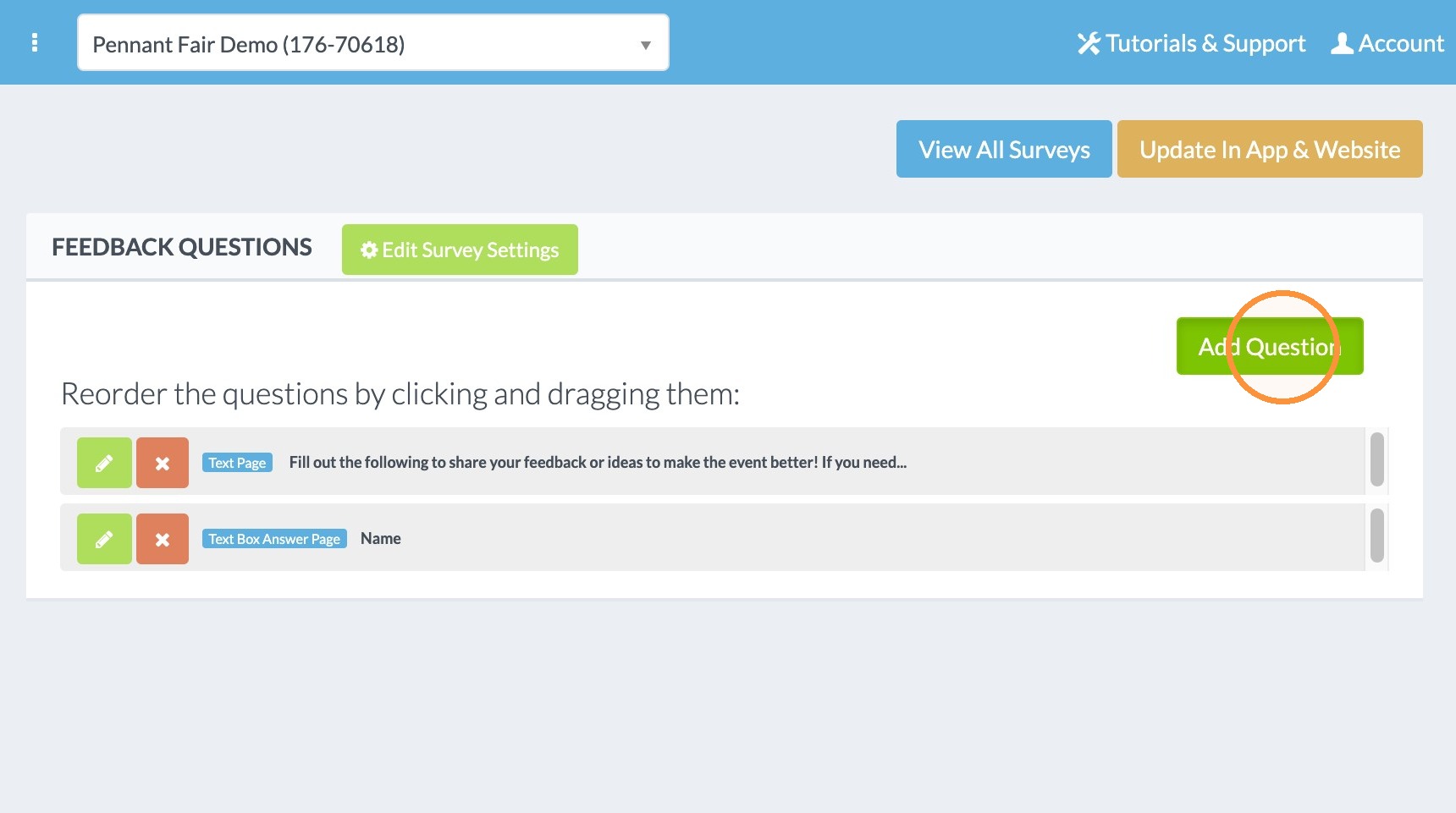
11. Click "Save"
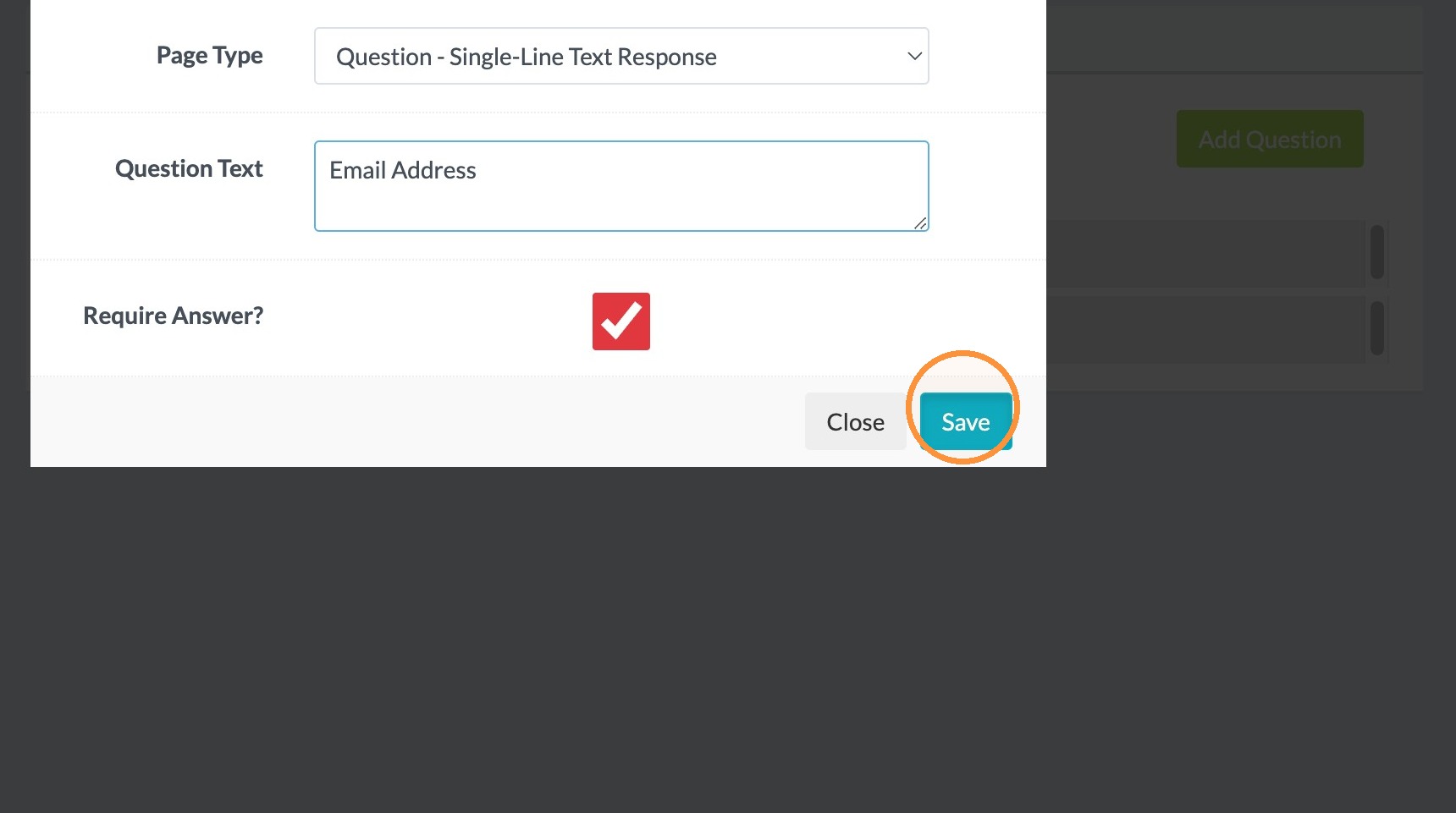
12. Click "Add Question"
13. Select Paragraph Text Response to collect the response of the person.
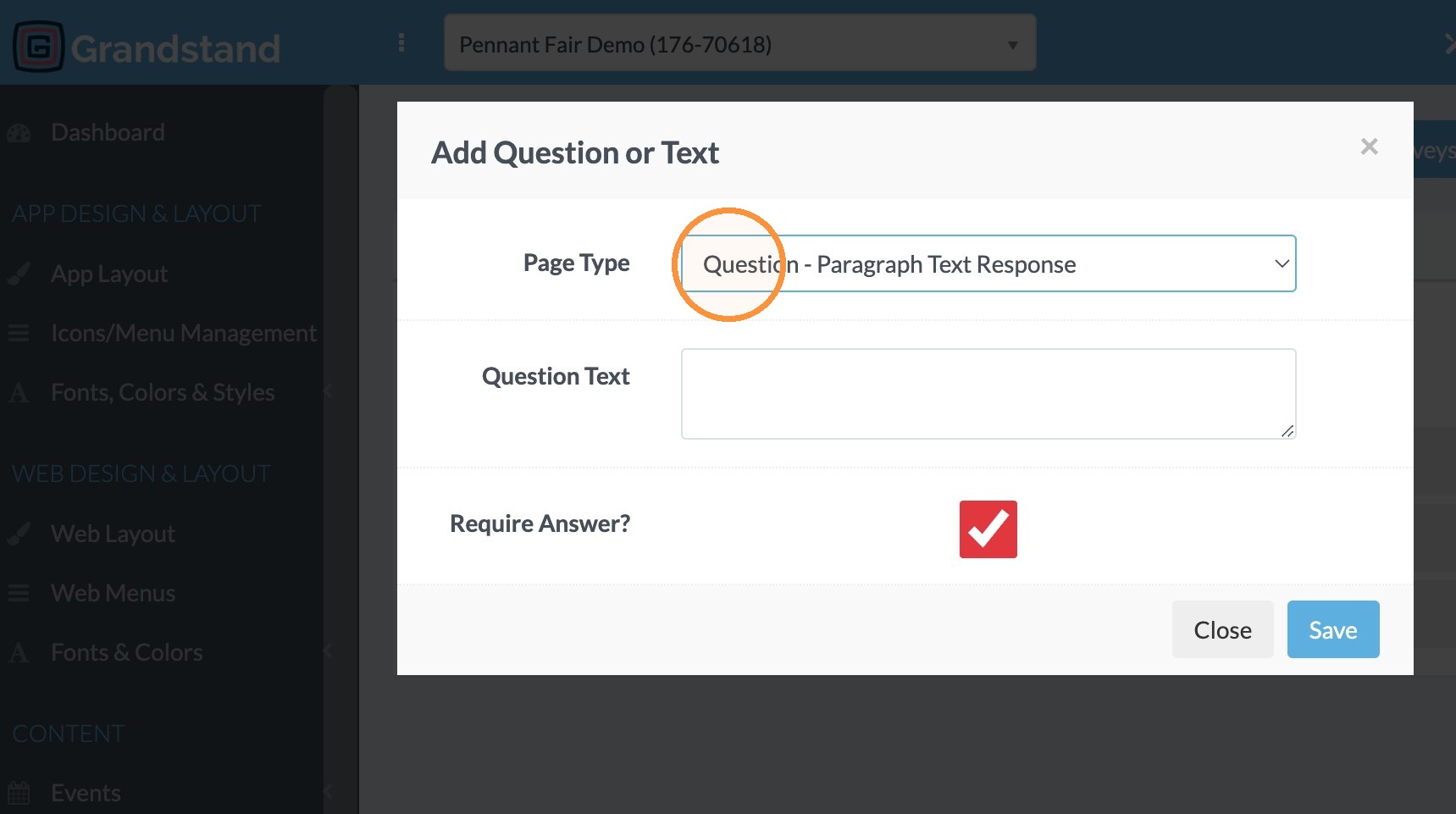
14. Click "Save"
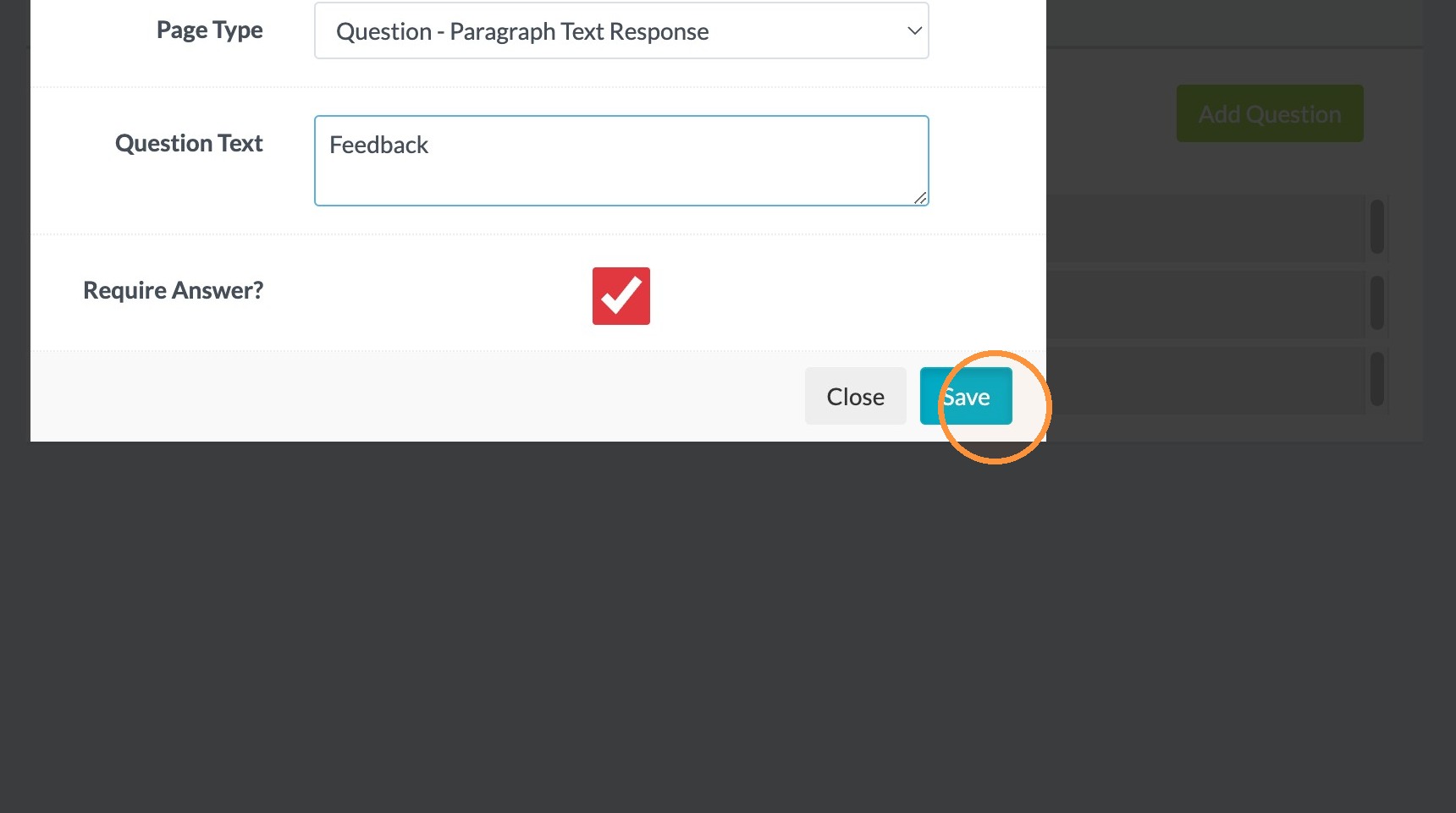
15. Click "Add Question"
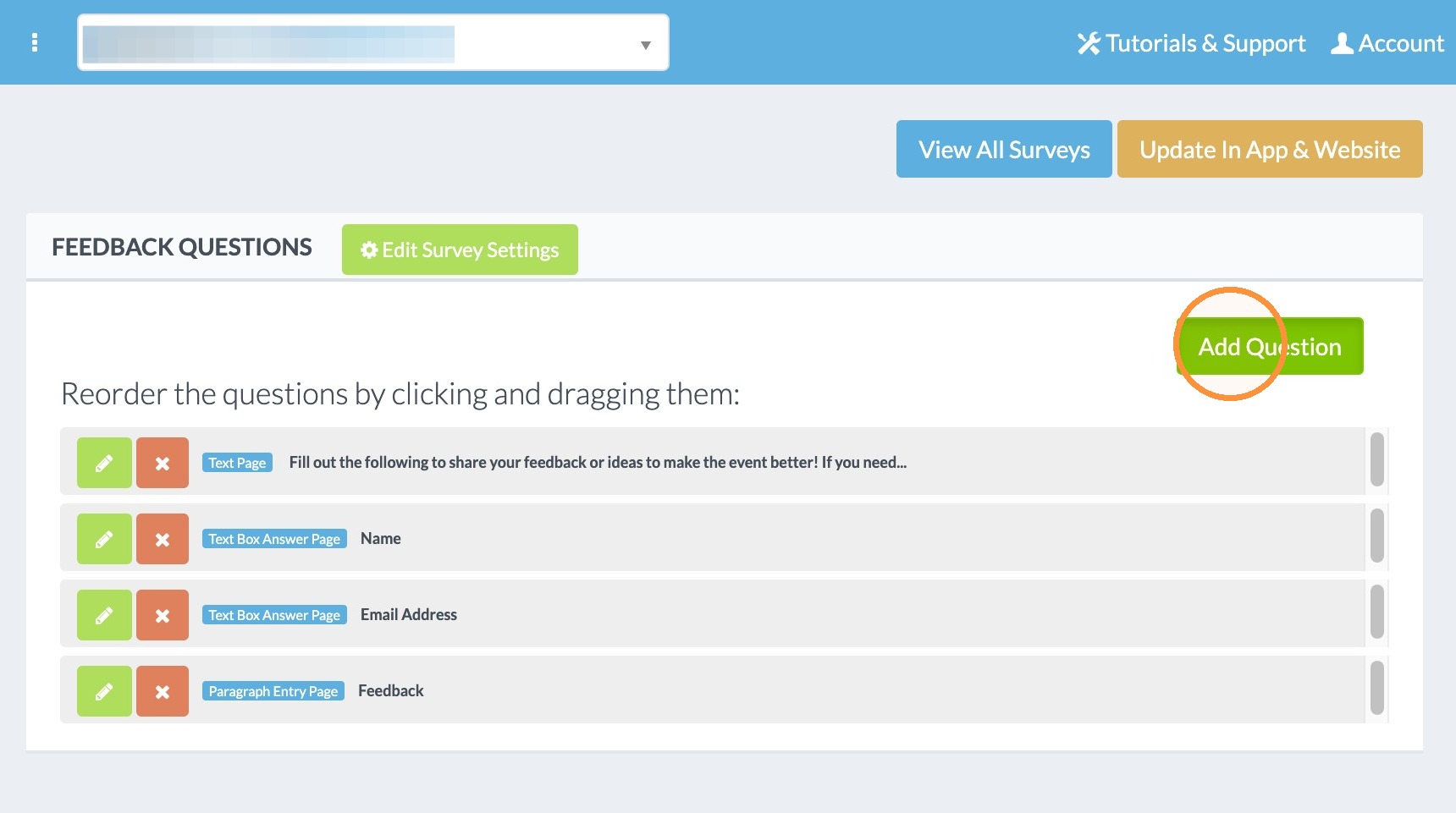
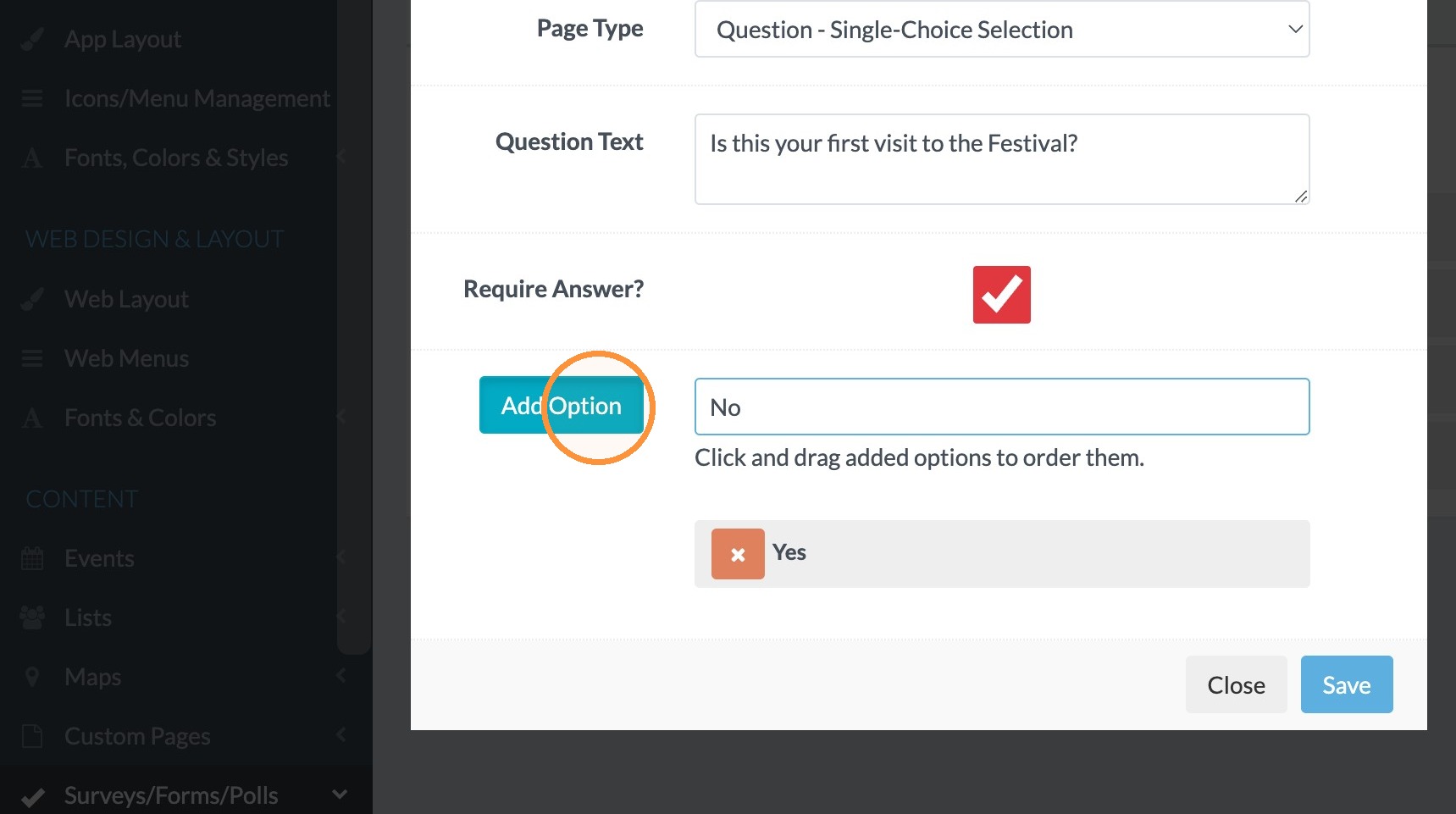
16. Select Question - Single-Choice Selection to add a question where the respondent selects one choice.
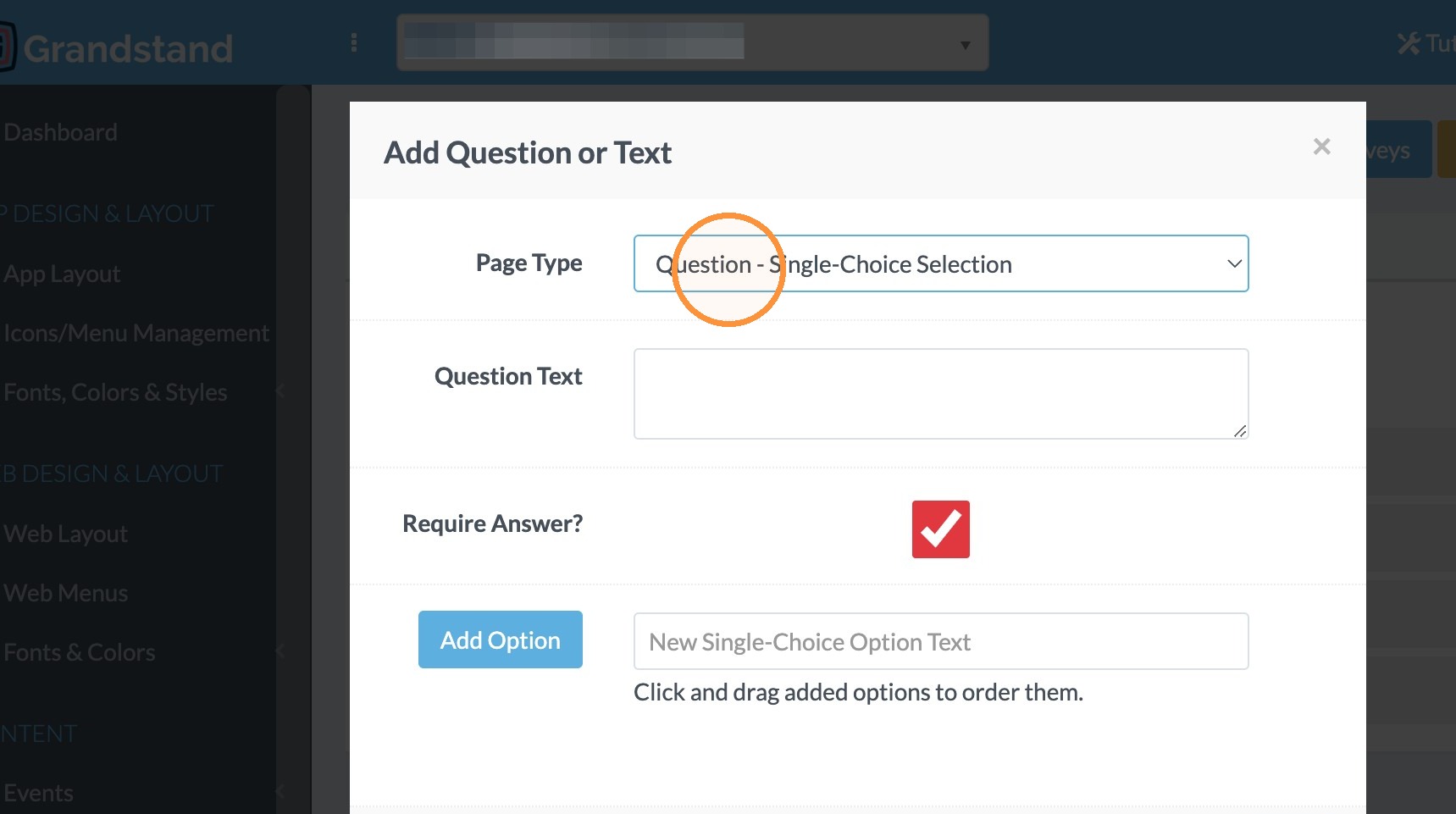
17. Click in the Question Text field and type the question. For this example: "Is this your first visit to the Festival?"
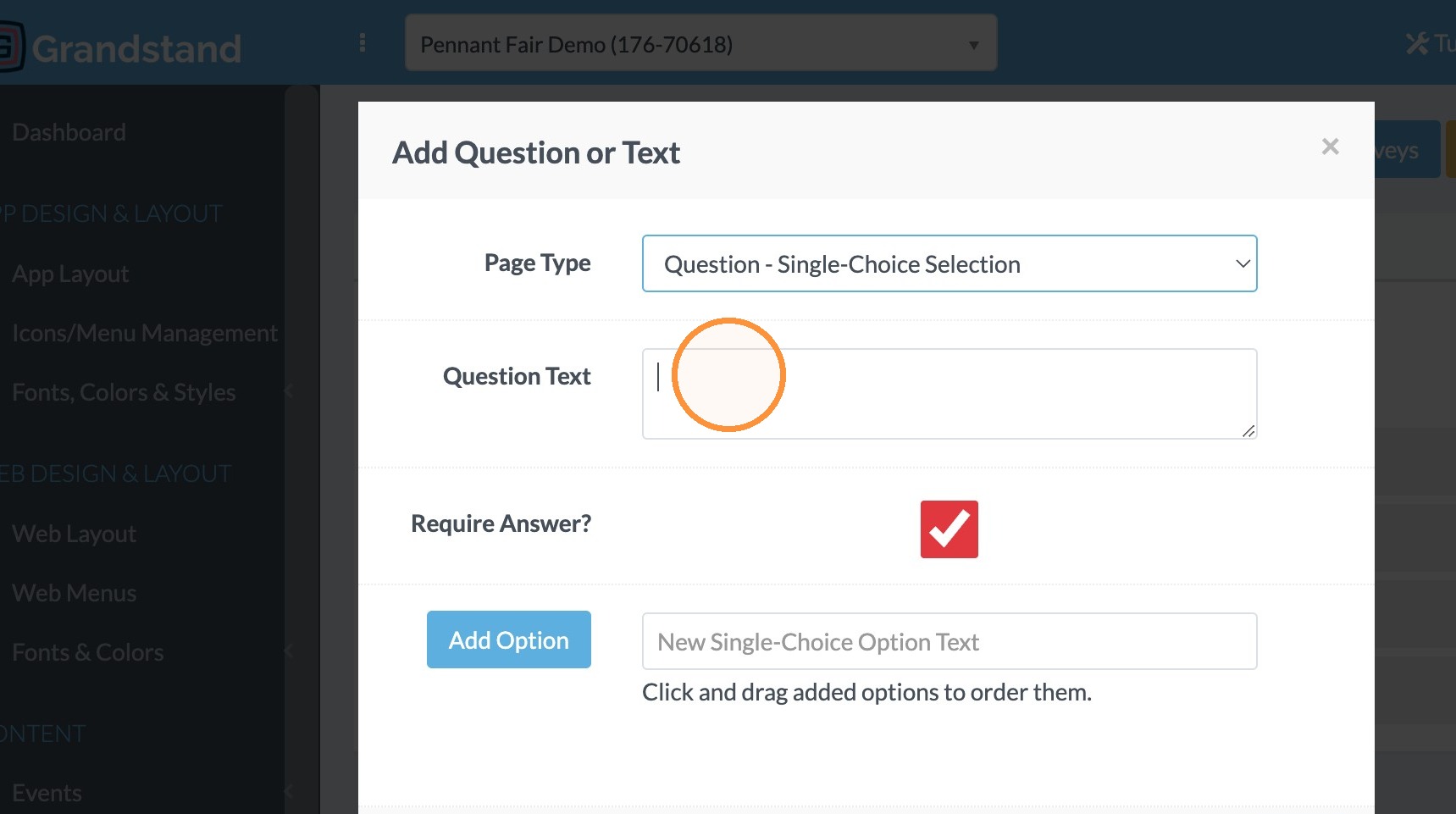
18. Click the "New Single-Choice Option Text" field and type "Yes"
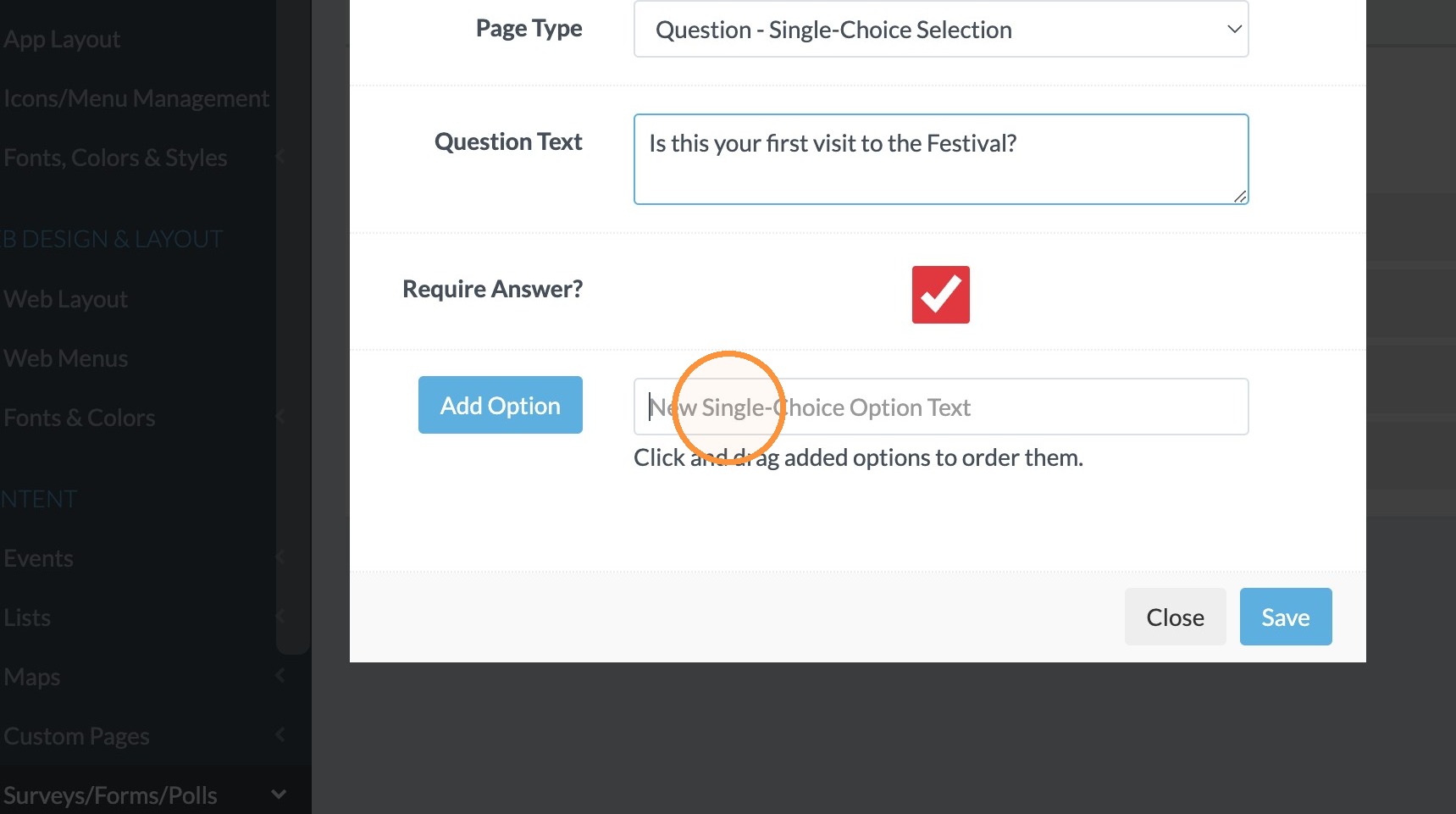
19. Click "Add Option"
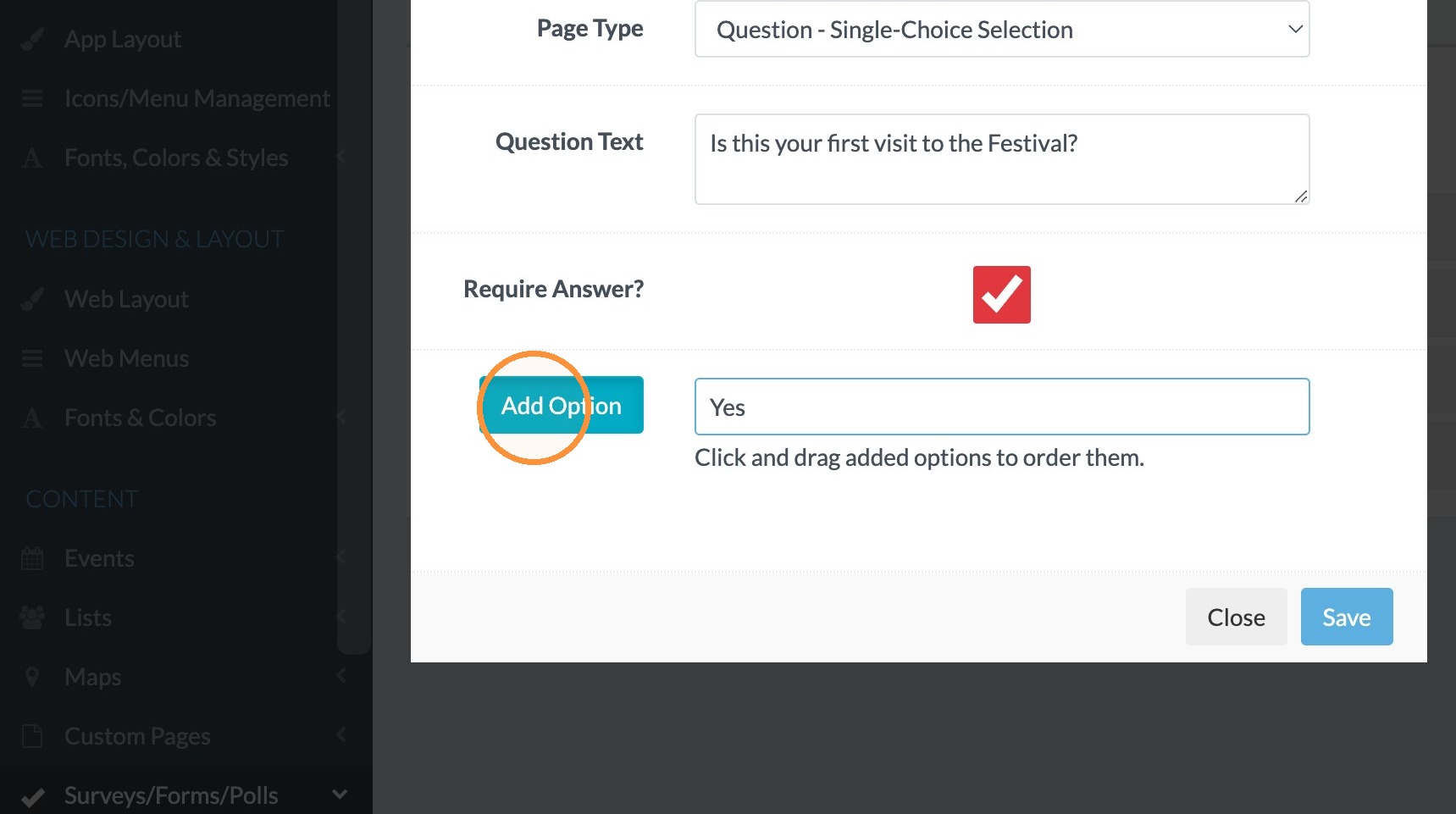
20. Click in the "Single-Choice Option Text" field and type "No"
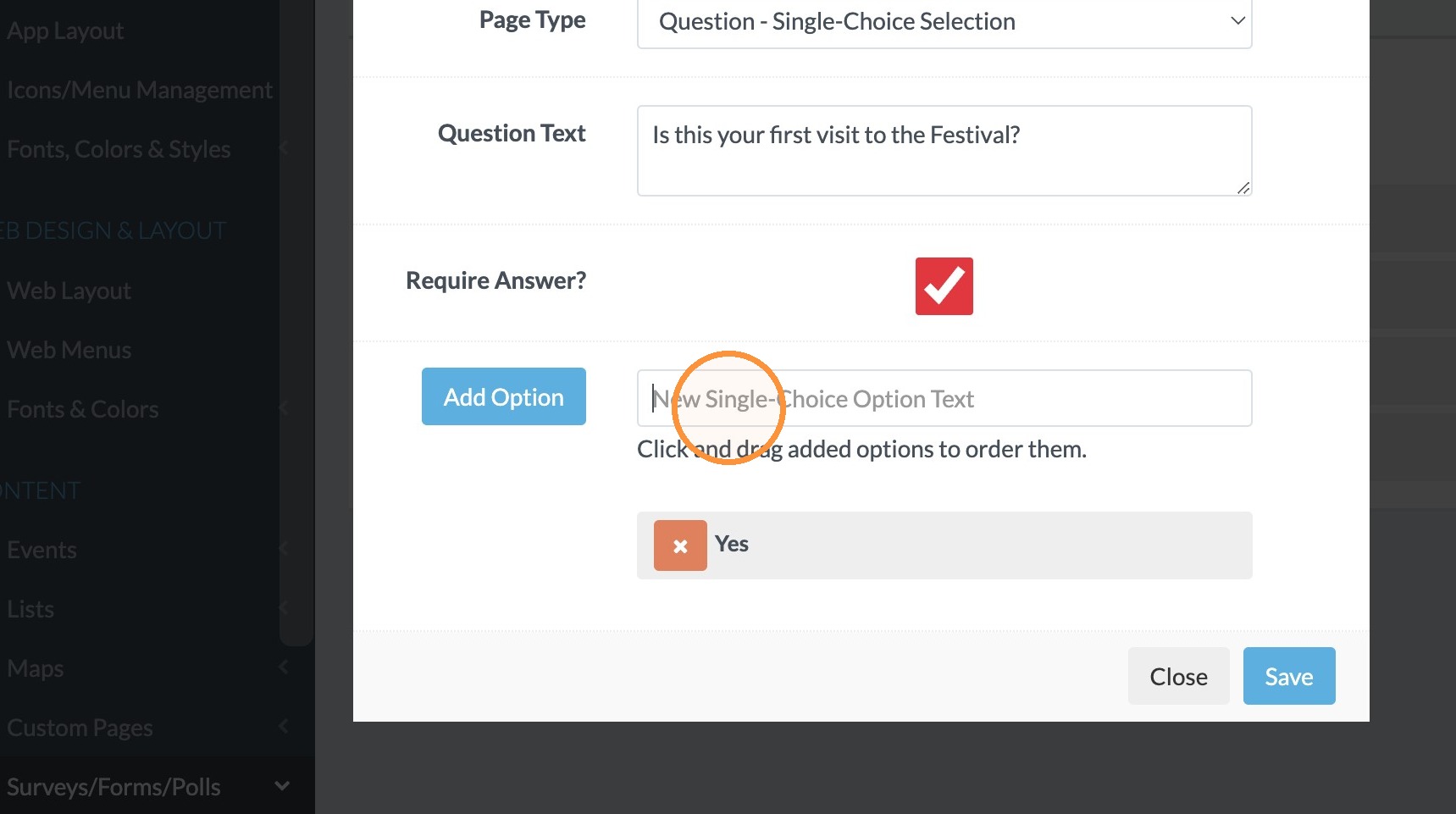
21. Click "Add Option"
22. Click "Save"
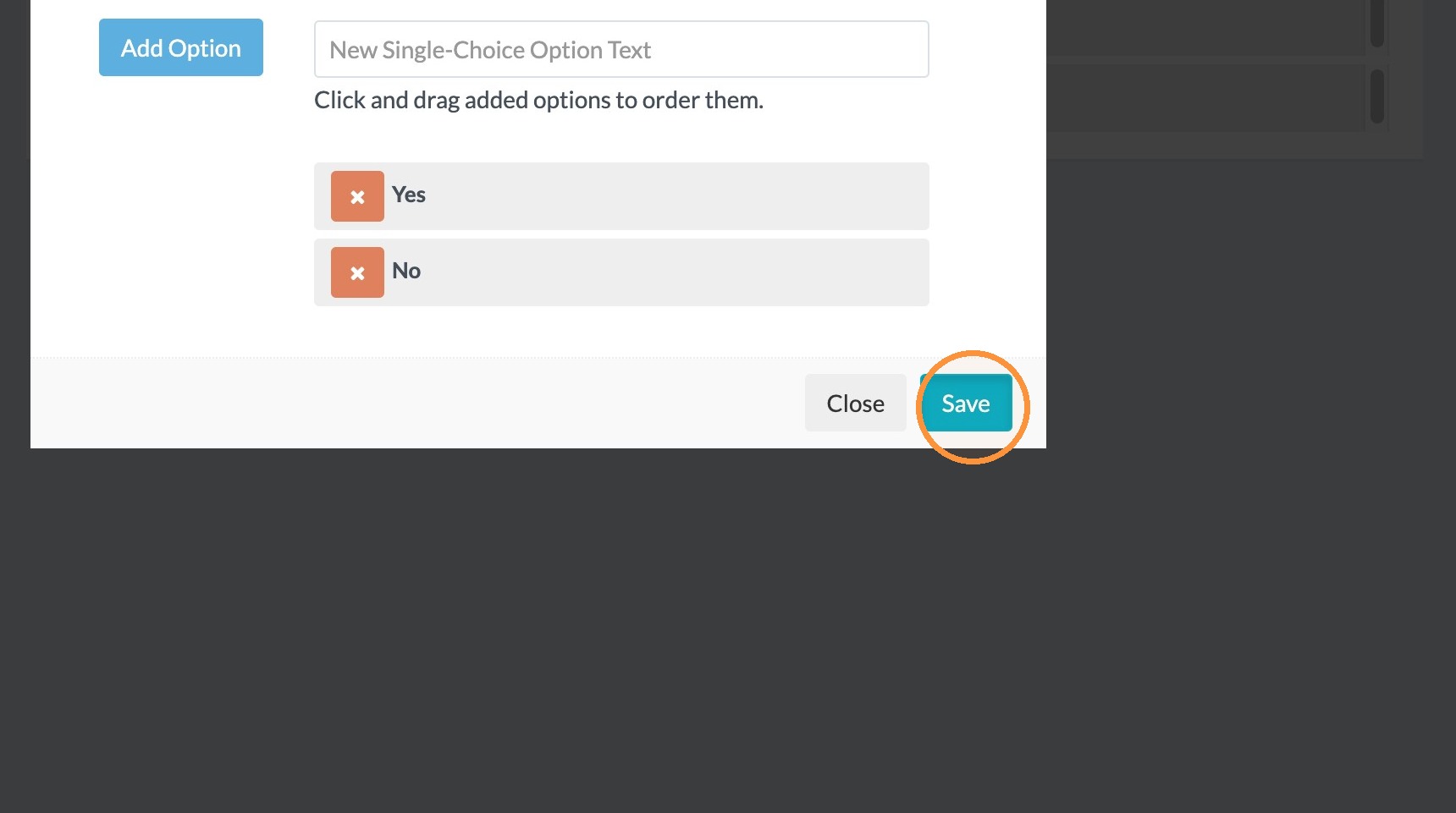
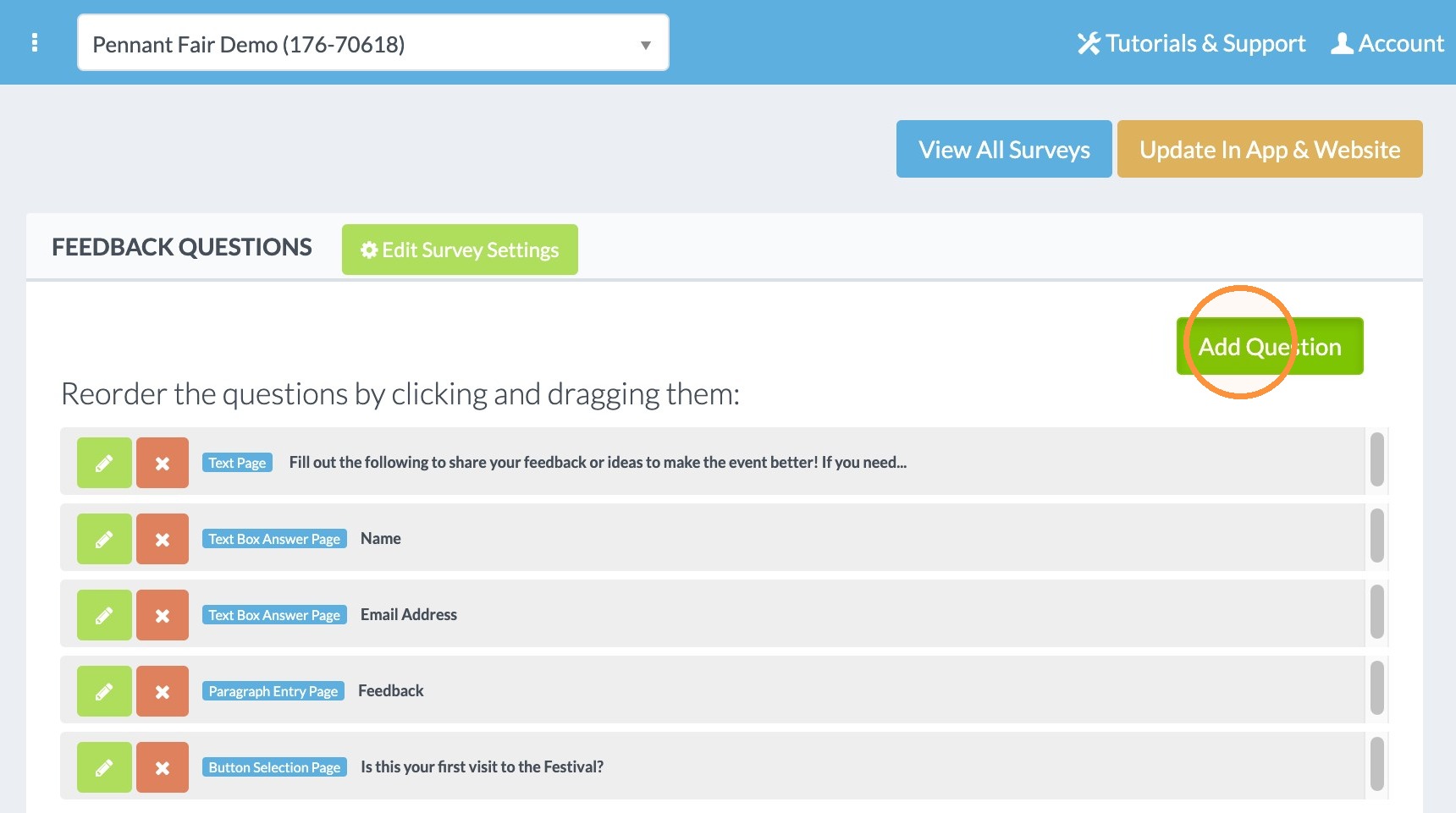
23. Click "Add Question" to add a slider question.
24. Select Question - Slider Response in Page Type.
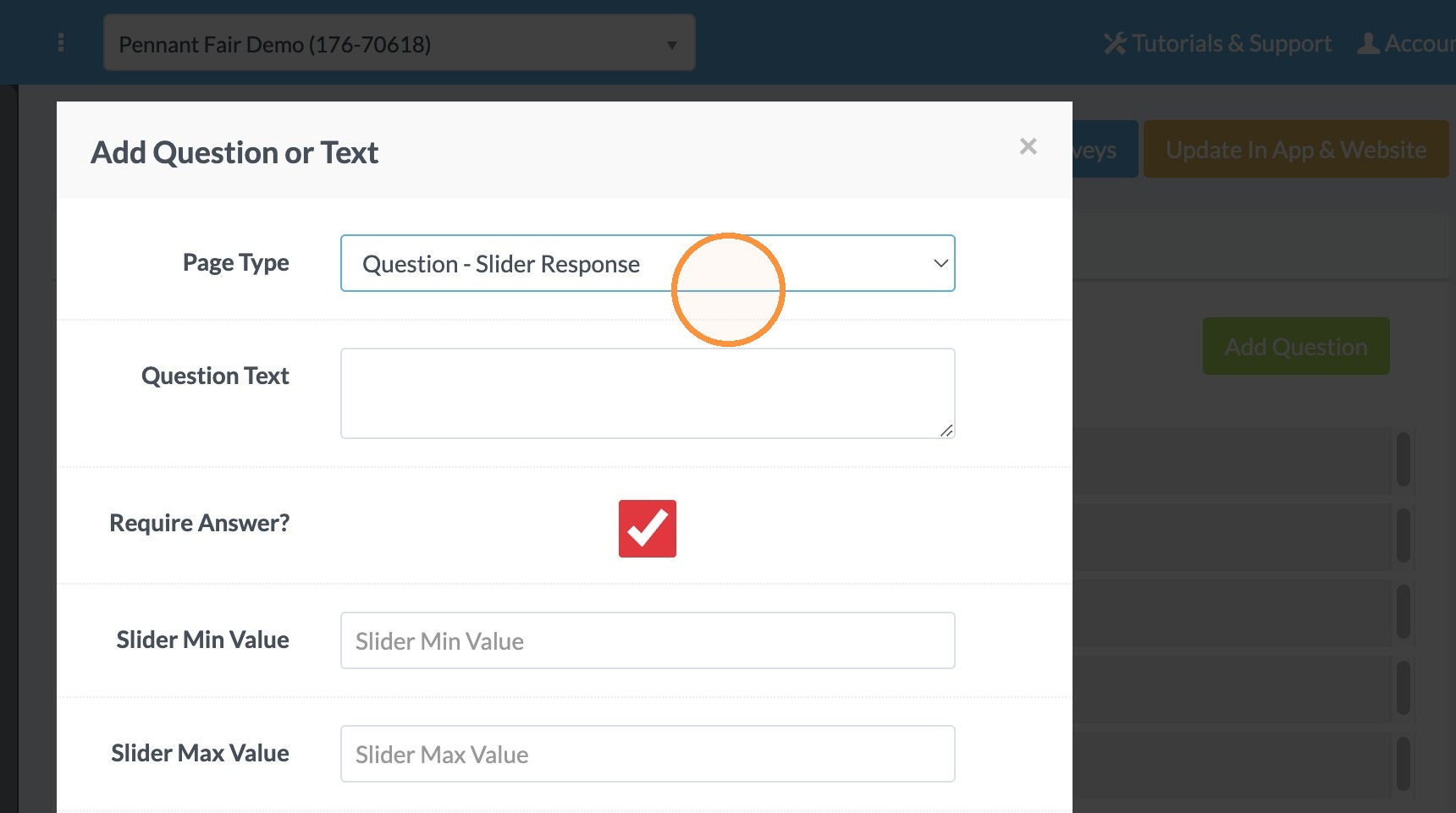
25. Click in the Question Text area and type "How would you rate the event on a scale of 1 to 10?".
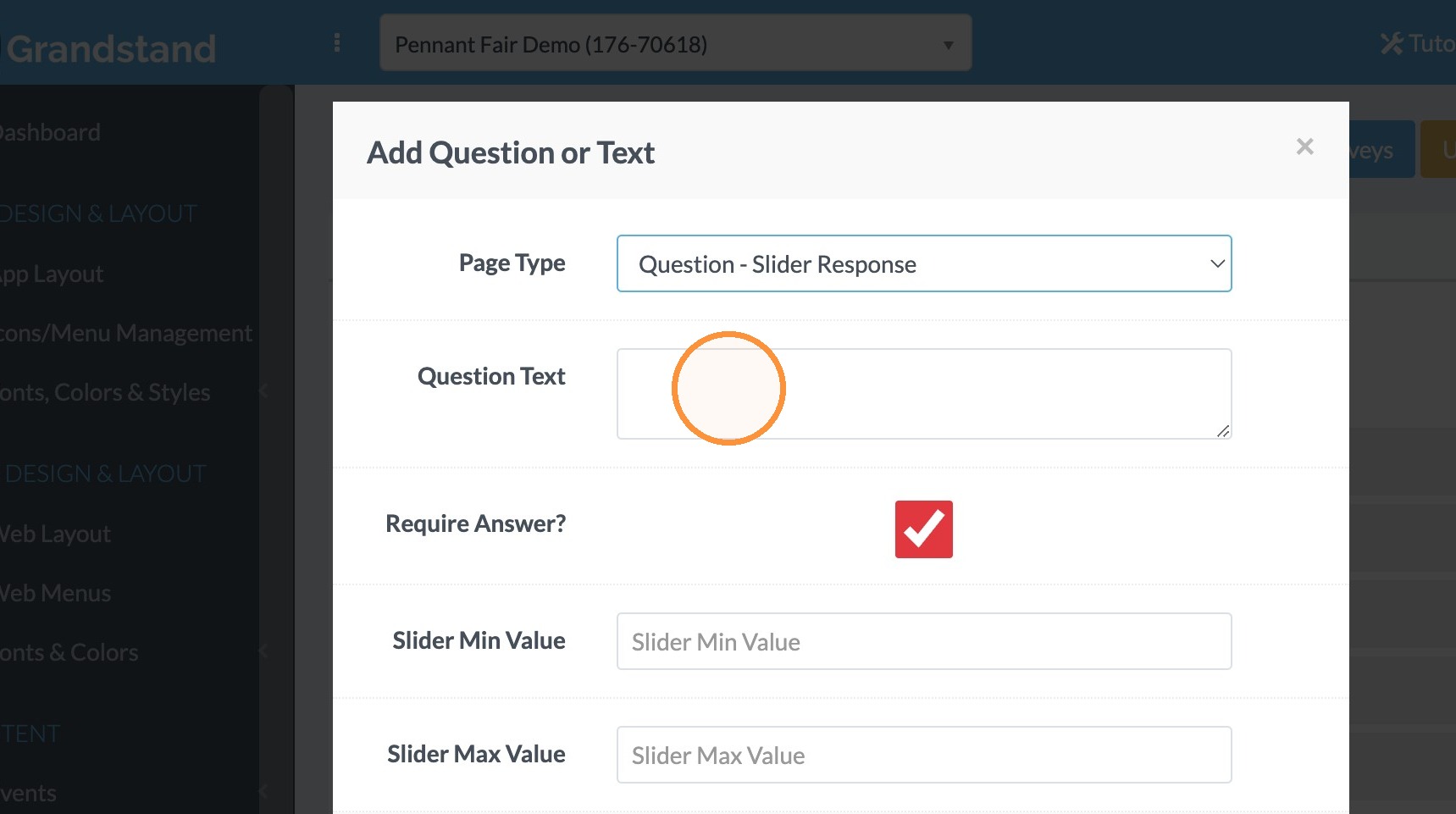
26. Click the "Slider Min Value" field and enter the lowest option. In this case 1.
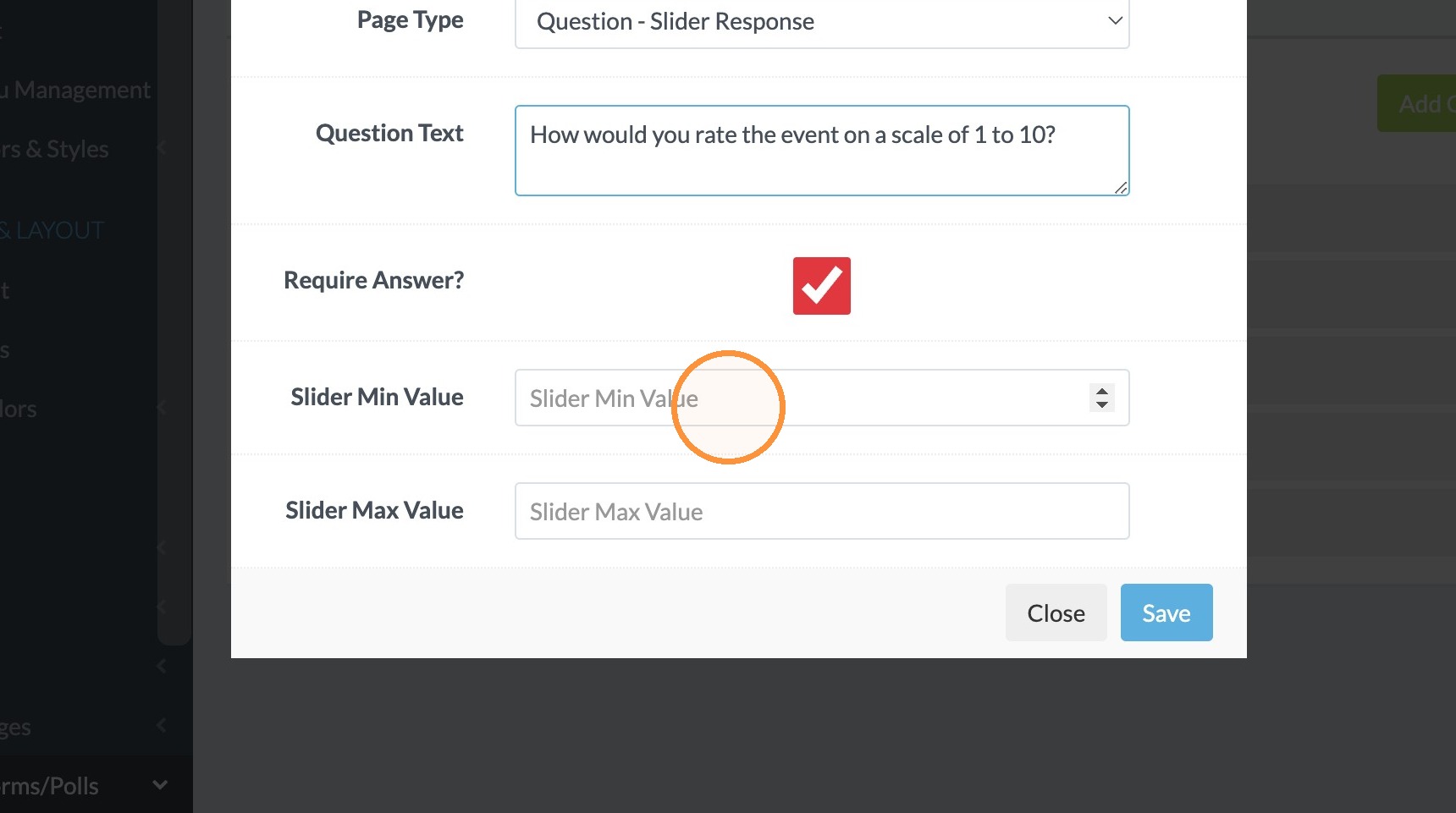
27. Click the "Slider Max Value" field and enter the max value. In this case 10.
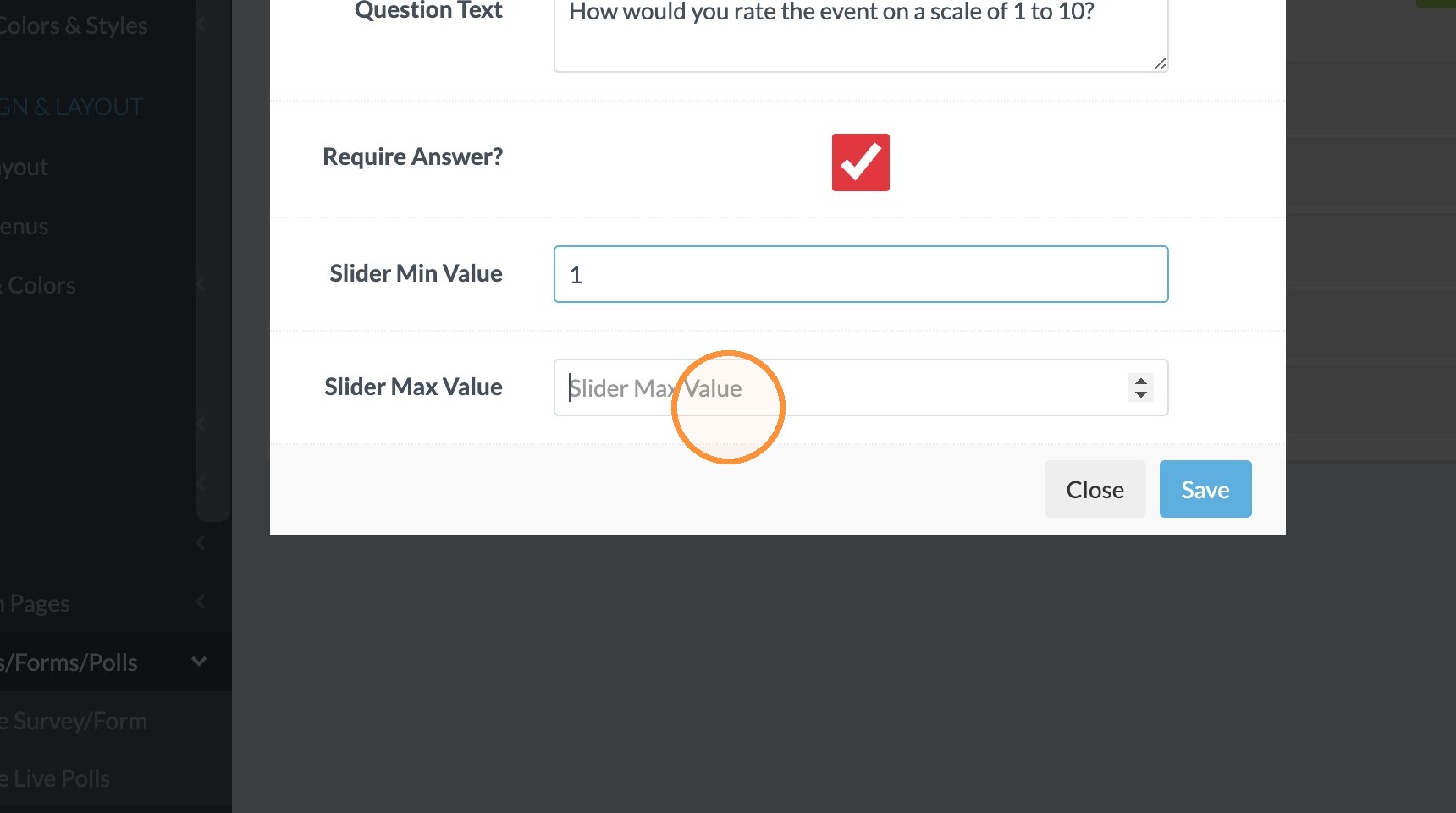
28. Click "Save"
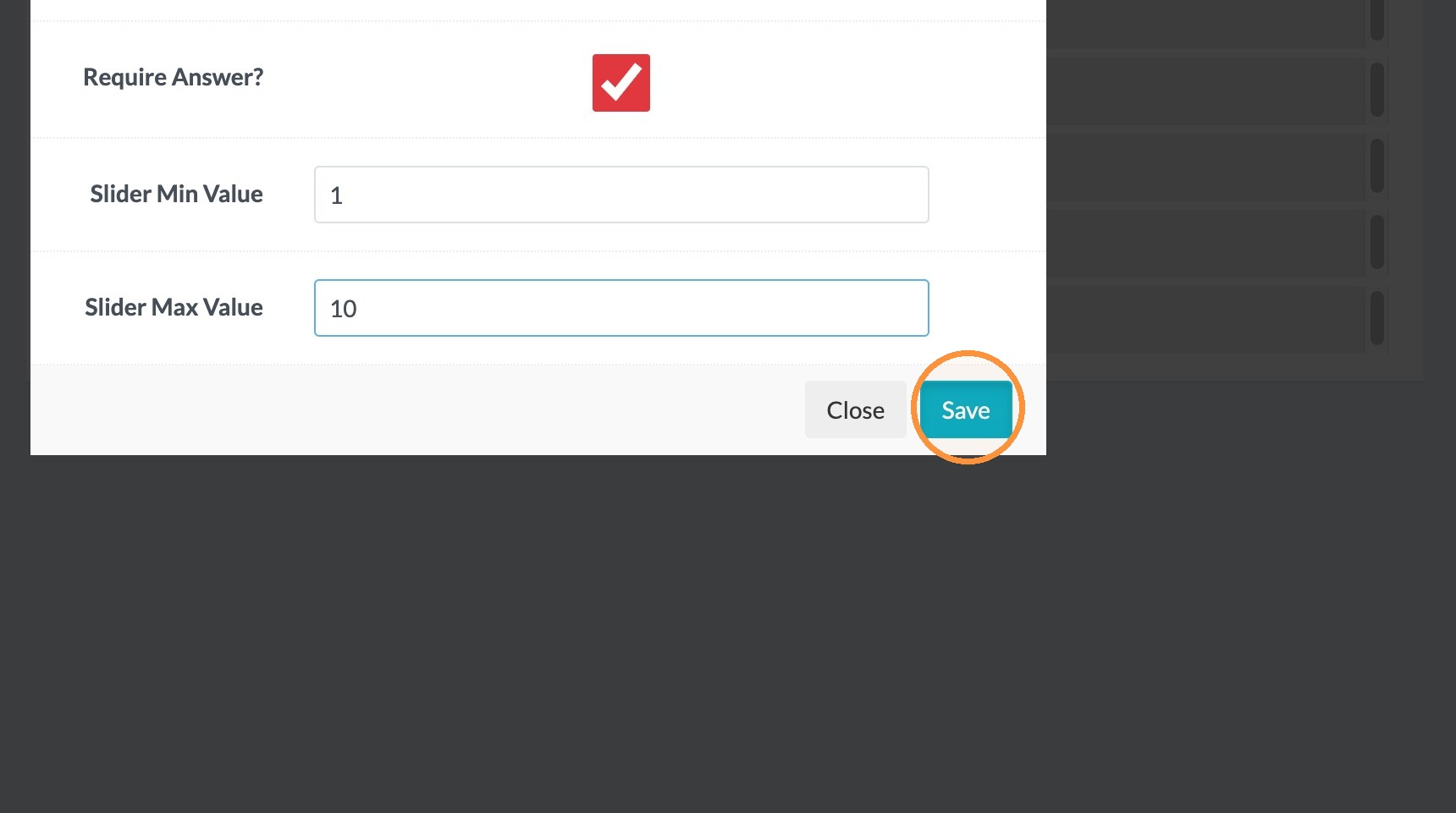
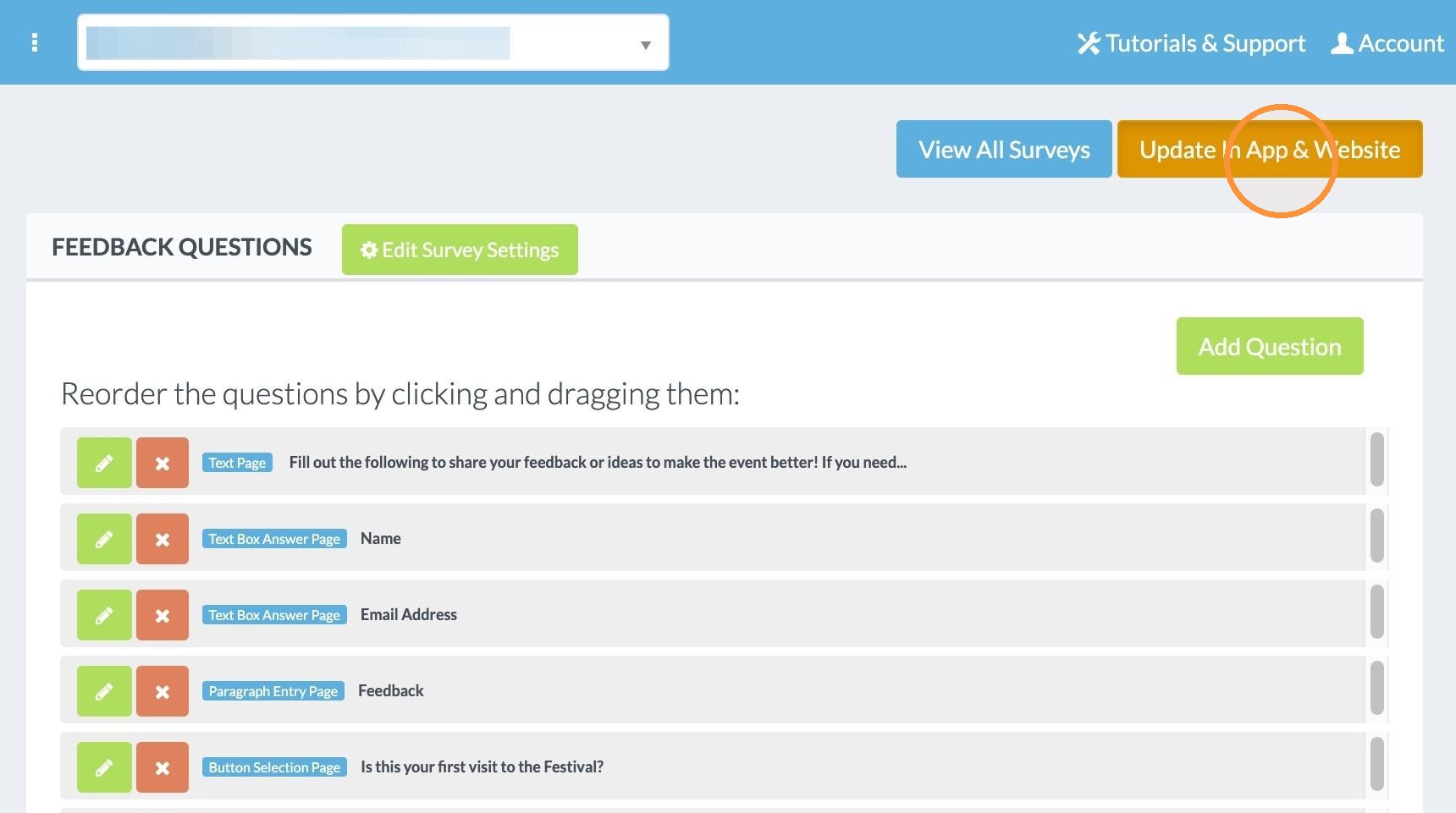
29. Click "Update In App & Website"
Edit Survey Settings
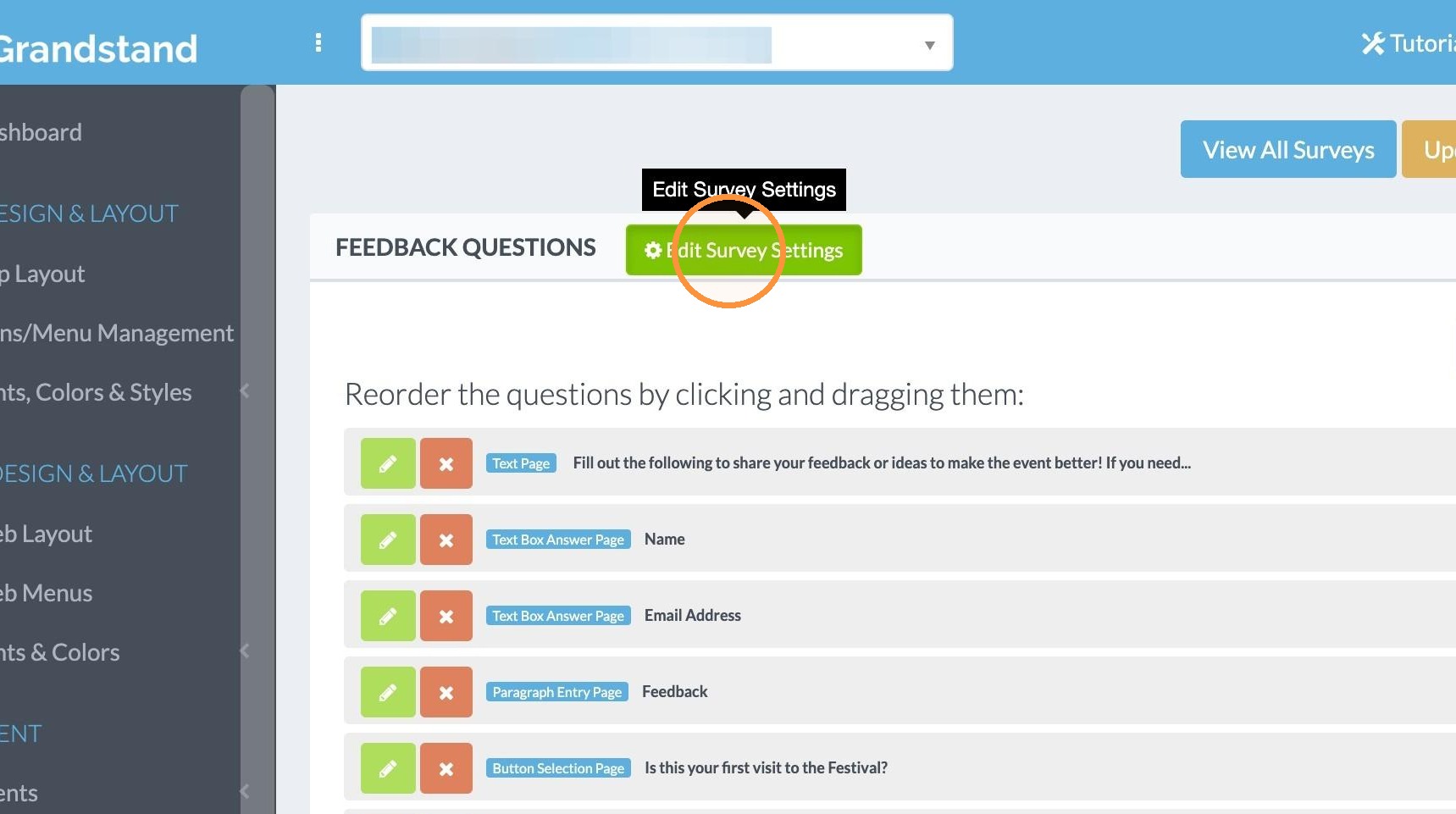
30. You can edit the settings for the survey after it is already set up. To do so, click "Edit Survey Settings" at the top next to the name of the survey.
View the Results
31. Click "View All Surveys"
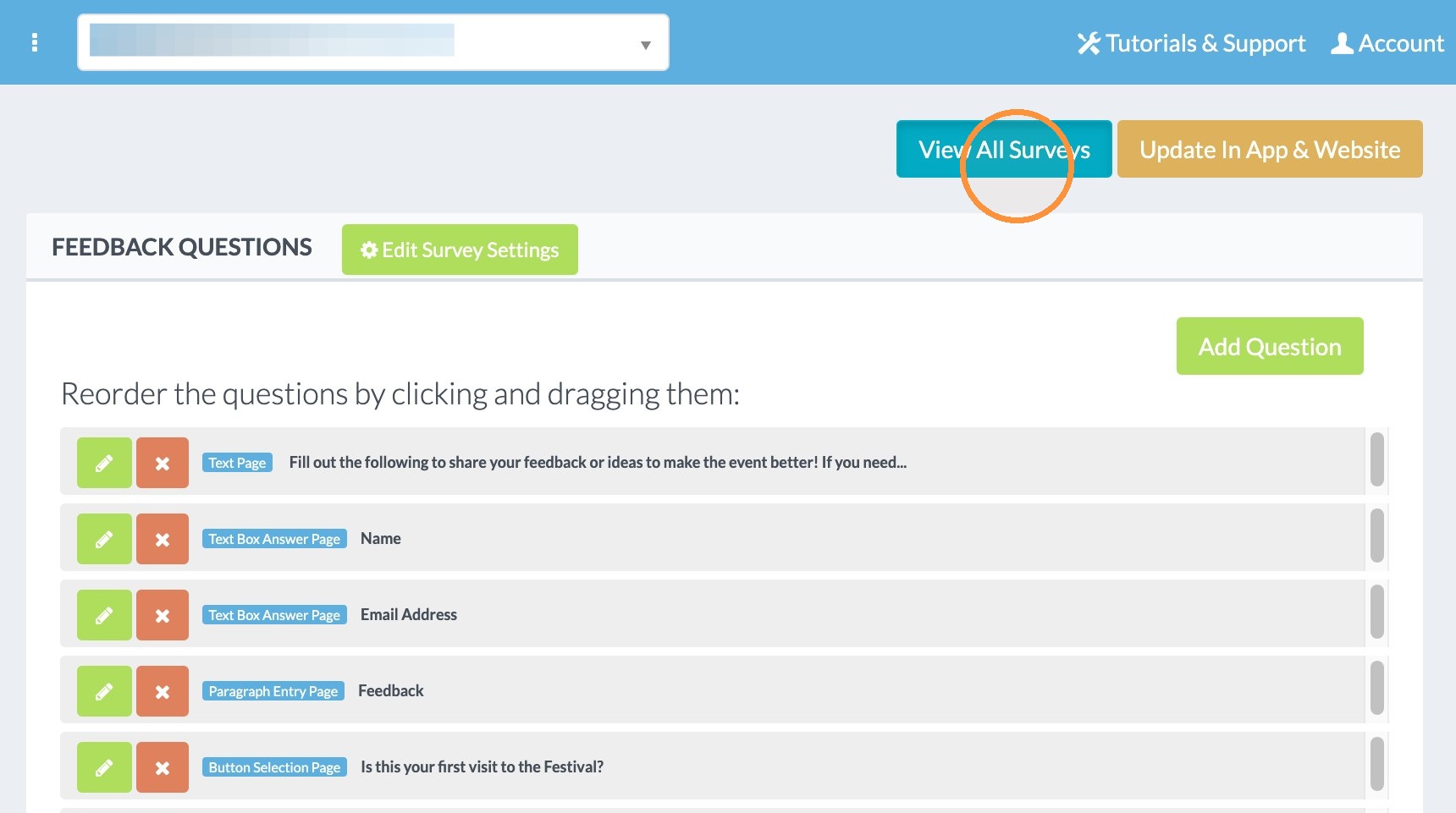
32. Click "RESULTS" next to the survey you would like to collect the results for.