Learn how to transition an existing menu link to different content. This is useful if you set up new lists/calendars/pages, or if you set up new ones for the new year, or would like to switch the menu items.
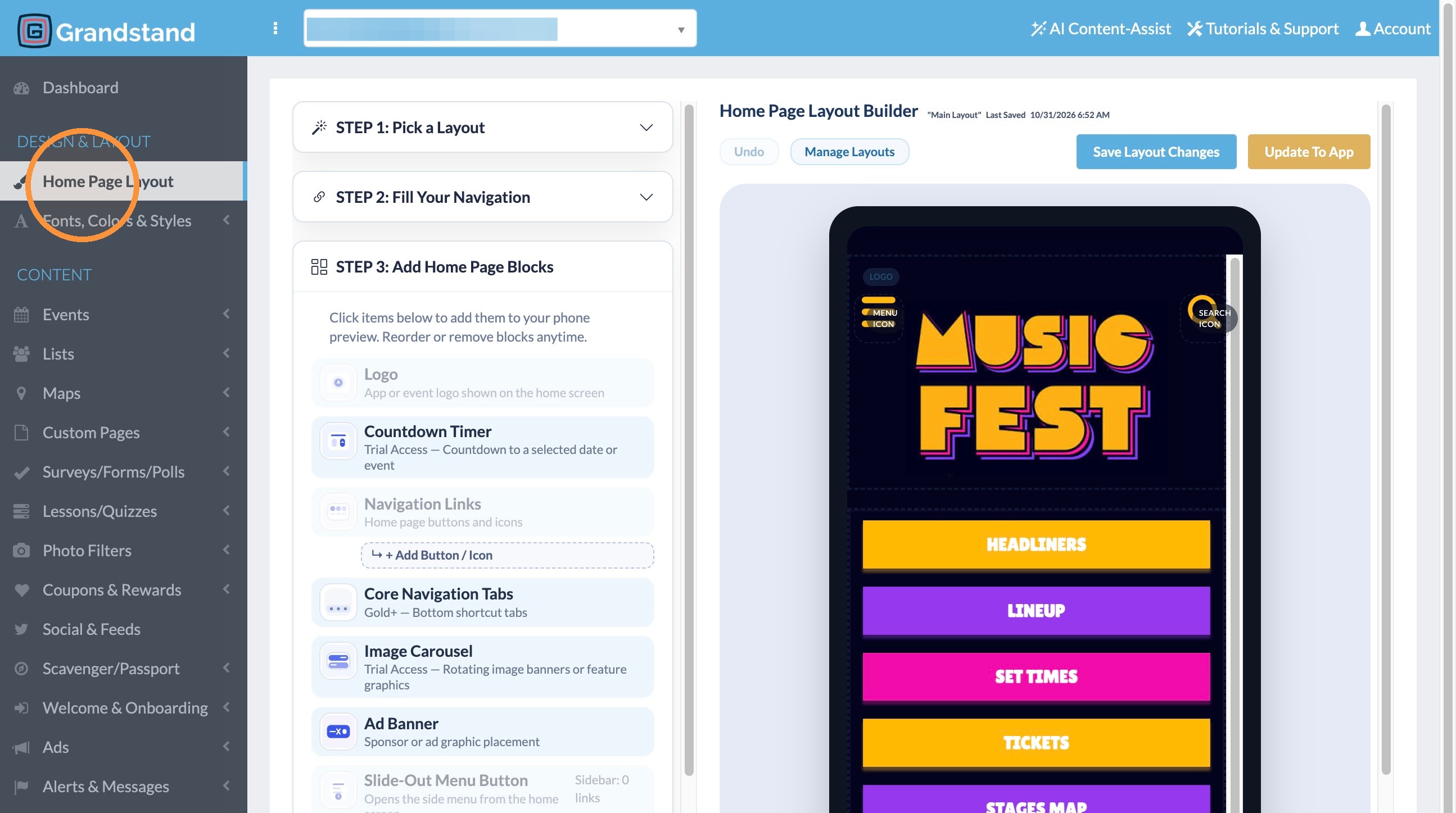
1. Click "Home Page Layout"
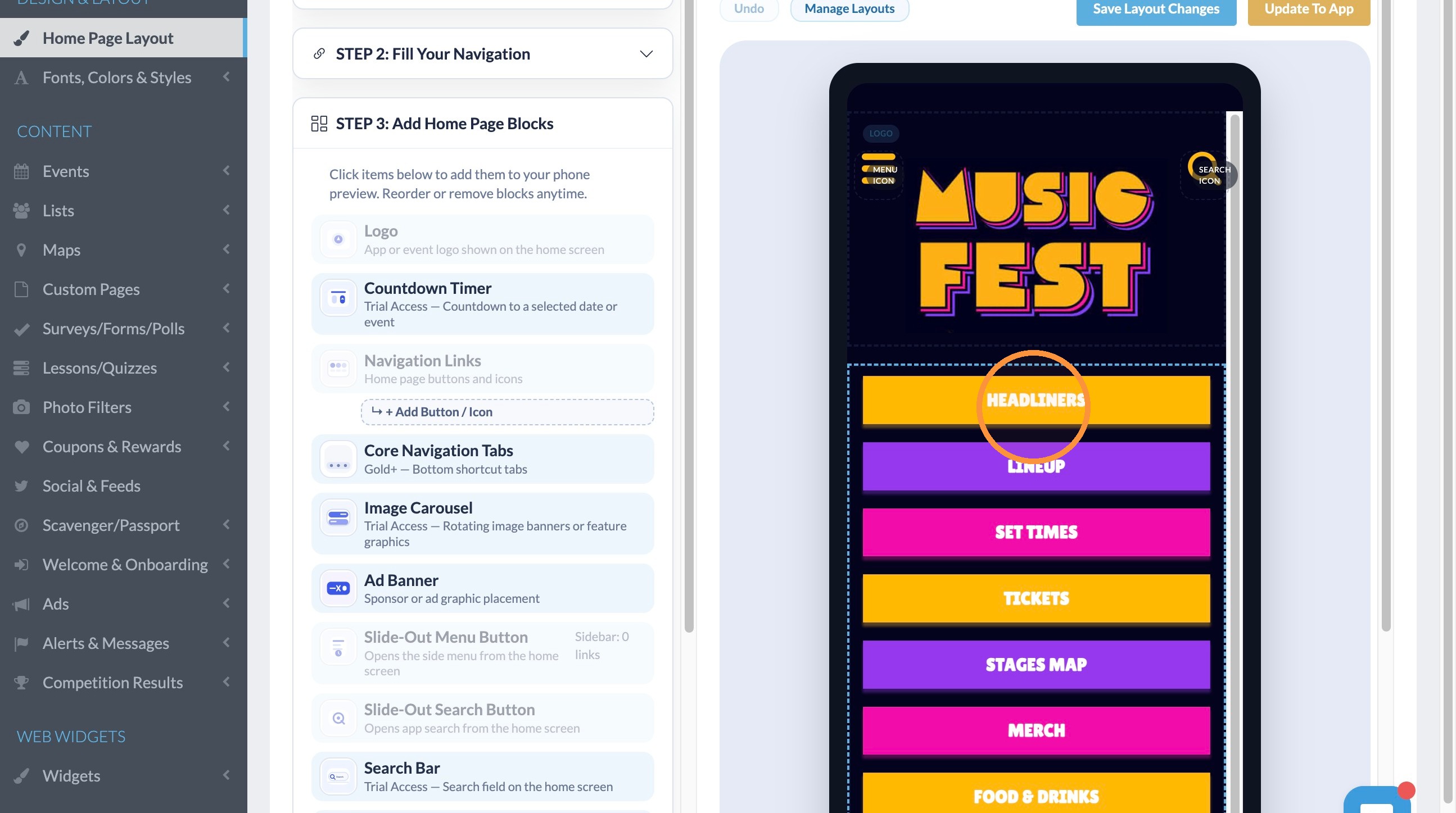
2. Click on the menu link you would like to update.
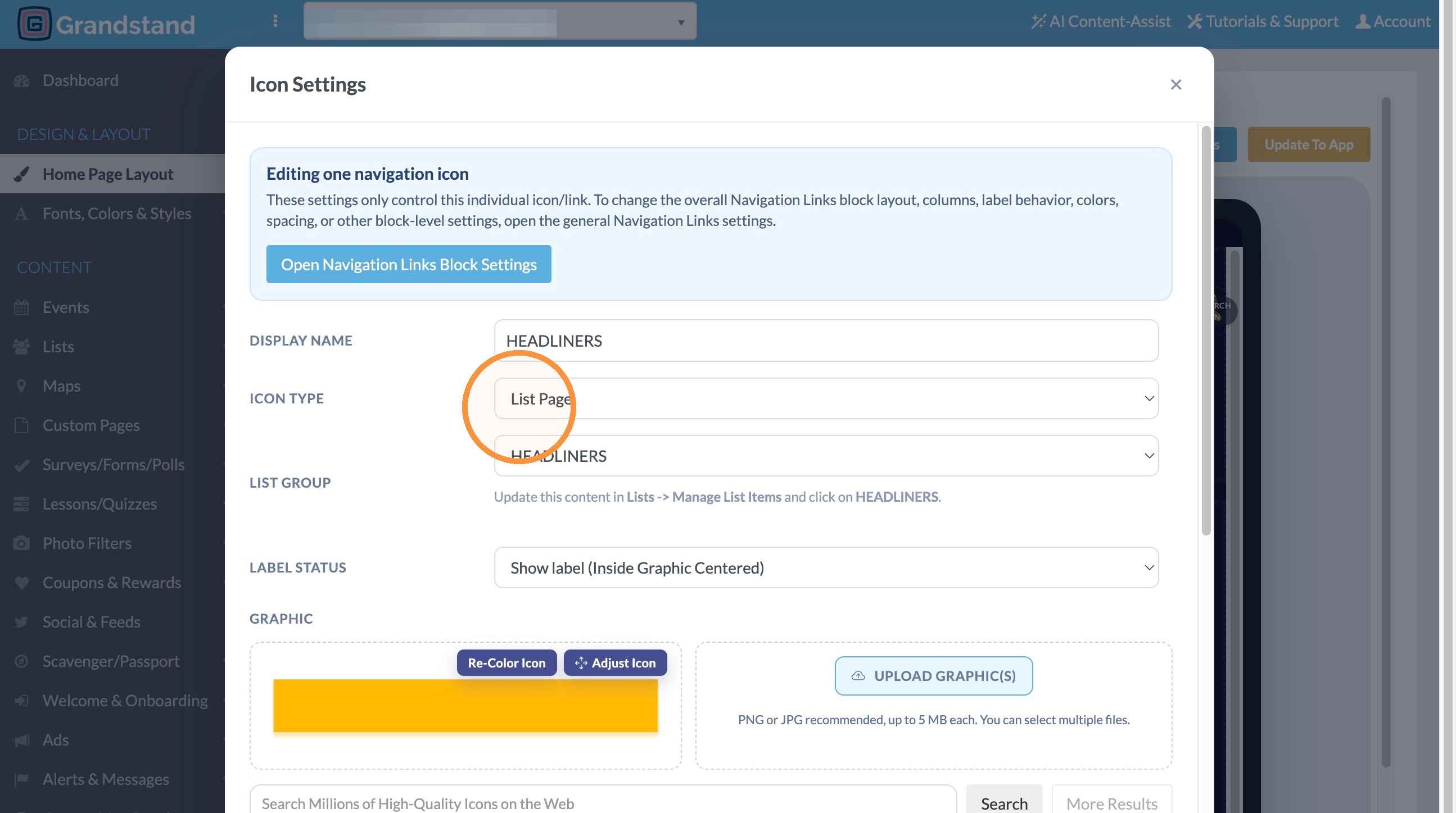
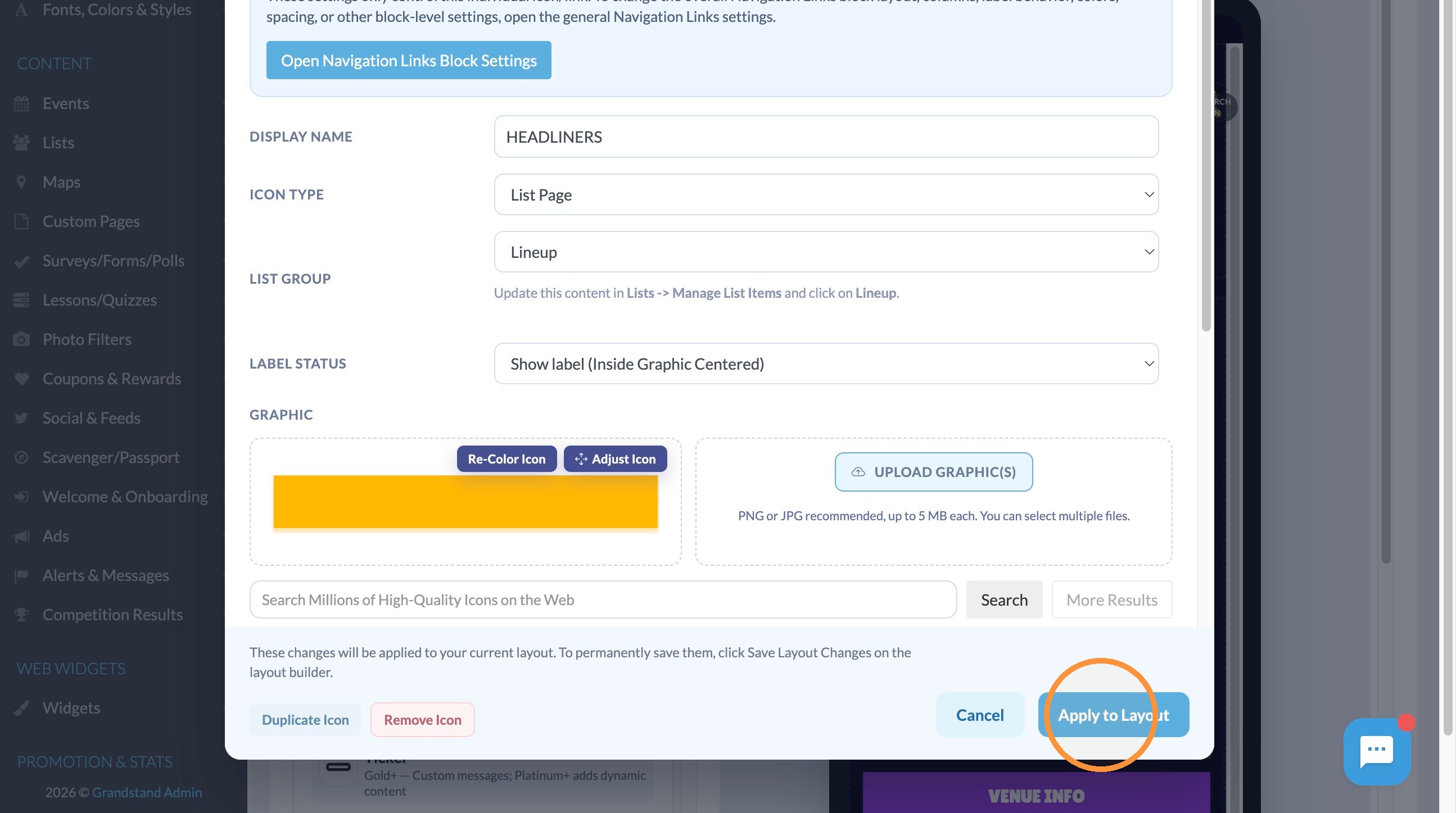
3. Click the "Icon Type" dropdown and update what type of content to have this.
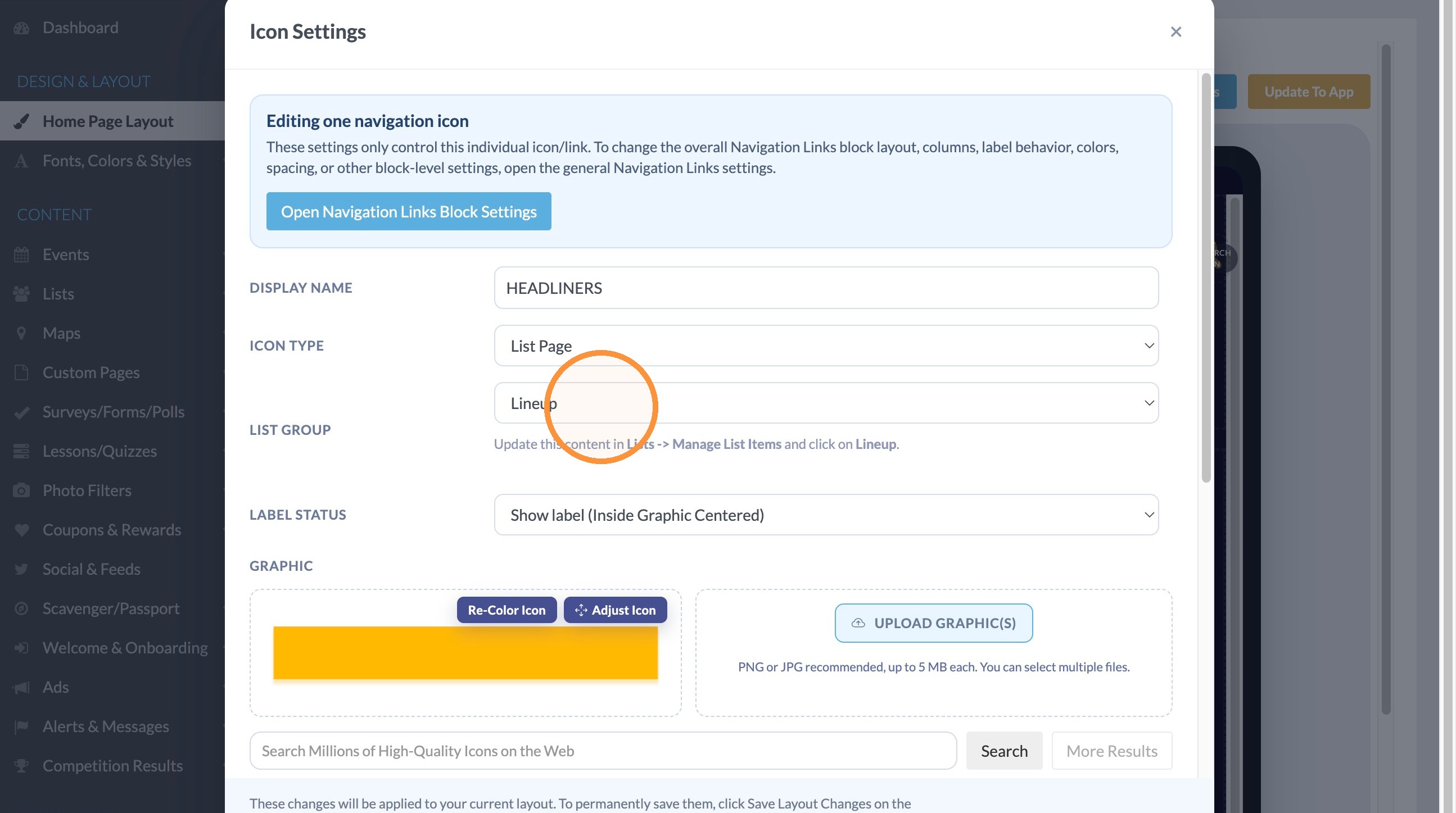
4. Under List Group select the specific page within the type of content (for example, the specific List).
5. Click "Apply to Layout"
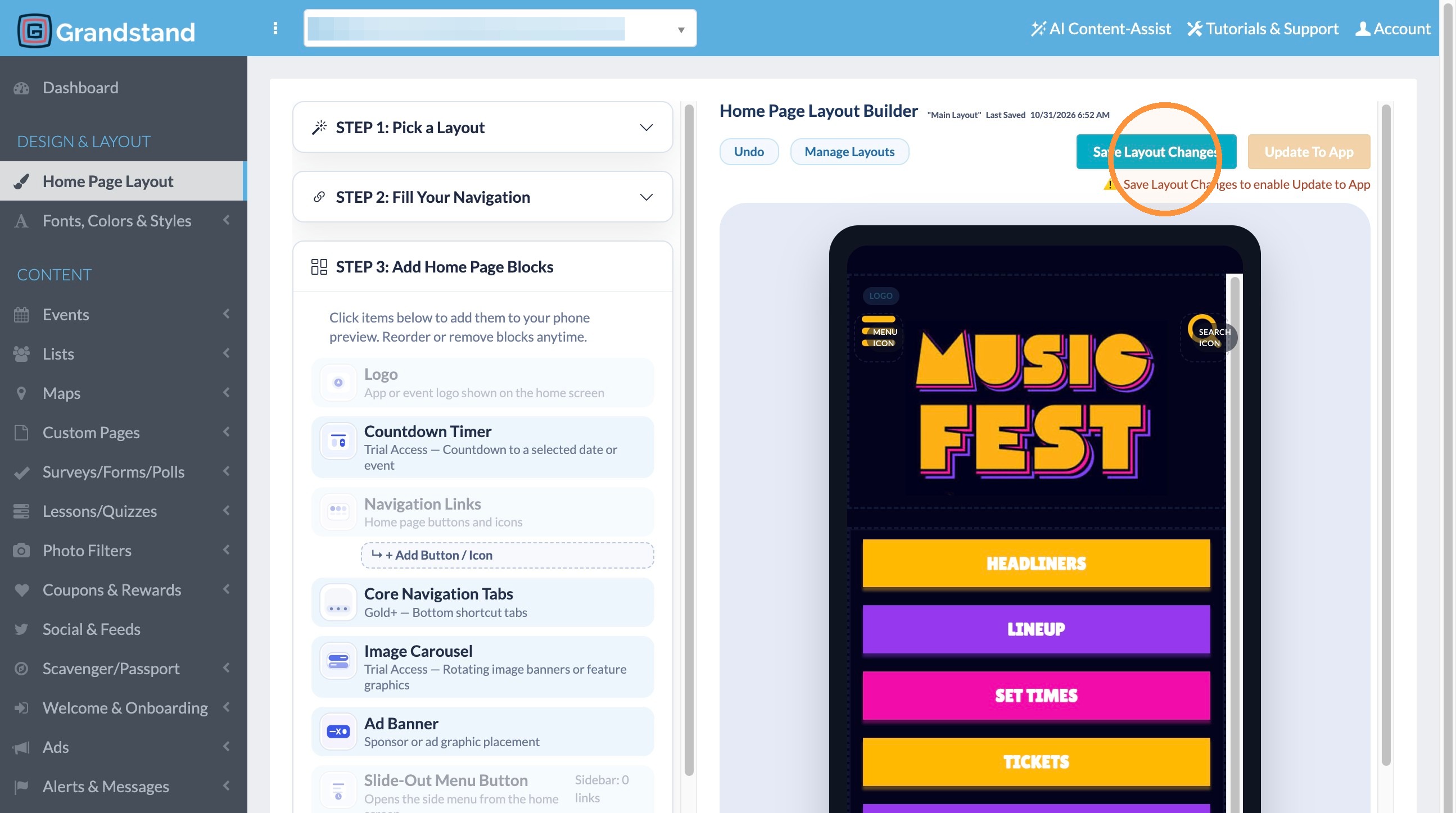
6. Click "Save Layout Changes"
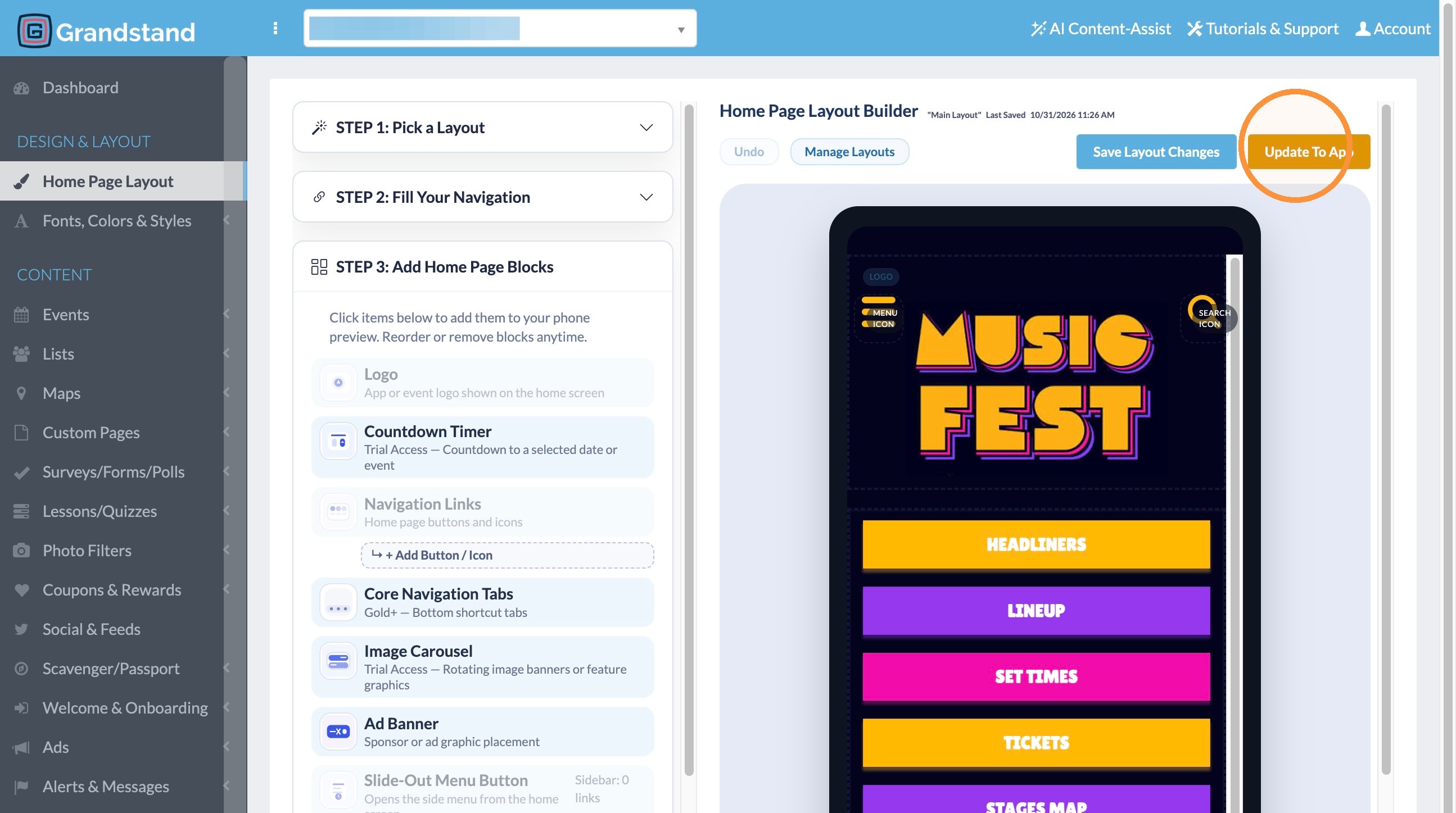
7. Click "Update To App"
Layout, Menu, Design