Performances & Activities
Bring music, dance, demonstrations, workshops, and family activities into one easy-to-browse schedule.
Community & Cultural Festival Apps
Help guests explore performances, cultural experiences, food, local vendors, and family activities—all in one app that reflects your festival.


Trusted by festivals of all types
Grandstand helps festivals around the world bring schedules, maps, vendors, and event updates together in one branded app.



Core capabilities
Bring music, dance, demonstrations, workshops, and family activities into one easy-to-browse schedule.
Help guests locate stages, cultural areas, food vendors, shopping, and visitor services.
Showcase participating restaurants, makers, merchants, and community organizations.
Share the stories, traditions, and experiences that make your celebration distinctive.
Help guests save the scheduled activities they want to attend.
Share schedule changes, event reminders, and important festival information.
Native app offline access
Crowded fairgrounds. Remote festival sites. Busy convention halls. Grandstand’s native apps keep nearly all core app content available offline once it has downloaded, so attendees can keep exploring when reception is weak or unavailable.
Your team manages content in the web-based Grandstand Admin. The app downloads content to the device and checks for updates at supported refresh points when a connection is available. Between updates, visitors can continue using the content already stored on their phones.
Plan ahead: Download and open the app before arriving. New content updates and features that use online services require a connection.
A guide that reflects your celebration
Build an app around your festival’s branding and its particular mix of experiences. Organizer-provided pages and listings can introduce cultural traditions, zones, family programming, food, vendors, schedules, sponsors, and useful event information.
Your team supplies and maintains cultural content; the app does not automatically translate or create festival programming.
One schedule for a varied program
Present concerts, dance, demonstrations, workshops, family programming, and other scheduled activities together. Guests can move from the festival home screen into the schedule, performer details, food, and street-fair vendor information, then favorite supported activities to make a plan.
Explore Event Schedules & Favorites
Food, vendors, and places
Create searchable listings for restaurants, makers, merchants, community groups, and festival experiences. Listings can include organizer-maintained descriptions, images, and useful links, and connect with mapped locations where supported.
Maps can organize stages, food and shopping areas, visitor services, and other destinations with categories and pins that connect back to relevant content.

Interactive festival experiences
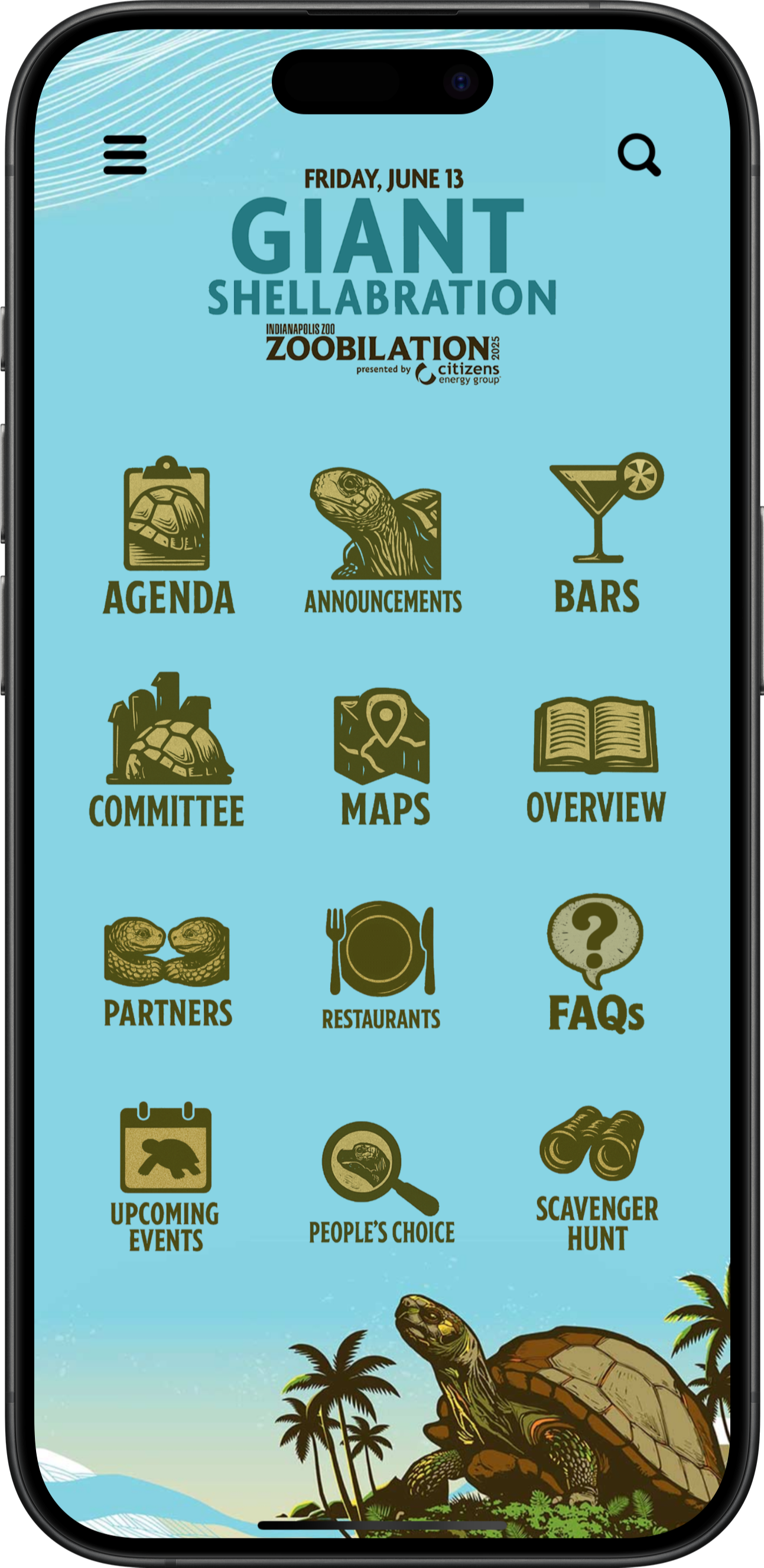
Use supported scavenger hunts, visitor voting, partner visibility, and custom event information to invite participation across the festival. Zoobilation provides visible entry points to its scavenger hunt, People’s Choice voting, partners, agenda, maps, and announcements.
Participation tools can include supported challenges, check-ins, voting, and optional rewards; they do not provide native ticketing, fundraising transactions, or donation processing.
Holiday & Seasonal Celebrations
From holiday markets and tree lightings to seasonal performances and downtown celebrations, give guests one place to discover what’s happening, explore local businesses, and plan their visit.
Help guests browse performances, family activities, demonstrations, and special events across your celebration.
Showcase places to shop, eat, drink, and stay alongside your event information.
Bring maps, parking information, visitor services, and helpful event guidance into the same app.
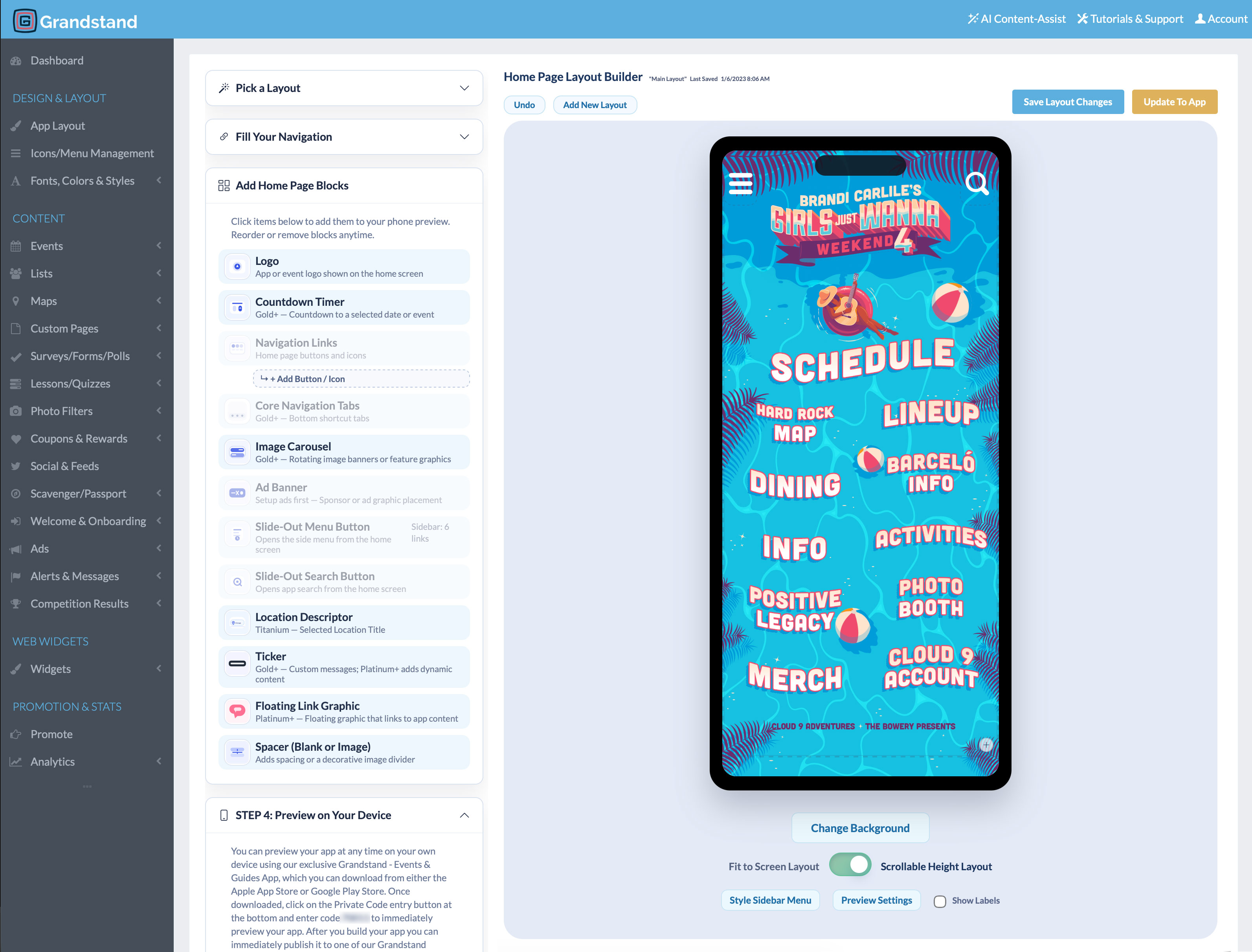
Update branding, schedules, listings, and featured content through Grandstand Admin as your celebration changes.

Keep guests informed
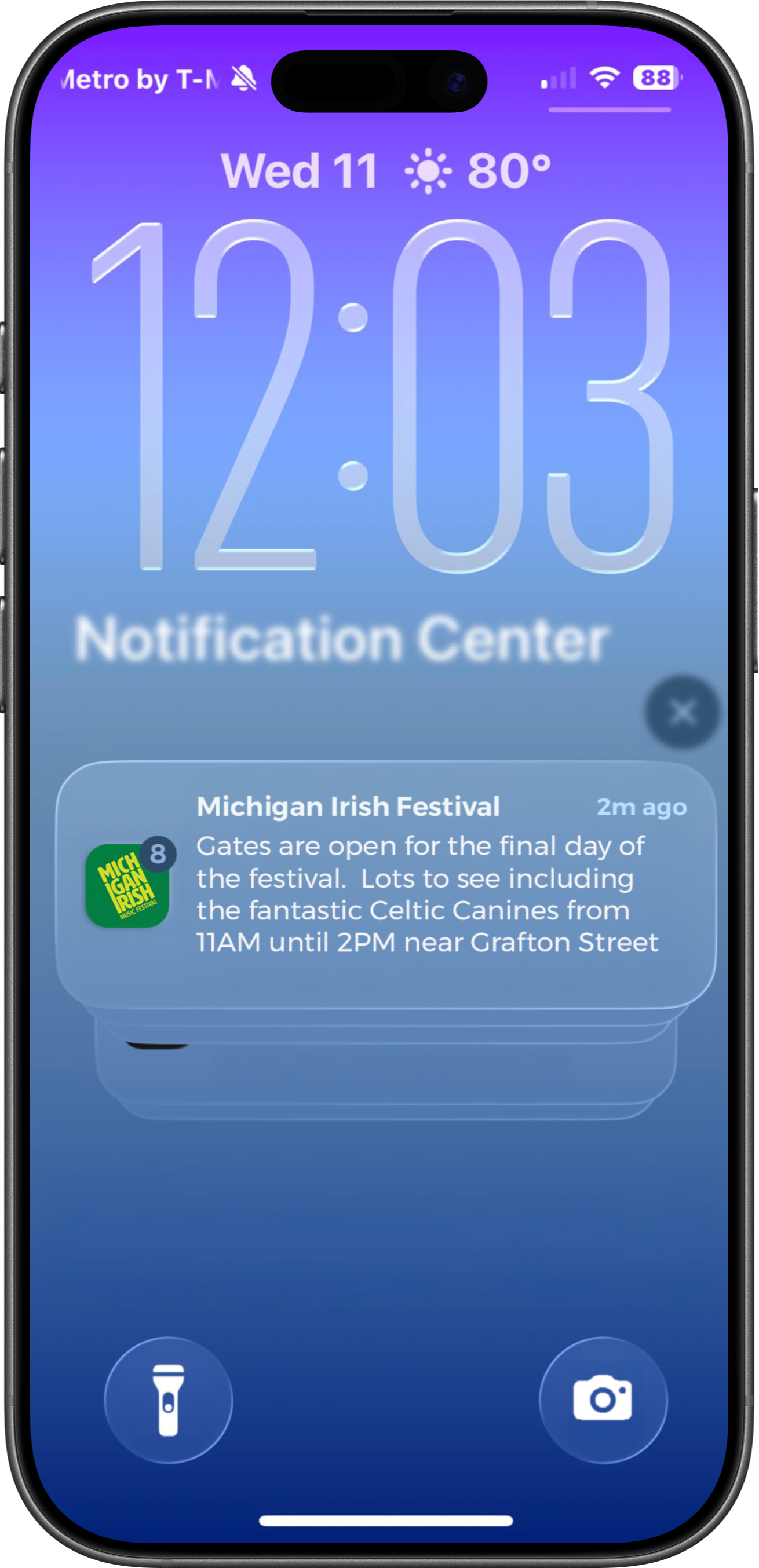
Send schedule changes, reminders, and important announcements to app users who opt in, with links to relevant schedules, places, or information. Push notifications support festival communication but should not be treated as a guaranteed-delivery emergency-alert system.
Organizer tools
Manage your content: Update schedules, listings, maps, and information through Grandstand’s management tools.
Get help with setup: Design and content-loading assistance is available, with scope and pricing depending on the selected package and services.
Return next year: Refresh the app for the next festival and share relevant updates between events according to your publishing package.
App Analytics & Audience Insights
Explore interest in performances, cultural experiences, local vendors, and visitor information. Use app activity to make your celebration easier to discover.
Available reports vary by package. Platinum and Titanium include realtime activity from the last 30 minutes and geographic heatmaps of recorded app usage.
App and website
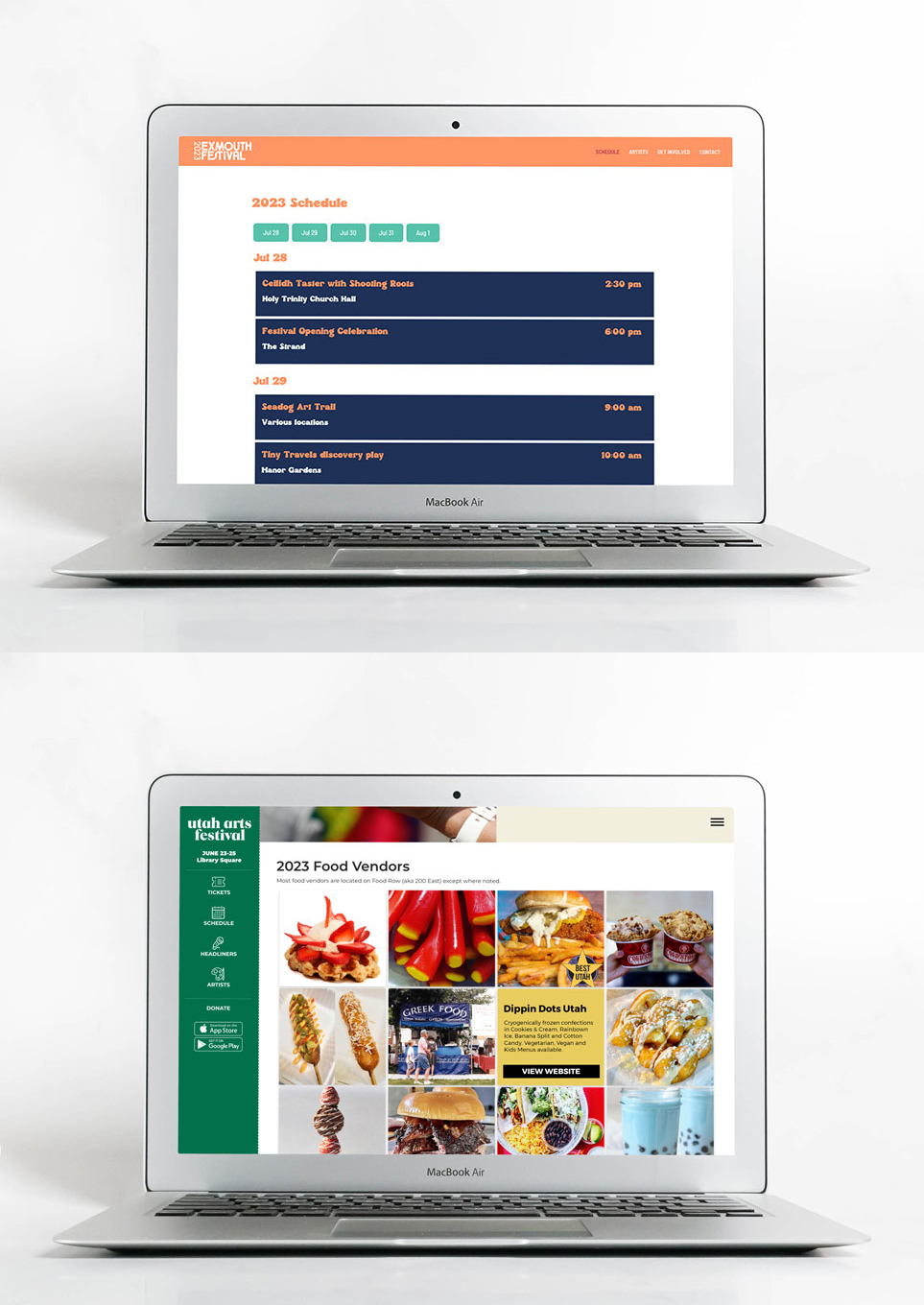
Manage supported schedules, vendor listings, and sponsor content in Grandstand, then display shared information in both your app and your festival’s existing website. Widget availability depends on the content and proposed setup; not every app feature is a website widget.
Additional fee: Web Widgets are a separate paid product.
Learn about Web WidgetsAdditional capabilities
Create interactive activities with supported challenges, check-ins, and optional rewards.
Explore scavenger huntsOffer festival-themed frames for photos guests can create and share.
Gather feedback or invite guests to participate in supported festival voting.
Recognize partners through supported listings, banners, and sponsored activities.
Organize cultural context, policies, accessibility details, contacts, and FAQs.
Share participating vendor or partner promotions using supported redemption options.
Planning and purchasing
Yes. Community & Cultural Festival apps can organize the performances, traditions, stories, food, vendors, and family activities that make a cultural, heritage, neighborhood, or community celebration distinctive. Organizers provide and maintain the festival content.
Yes. A single festival guide can bring schedules, performer or activity details, food and vendor listings, maps, custom information pages, and supported participation features together. Available features depend on the selected package.
Yes. Supported schedules can let guests favorite activities to build a personal plan, and maps can connect stages, cultural areas, vendors, and visitor services with relevant app content. Map features and limits depend on the selected package and map type.
Yes. Authorized team members can use Grandstand’s browser-based tools to update schedules, listings, maps, pages, and announcements. New content, live updates, external links, and push-notification delivery require connectivity.
Yes. Grandstand’s native apps store downloaded content on the device, allowing visitors to keep using nearly all core app content without an internet connection. Visitors should download and open the app while connected before attending. A connection is needed to receive new content updates, push notifications, and access features that depend on online services.
Yes. You can refresh the app’s content and design for a future edition according to your selected publishing package and services. The same app can also share relevant information between festival dates.
Yes. Bring seasonal schedules, local businesses, maps, and visitor information together in one branded app. Your team can update the design and content through Grandstand Admin for a holiday market, downtown celebration, or future edition of the event. Available features depend on your selected package.
Pricing depends on the publishing option, package, selected features, and service needs. Grandstand offers publishing within a supported container app and stand-alone branded app-store options. Stand-alone apps require Apple and Google developer accounts and are subject to store review. Review Community & Cultural Festivals Pricing or contact Grandstand for current details.
Yes. Grandstand provides reporting on app usage and supported content activity, including views, favorites, shares, and searches. Available reports vary by package. Platinum and Titanium also include realtime analytics and geographic app-usage heatmaps. Explore App Analytics.
Looking for a more focused event type? Explore Music Festival Apps or County & State Fair Apps. For a broader overview, visit Festival Apps.
Bring your schedule, experiences, vendors, and festival information together in one place.
View Community Festival App Pricing