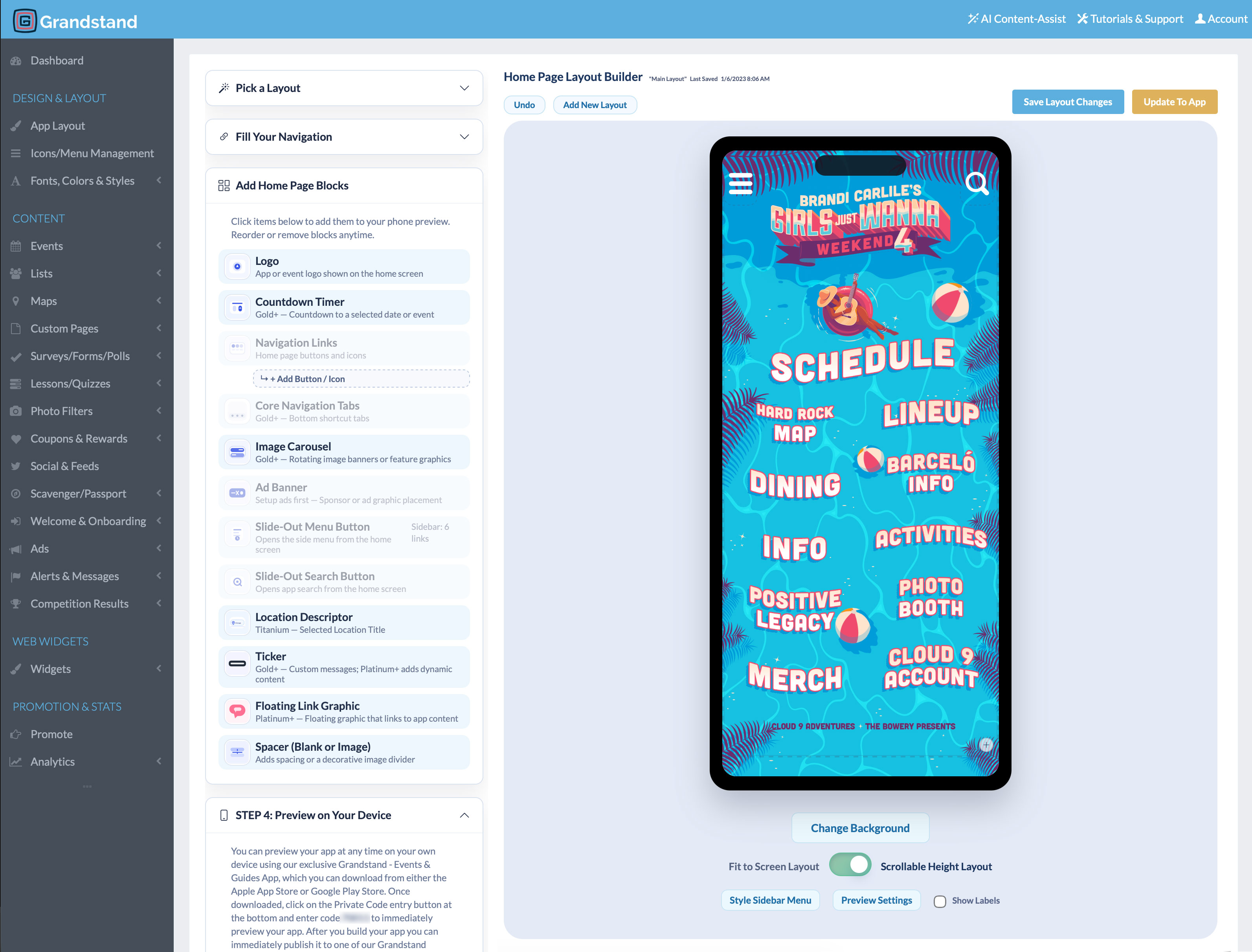
1. Define goals and audiences
Start with the attendee decisions the app should make easier: what is happening, where it is, and what to do next. Add organizer goals such as timely updates, sponsor visibility, or reduced print dependence. Choose a few measurable outcomes before selecting tools.
2. Select the essential features
Most events begin with schedules and favorites, maps, searchable speakers or vendors, alerts, practical information, and sponsor recognition. Add engagement tools only when they support a clear goal. Review Grandstand’s event solutions and integration options as you define the scope.
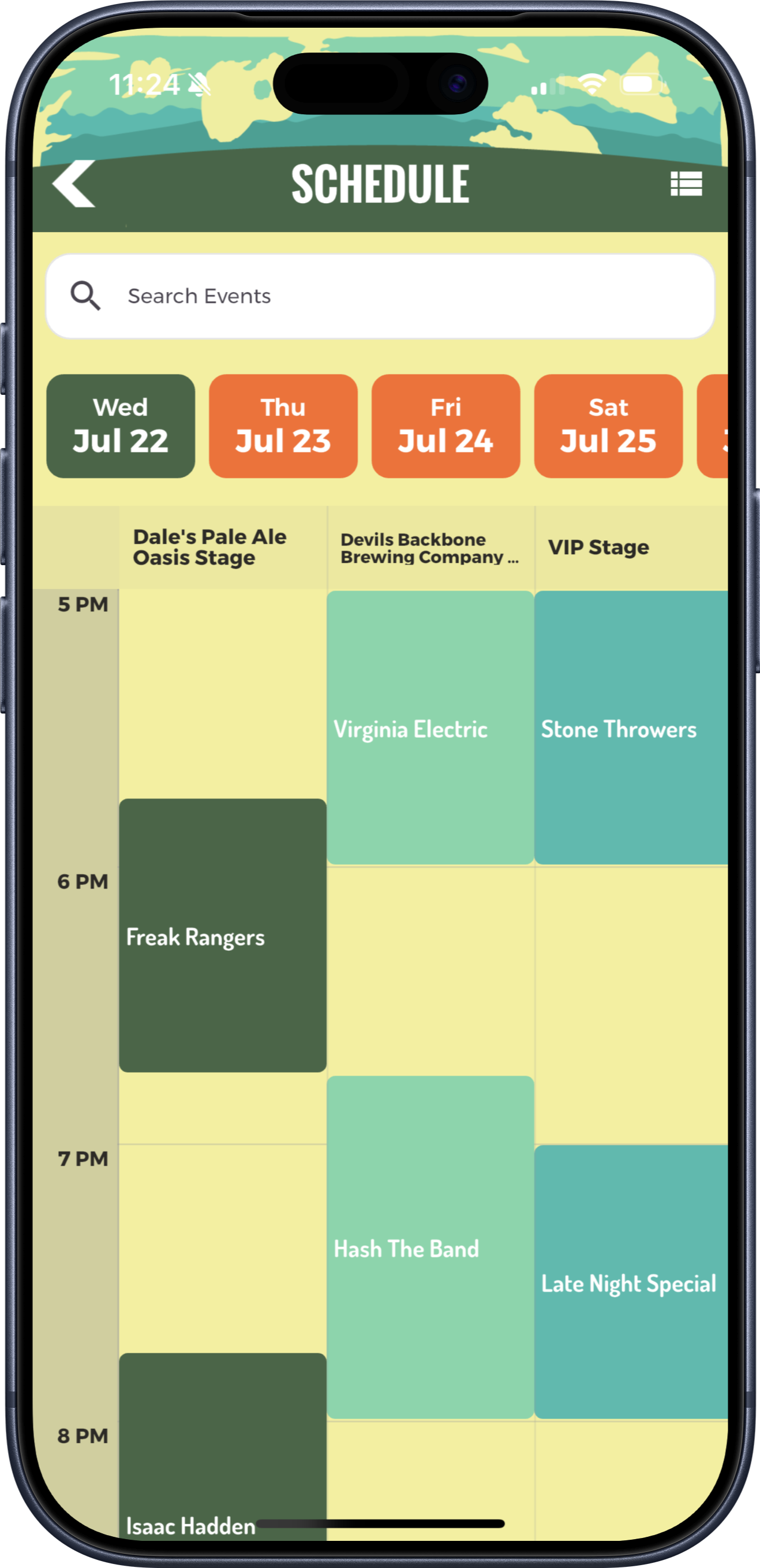
3. Choose a build and publishing approach
Compare custom development with a managed platform, including ongoing updates, app-store ownership, support, and total maintenance. The event app builder comparison explains useful evaluation criteria. Review current options on pricing rather than relying on outdated estimates.
4. Prepare and organize content
Collect schedule records, locations, descriptions, images, sponsor assets, policies, and contact details in consistent formats. Name an owner for every content area. Grandstand Admin supports organizer-managed content and supported batch-upload workflows.
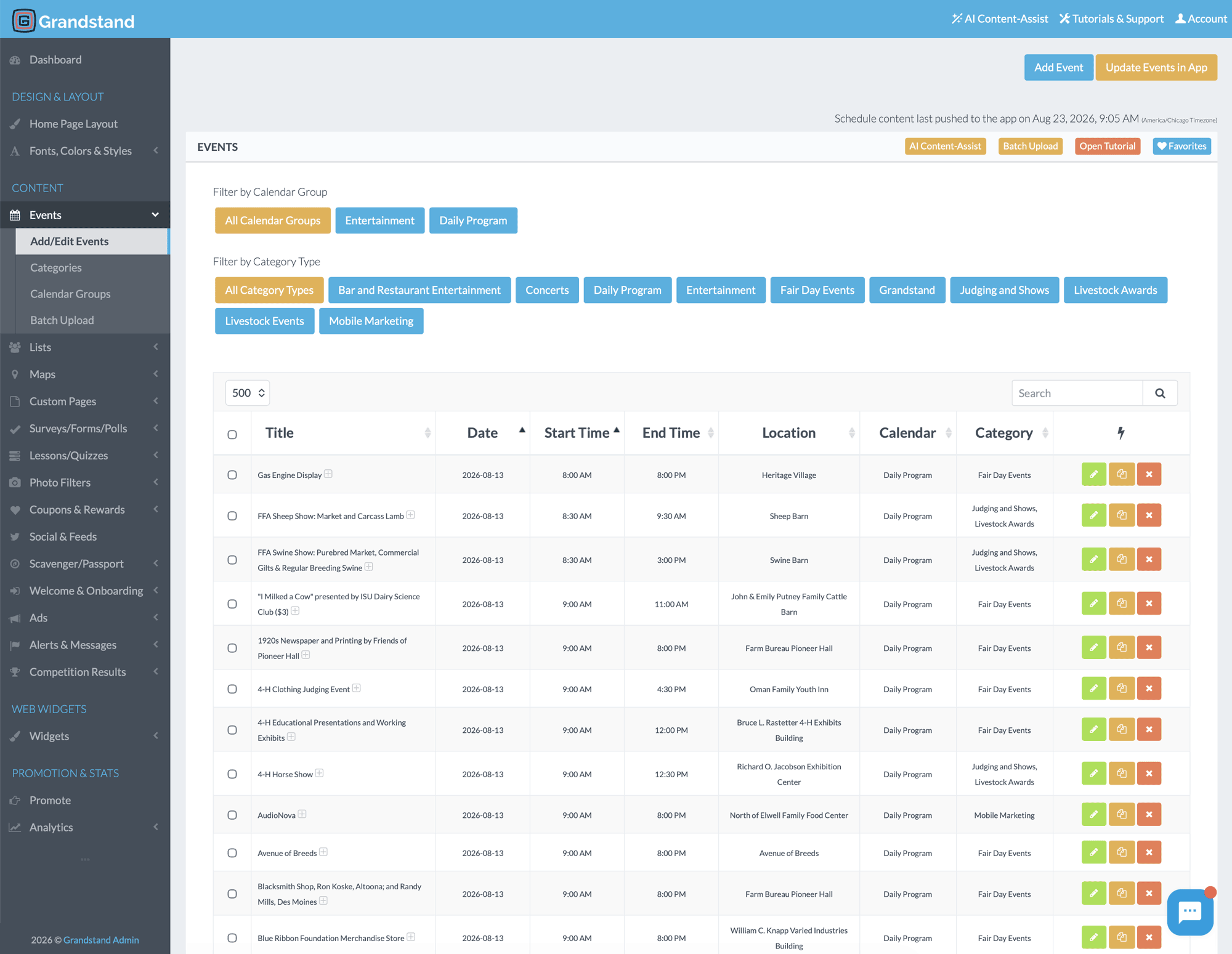
5. Design for people on the move
Keep schedules, maps, and live information close to the home screen. Use readable type, clear labels, sufficient contrast, concise copy, and familiar navigation. Browse the Gallery for real design approaches.
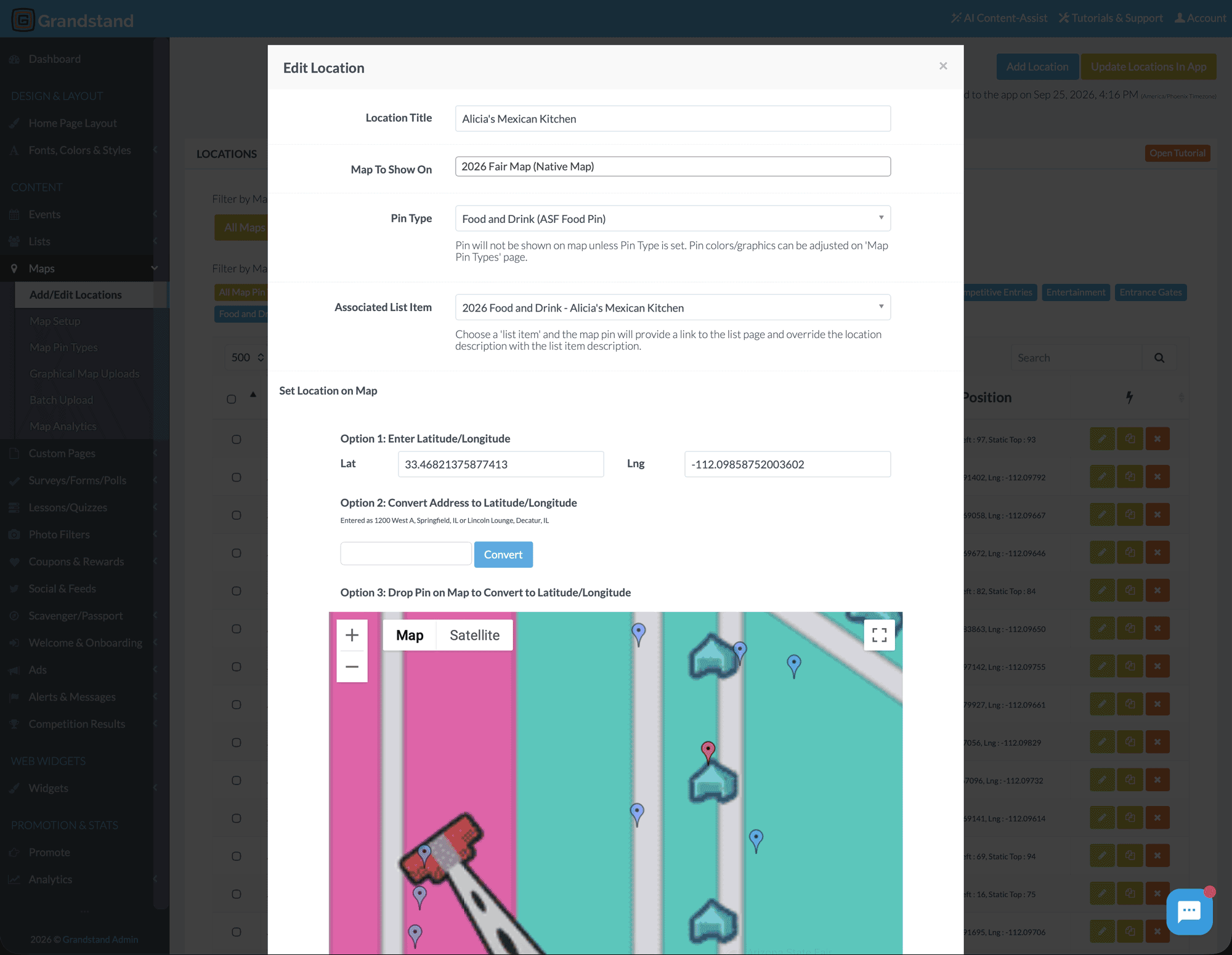
6. Test and publish
Test on multiple device sizes and with people who did not build the app. Check links, filters, map pins, accessibility, notification permissions, weak-connectivity behavior, and content ownership. Leave time for applicable app-store review and prepare a live-event update plan.
7. Promote before and during the event
Use the event website, email, social channels, QR codes, tickets, signage, and staff scripts. Explain what attendees gain—such as personal schedules or easier navigation—instead of only asking them to download.
8. Measure and improve
Compare the outcomes chosen at the start with available app analytics, support questions, content searches, favorites, and organizer observations. Carry those findings into the next event rather than treating launch day as the finish line.
Practical event app launch checklist
- Goals and owners are documented
- Schedule, map, listings, sponsors, and policies are approved
- Navigation and accessibility have been tested on multiple devices
- Store submission and review time is in the launch plan
- Promotion assets and QR destinations are tested
- Live updates have an owner and backup
- Post-event measures and review date are scheduled
Ready to build a more useful event app?
Explore Grandstand yourself or talk with our team about your event, content, and publishing needs.